EB 5573 EN 10-5
Servicing
Î ContactSAMSON'sAfter-SalesServiceifthermwareupdatecannotbecompletedsuc-
cessfully.
For this purpose, submit the following information:
− Error messages that appear
− All the data settings that have been performed according to these instructions
− All the data settings made in the boot manager
10.2.3 Update over Ethernet
Requirements
− Host computer
How to proceed:
1. Downloadthelatestversionofthetooltoinstallrmwareupdateles(bootmanager)
andthecurrentlyvalidrmwareleatuwww.samsongroup.com>DOWNLOADS>
Software&Drivers>Firmware.
2. Install the boot manager tool on the host computer.
3. Exit the active Modbus TCP application running on the host computer.
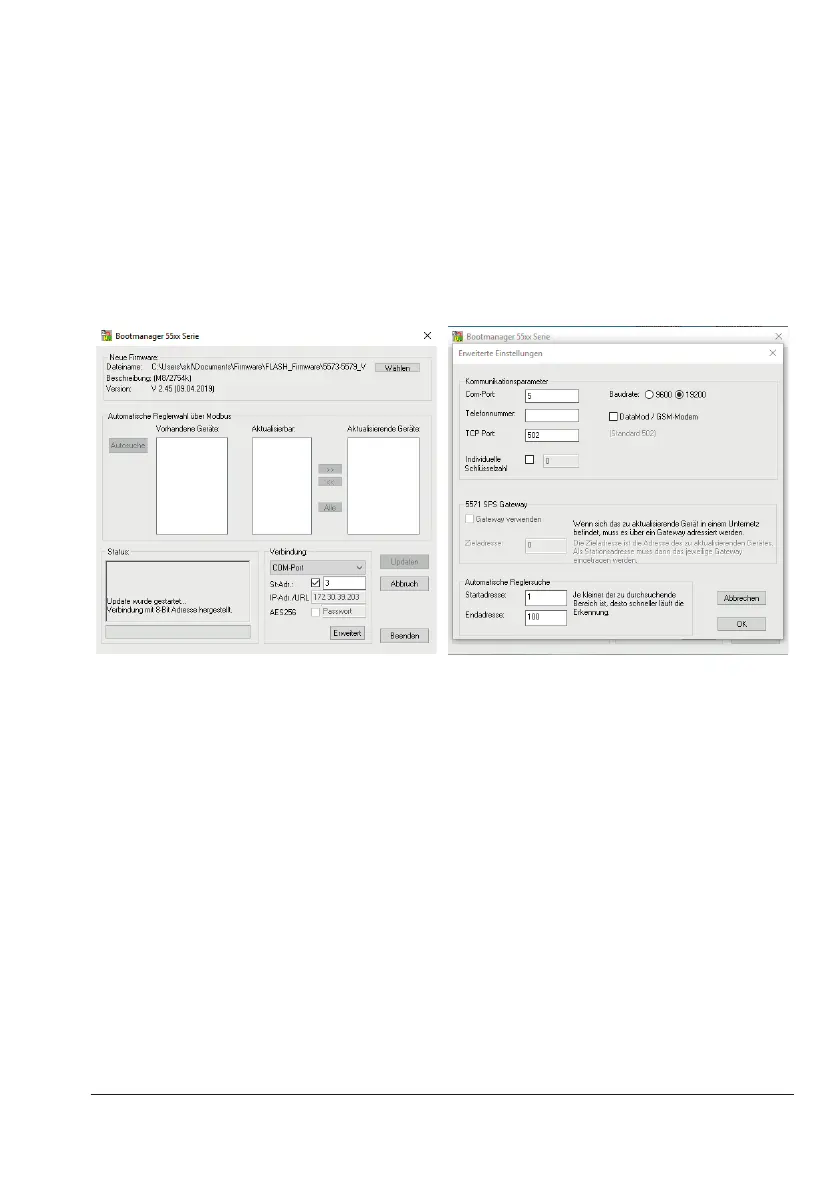
4. Startthebootmanagerandclick[Wählen](select)toselectandloadthermwarele.
5. Select'Modbus-TCP-Gateway'inthe'Verbindung'(connection)eld.



 To Next Page