134
Settings
6
6 Settings
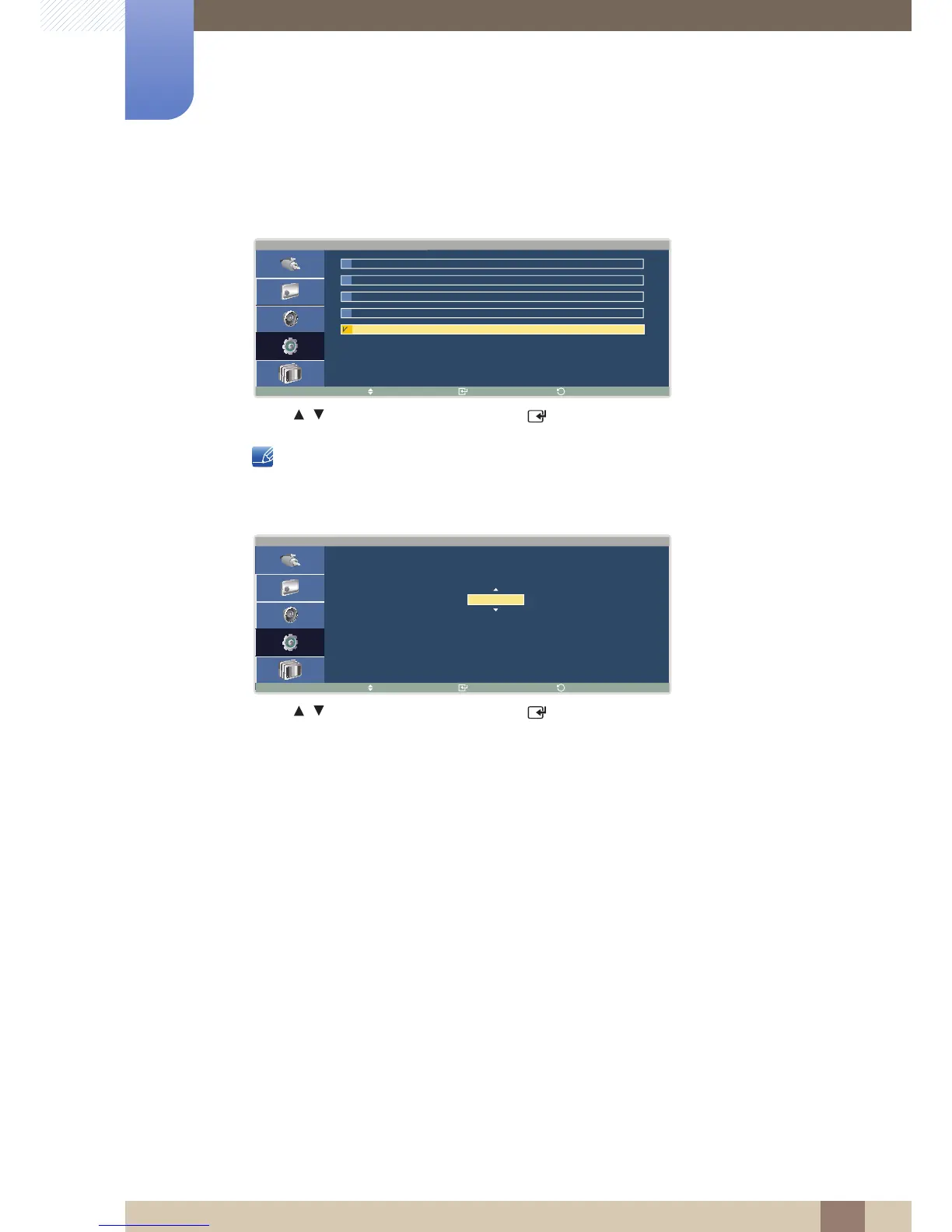
z Vertical
Specify how many pixels you want to move vertically. (Range: 0~4)
Press / to select a number, and press [ ].
A higher value will minimize the chance of afterimage burn-in but slight flickering may occur.
z Time
Set the time interval to move the specified number of pixels horizontally and vertically.
Press / to select a number, and press [ ].





 To Next Page