146
Settings
6
6 Settings
6.12 Setup Reset
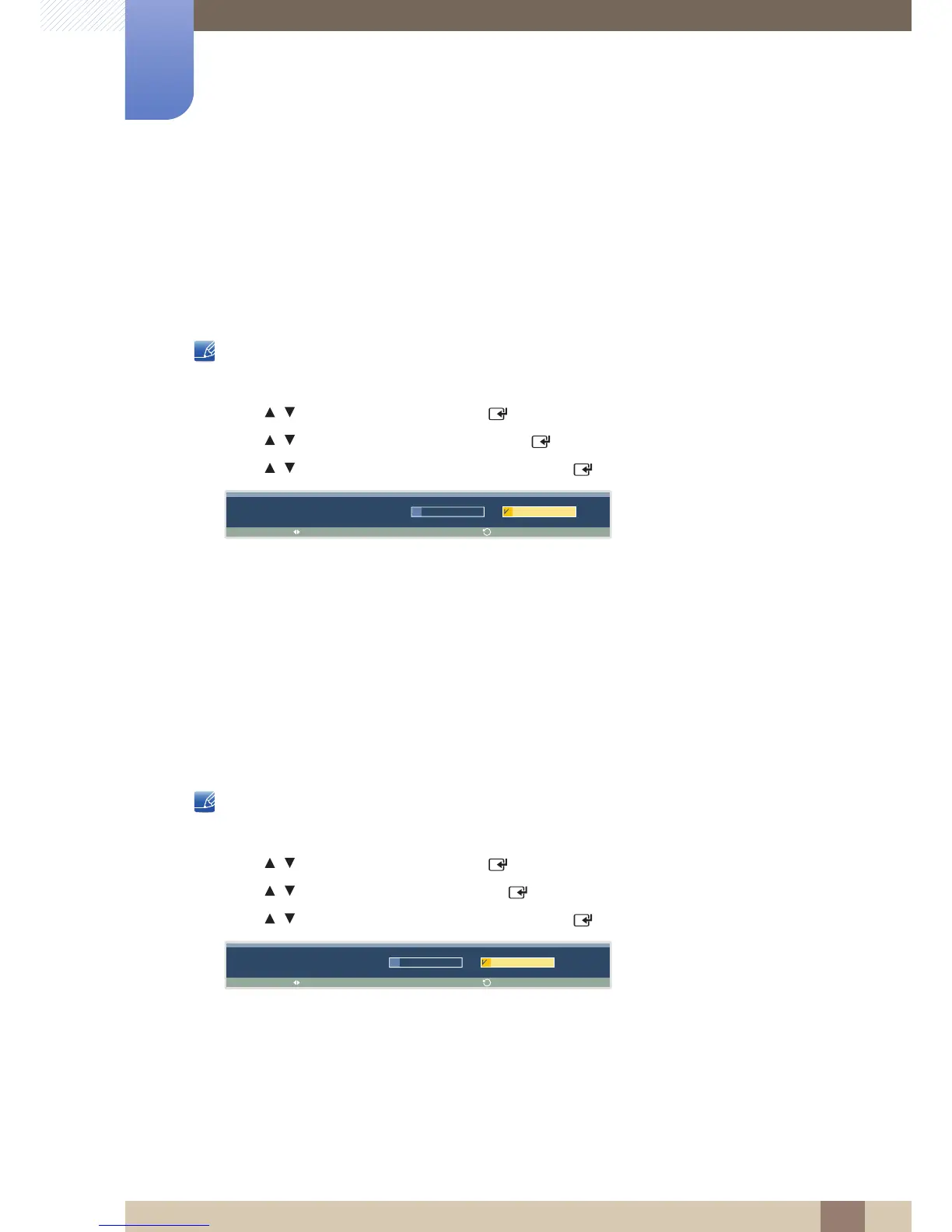
This option returns the current settings under Setup to the default factory settings.
6.12.1 Resetting Setup (Setup Reset)
This product can only be controlled by using the remote control.
1 Press MENU on the remote control.
2 Press / to move to Setup and press [ ].
3 Press / to move to Setup Reset and press [ ].
4 Press / to move to the option you want and press [ ].
5 The selected option will be applied.
6.13 Reset All
This option returns all the current settings for a display to the default factory settings.
6.13.1 Resetting All Settings (Reset All)
This product can only be controlled by using the remote control.
1 Press MENU on the remote control.
2 Press / to move to Setup and press [ ].
3 Press / to move to Reset All and press [ ].
4 Press / to move to the option you want and press [ ].
5 The selected option will be applied.





 To Next Page