COMPLETING THE
INSTALLATION
E-40
Checking and Testing Operations
To complete the installation, perform the following checks and tests
to ensure that the air conditioner is operating correctly.
1 Review all the following elements in the installation:
◆ Installation site strength
◆ Piping connection tightness to detect any gas leakages
◆ Connection wiring
◆ Heat-resistant insulation of the piping
◆ Drainage
◆ Earthing wire connection
◆ Correct operations (follow the steps below)
2 Press the On/Off button.
Result:
◆
The indicator lights on the indoor unit flash at
half-second intervals.
◆
While the indoor unit opens, the indoor unit fan runs
to start.
3 Press the button.
Result: The outdoor unit operates in cooling mode as following
the room temperature.
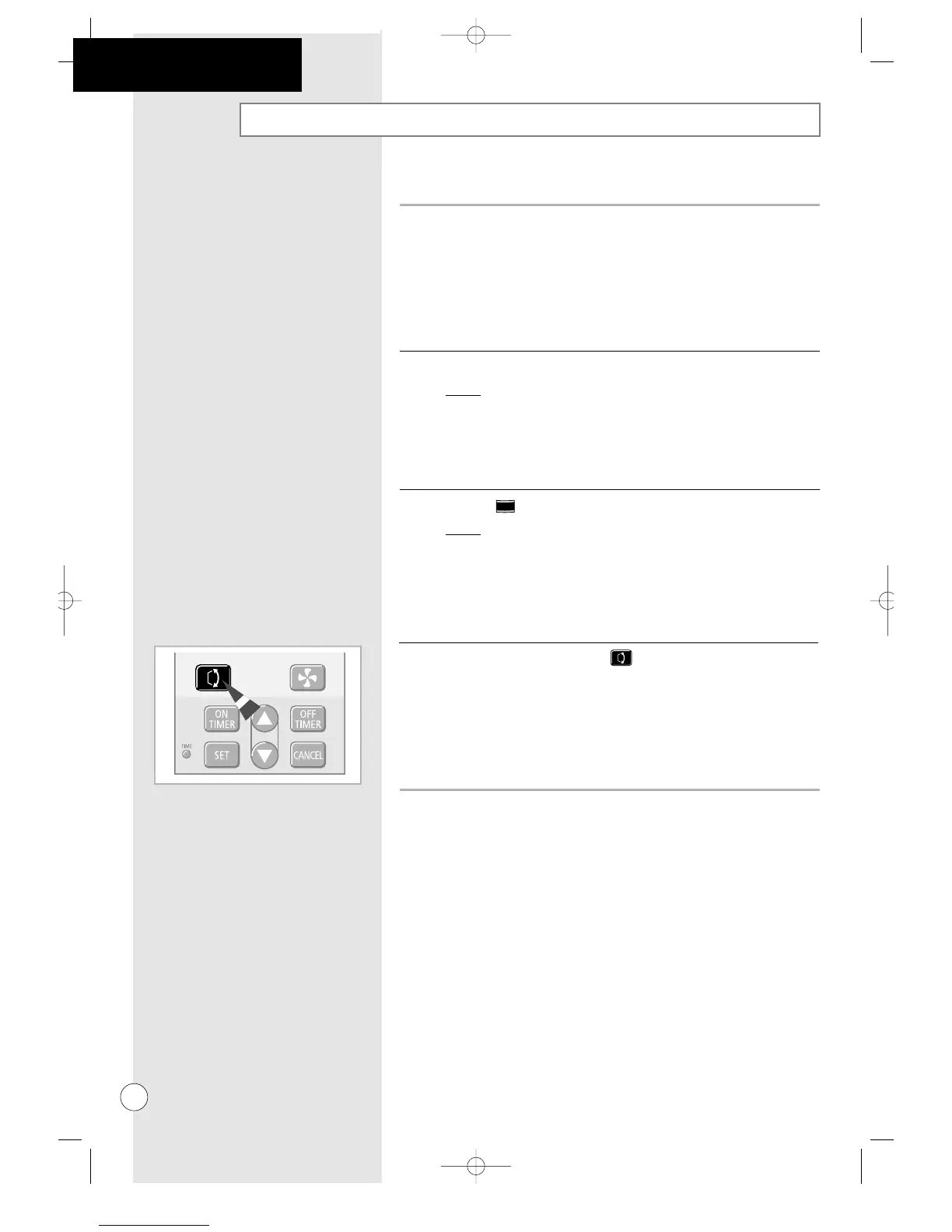
4 Air flow direction Press the button one or more times to set the
blades to the 30° or 90° positions.



 To Next Page