Disassembly and Reassembly
4-58Samsung Electronics
No Parts Procedure Remark
3
4
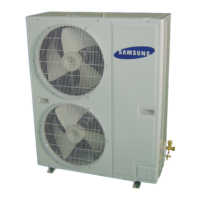
Cabinet
Fan Motor
&
Propeller Fan
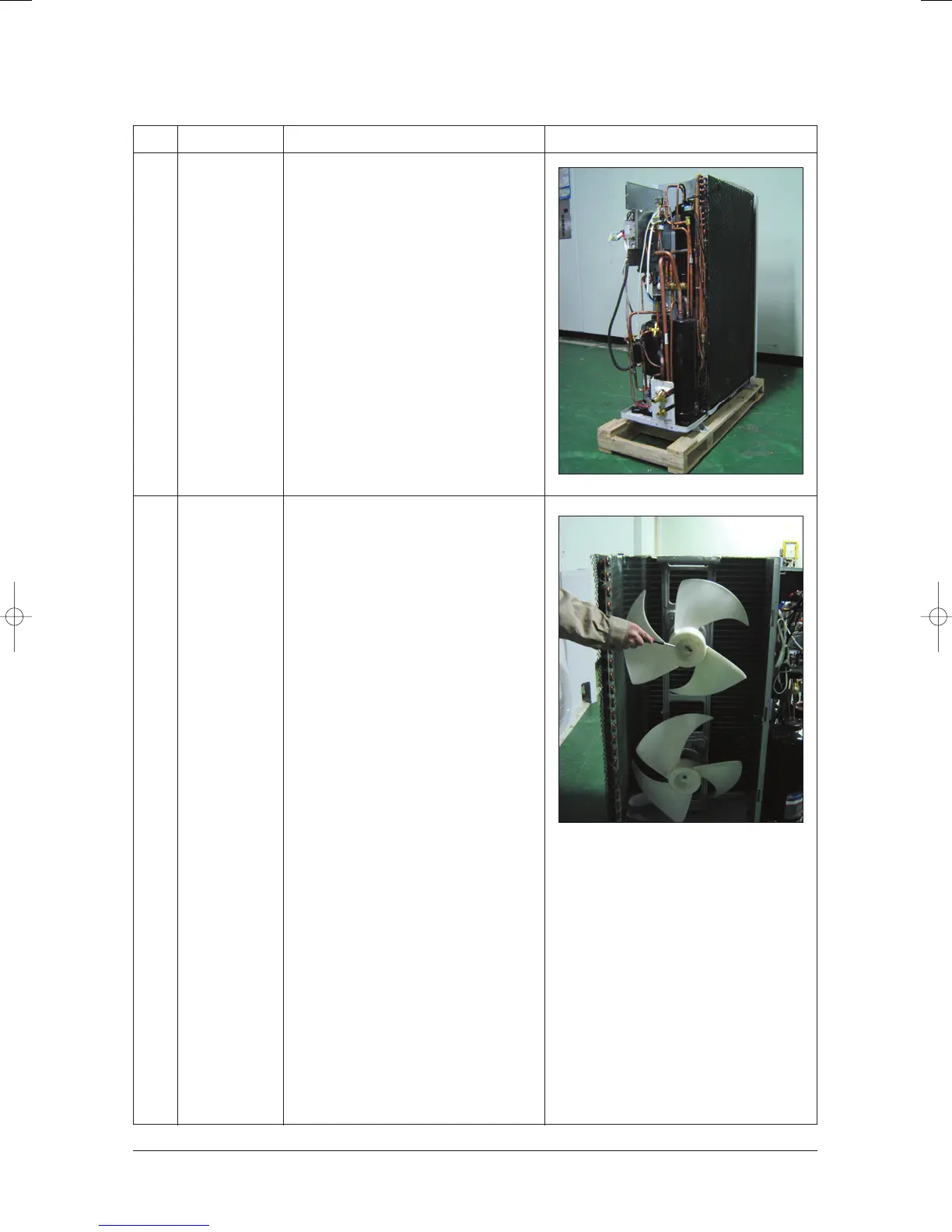
1) Remove the power cable after turn off the
unit.
2) Remove the Top Cover.
3) Remove the Control Box cover.
4) Pull out the assembly cable.
5) Remove the side of Cabinet.
6) Remove the front side of Cabinet.
✳ When assembling the parts, check
whether each parts and Electrical
Connector fixed firmly.
1) Remove nut flanges(Turn screw leftward,
but turn right if you want to remove).
2) Disassemble Propeller Fans.
24103A(1)_1 12/23/05 12:01 PM Page 3-67



 To Next Page