Samsung Electronics
10. Operating Instruction
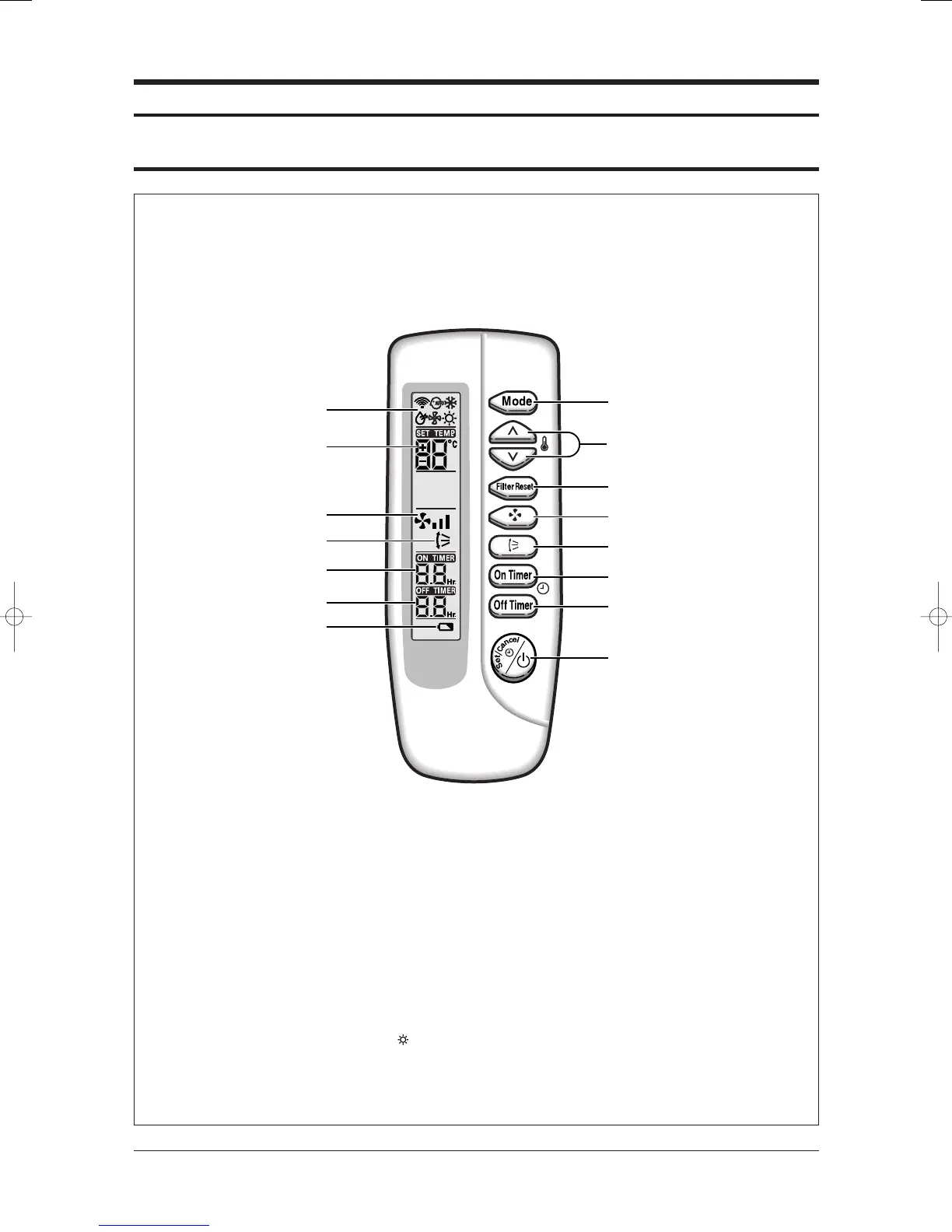
10-1 Wireless Remote Control-Buttons and Display
Note : • After cleaning the air filter, press the filter reset button.
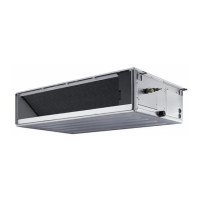
Note : • Duct type air conditioner does not have function of adjusting air flow direction.
Therefore, the function is not operated even if you press the swing button.
Note : • The heating mode( ) is not selected in cooling only models.
The wireless remote control is an optional accessory.
To use the wireless remote control, refer to an appropriate manual.
Operating mode
Mode selection button
Filter Reset button
Swing button
On Timer button
Off Timer button
On/Off & Timer
Set/Cancel button
Fan speed adjustment
button
Temperature adjustment
buttons
Temperature setting
Fan speed
Air flow direction
On Timer setting
Off Timer setting
Battery discharge indicator
Samsung Electronics10-1
24103A(1)_2 12/23/05 12:57 PM Page 6-52



 To Next Page