Samsung Electronics4-45
Disassembly and Reassembly
No Parts Procedure Remark
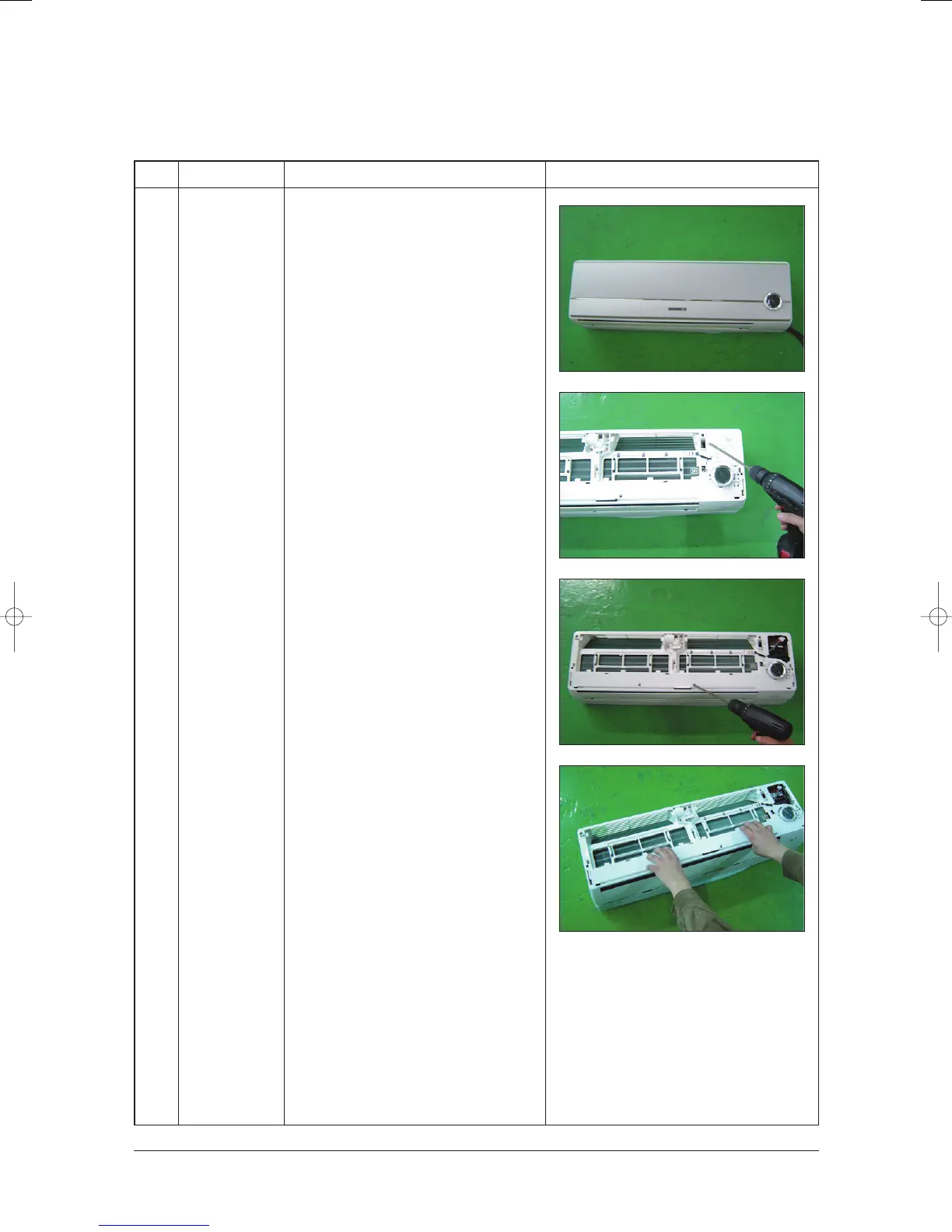
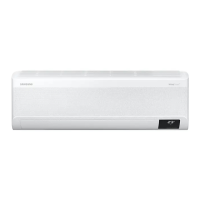
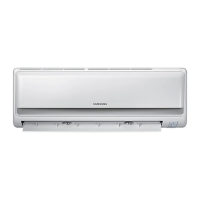
1 Front Panel
1) Stop the air conditioner operation and
shut off the main power.
2) Detach tape of Front Panel upper.
3) Slide the lower Front Grille down, then
disassemble it by pulling it forwards.
4) Open the upper Front Grille by pulling
right and left sides of the Grille.
5) Take the left and right Filter out.
6) Loosen one of the right screw and detach
the Terminal Cover.
7) Detach the thermistor from the Front Grille.
8) Loosen 5 fixing screws of Front Grille.
9) Pull the lower left and right of discharge
softly for the outside cover to be pulled
out.
4-1-8 Wall-mounted type
24103A(1)_1 12/23/05 12:01 PM Page 3-54



 To Next Page