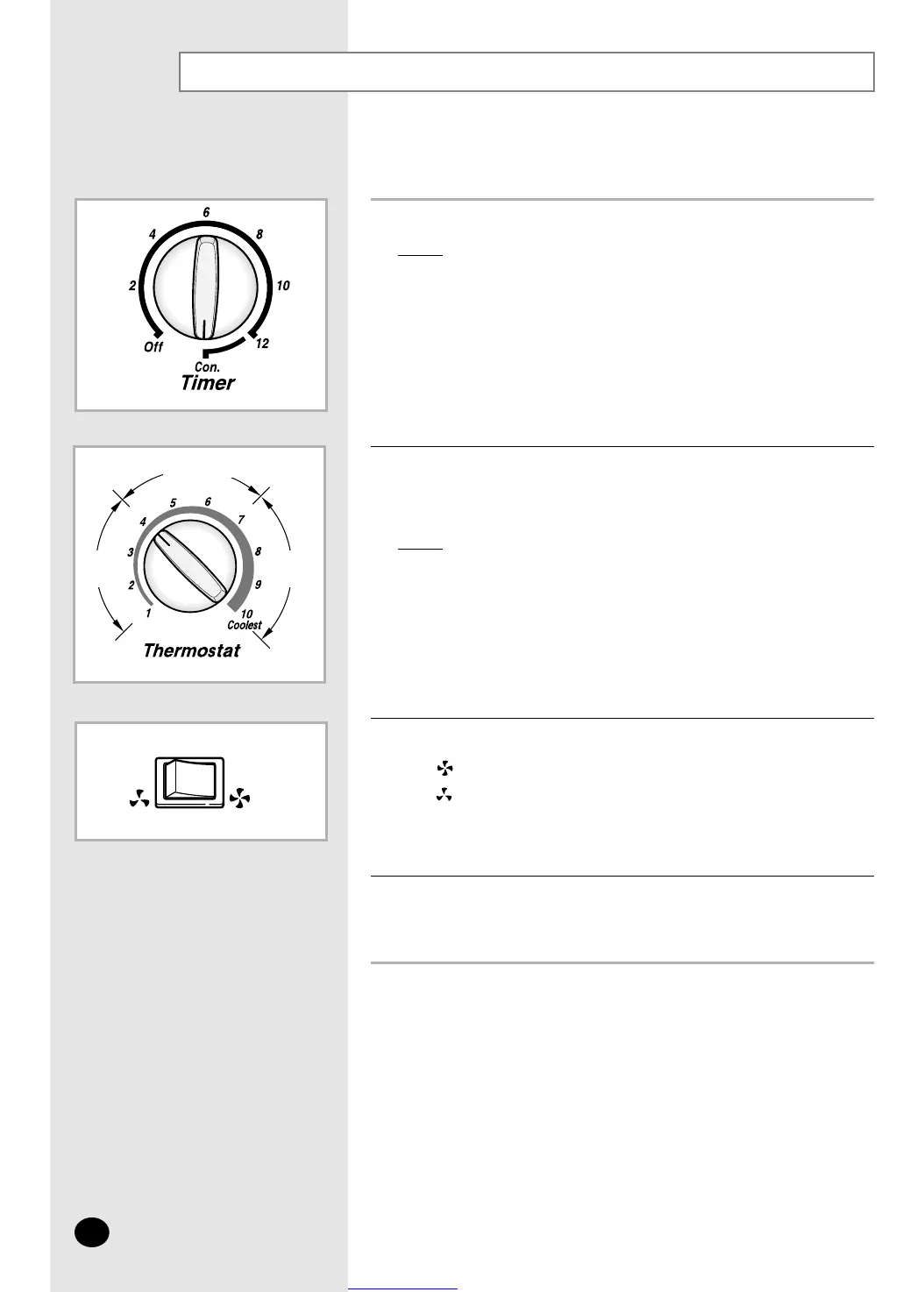
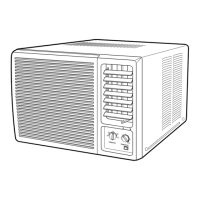
Set the timer control dial to the “CON.” position.
Result:
The air conditioner starts up in Cool mode.
When attempting to use it for a specified period of time,
set it to the desired period of time.
Refer to page 7.
Cooling Your Room
You must select the Cool mode if you wish to lower the temperature
in your room. You can also set the fan speed.
1
2
If necessary, set the FAN SPEED switch to the desired speed.
The fan turns rapidly.
The fan turns slowly.
3
To control the direction of the air flow, refer to page 8.
4
To adjust the temperature, turn the temperature control dial
to the desired position.
Possible temperatures: Between 18°C and 29°C inclusive.
Result: The air conditioner starts cooling if the room temperature
is higher than the selected temperature.
➢
➢
27˚C ~ 23˚C
23˚C
~ 18˚C
29˚C
~ 27˚C
E-6



 To Next Page