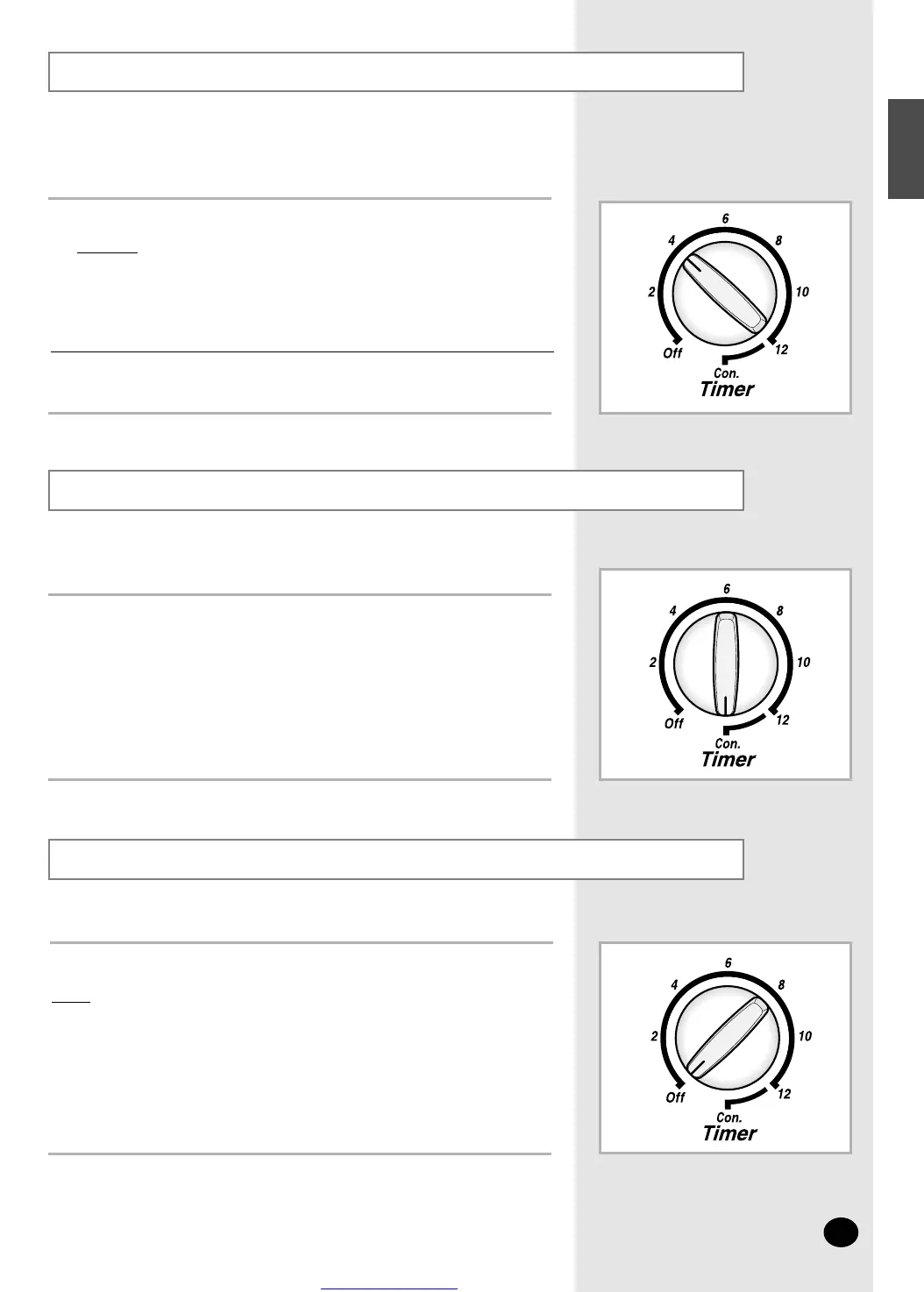
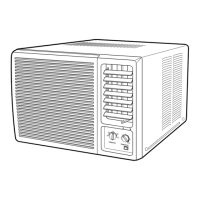
Set the timer control dial to the desired time.
Example:
◆ When you want to turn it off after operating
it for four hours, set it to "4".
Some minor errors may occur when setting the time
depending upon the supply power and position of the timer.
Setting the Off Timer
Cancelling the Off Timer
Switching the Air Conditioner Off
➢
To switch the unit off, simply set the timer control dial to the “OFF ” position.
Result
: The air conditioner stops operating.
Use the timer when attempting to operate the air conditioner
for a specified period of time, and then turn it off automatically.
You can switch the air conditioner off whenever you want.
1
Set the timer control dial to the “CON.” or “OFF ” position.
You can cancel the operation of the timer whenever
you want to cancel it.
1
Set it to desired operating conditions.
Refer to page 6.
2
E-7
ENGLISH



 To Next Page