DVD+R
This product can play back a DVD+R disc
recorded and finalized with a DVD Video
recorder. Ability to play back may depend on
recording conditions.
Audio CD (CD-DA)
This product can play back CD-DA format audio
CD-RW/-R discs.
The product may not be able to play some
CD-RW/-R discs due to the condition of the
recording.
•
•
•
CD-RW/-R
Use a 700MB (80 minute) CD-RW/-R disc.
If possible, do not use a 800MB (90 minute) or
above disc, as the disc may not play back.
If the CD-RW/-R disc was not recorded as a
closed session, you may experience delays
when playing back the beginning of the disc or
all recorded files may not play.
Some CD-RW/-R discs may not be playable
with this product, depending on the device
which was used to burn them. For contents
recorded on CD-RW/-R media from CDs
for your personal use, playability may vary
depending on contents and discs.
•
•
•
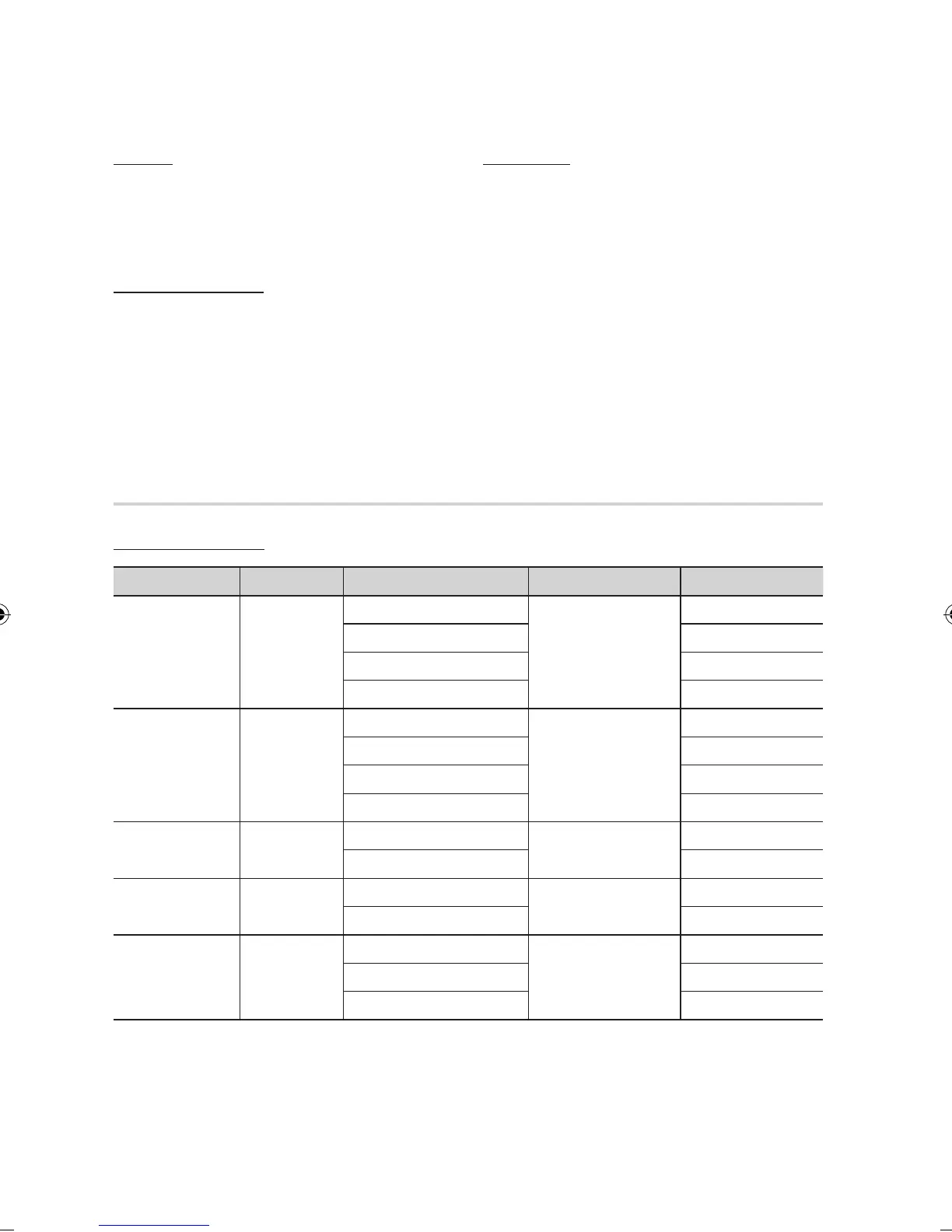
Supported File Formats
Video File Support
File Extension Container Video Codec Audio Codec Resolution
*.avi
AVI
Divx 3.11/4.x/5.1/6.0
MP3
AC3
DTS
WMA
PCM
1920x1080
XviD
1920x1080
MP4v3
1920x1080
H.264 BP/MP/HP
1920x1080
*.mkv
MKV
VC-1 AP(wmv1)
MP3
AC3
DTS
1920x1080
DivX 5.1/6.0
1920x1080
XviD
1920x1080
H.264 BP/MP/HP
1920x1080
*.wmv
WMV
VC-1 AP
WMA
1920x1080
VC-1 SM
1920x1080
*.mp4
MP4
MP4 (mp4v)
AAC
1920x1080
H.264 BP/MP/HP
1920x1080
*.mpg
*.mpeg
PS
MPEG1
MP1, 2
AC3
DTS
1920x1080
MPEG2
1920x1080
H.264 BP/MP/HP
1920x1080



 To Next Page