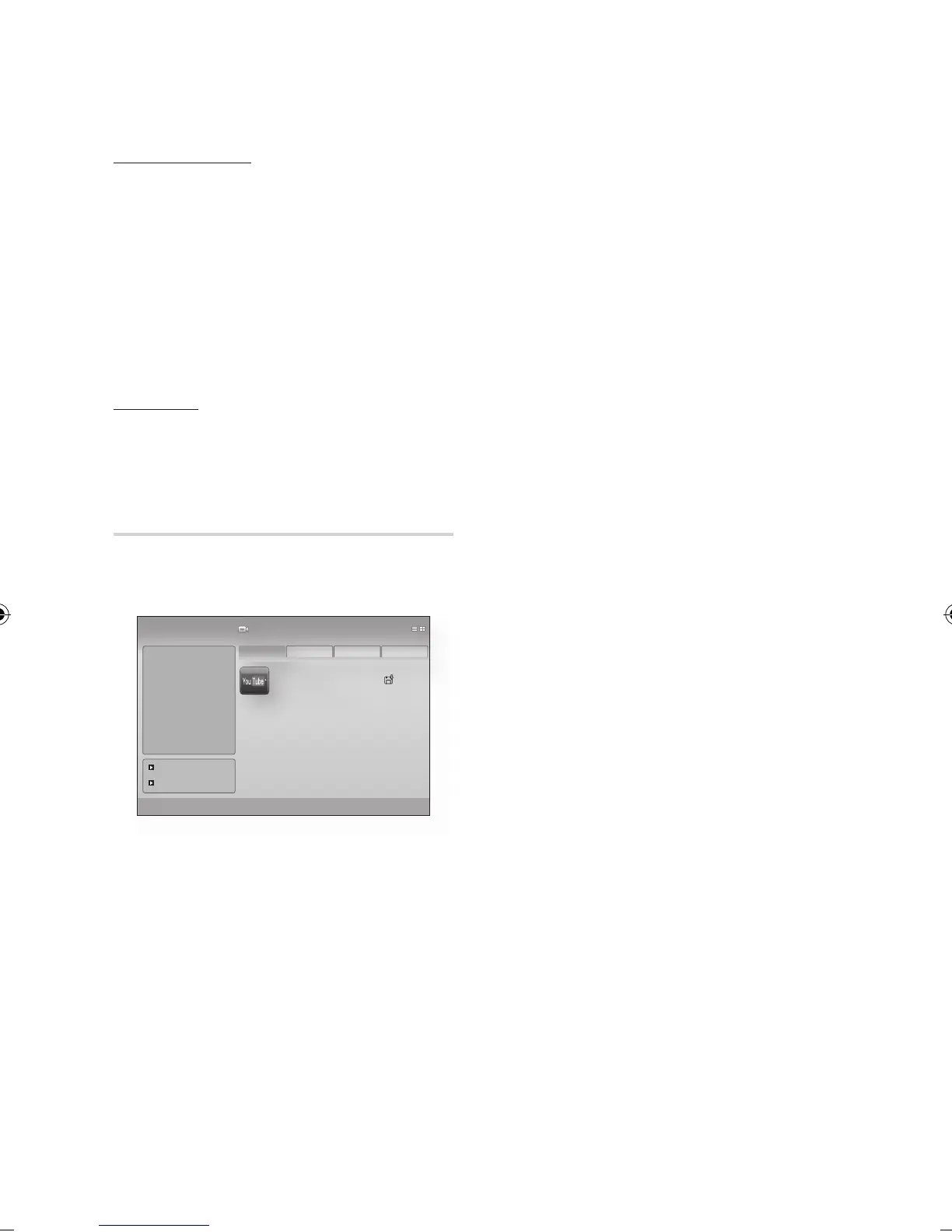
Service Manager
Delete and lock applications installed to Internet@
TV.
Lock
Lock the application. Accessing a locked
application requires a password.
Delete
Delete the application.
Properties
Display information about Internet@TV. Use the
"Check the speed of your internet connection"
option to test your network connection.
Samsung Apps
Various applications are available from here,
organized into different categories. Some
applications have a download fee.
My page
Displays the application list.
Help
If you questions about Internet@TV, check this
section first. If none of the tips apply, please visit
the help website.
Using the colour buttons with the Samsung
Apps
红色
(A) (Login) : To log in to the internet
service.
绿色
(B) (Thumbnail View) : To change the
view mode.
蓝色
(D) (Sort By) : To sort the applications by
Featured, Most Downloaded, Most Recent or
Name.
NOTE
The available Internet contents services may be
added or deleted.
•
•
•
✎
▪












 To Next Page