EasyManua.ls Logo

Samsung BD-E5700 - Settings: Software Update Methods and Options; Firmware Updates via Internet, USB, or Disc; Download in Standby Mode Feature

Samsung BD-E5700
23 pages
Print Icon
To Next Page IconTo Next Page
To Previous Page IconTo Previous Page
Loading...
19 - English
Registering Your Samsung Account
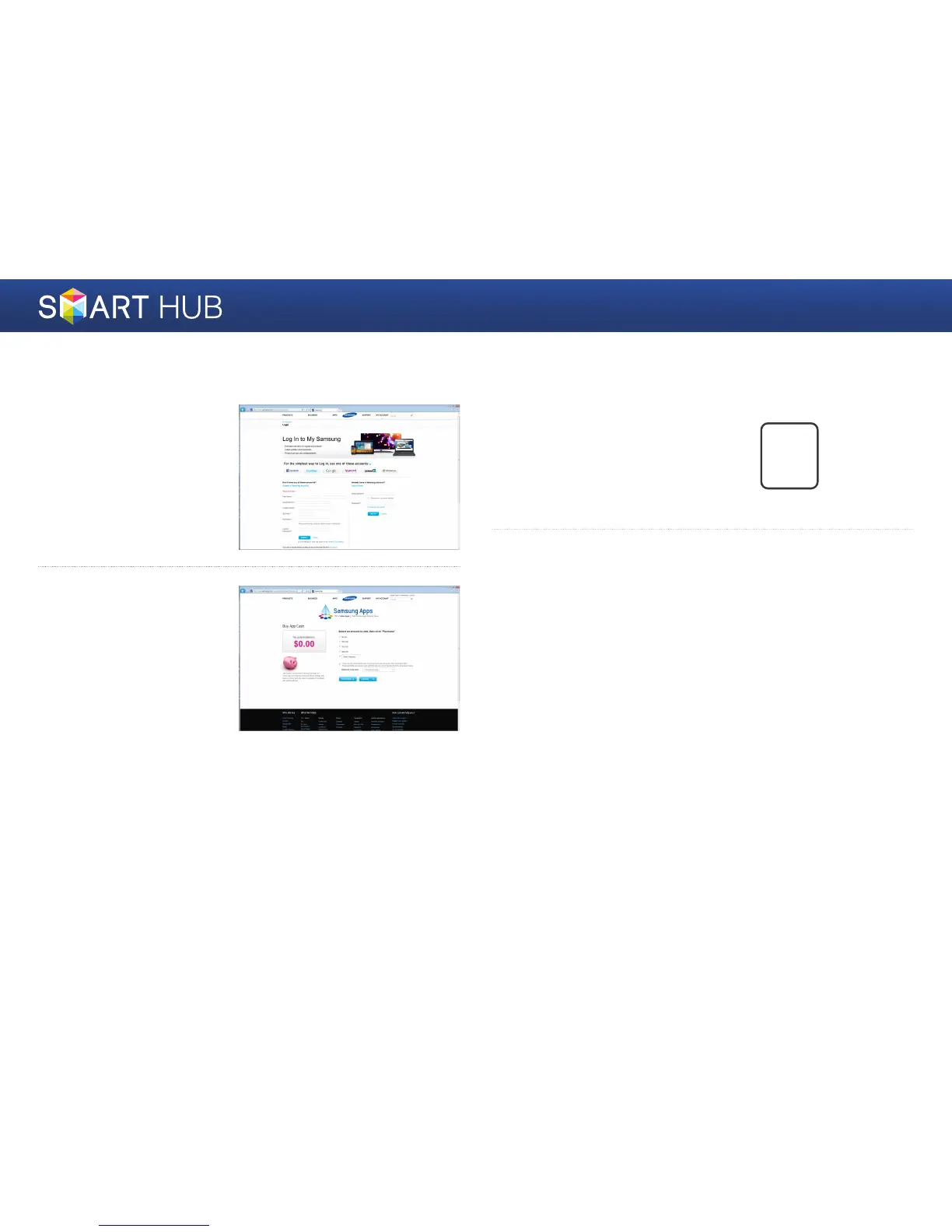
1
Connect to http://www.
samsung.com/ from
a computer, and then
create a new account.
The contents of the
homepage may differ from
country to country.
2
You need cash to install
a paid app. You can
charge your cash card.
(For more information,
refer to the instructions
provided on the website.)
3
Press the [SMART HUB]
button on the remote
control to run Smart
Hub.
SMART
HUB
4
Press the blue
}
button on the remote control to display the Settings
window.
For a description of the button, see the bottom of the screen.

Other manuals for Samsung BD-E5700

Related product manuals