3
English
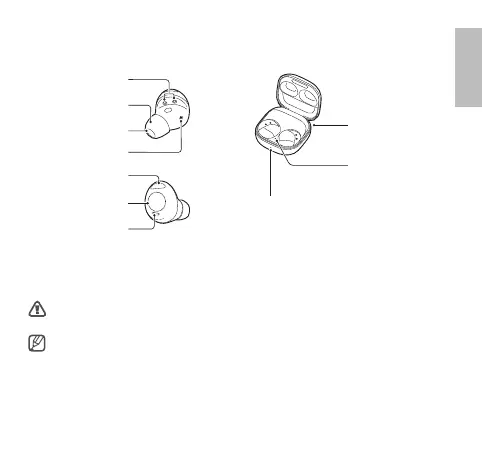
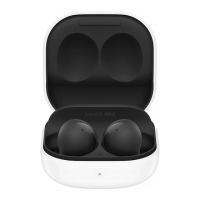
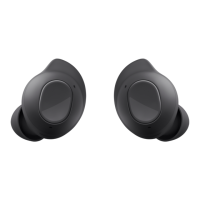
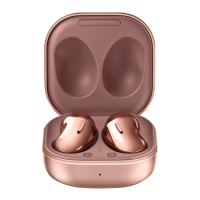
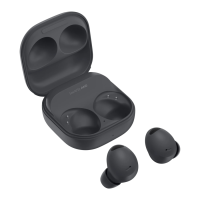
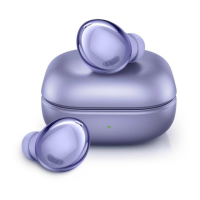
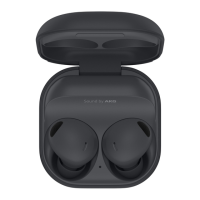
Device layout
Earbud Charging case
Microphone
Antenna / Touch area
Microphone
Touch-sensitive sensor
Ear tip
Speaker
Charger port
(USB Type-C)
Charging case battery
indicator light
Earbud battery
indicator light
Insert the earbuds in the charging case and close it. Begin charging by connecting the USB cable
to the charger port of the charging case. The batteries of the earbuds and the charging case will
be charged simultaneously.
Use only Samsung-approved chargers.
•
Chargers are sold separately.
•
Keep the charging case closed while you store or charge the earbuds, or when you
charge the charging case.
•
If you touch the charging contacts while charging the charging case, it may affect
charging.



 To Next Page