Operating basic function _17
ENGLISH
SPACE COOLING OPERATION
In this mode, heating function will be activated as required by target water temperature.
Target water temperature is determined in 2 ways as described below.
•Changesetvaluemanually.
•Usemodeof“WaterLaw”(Automode).
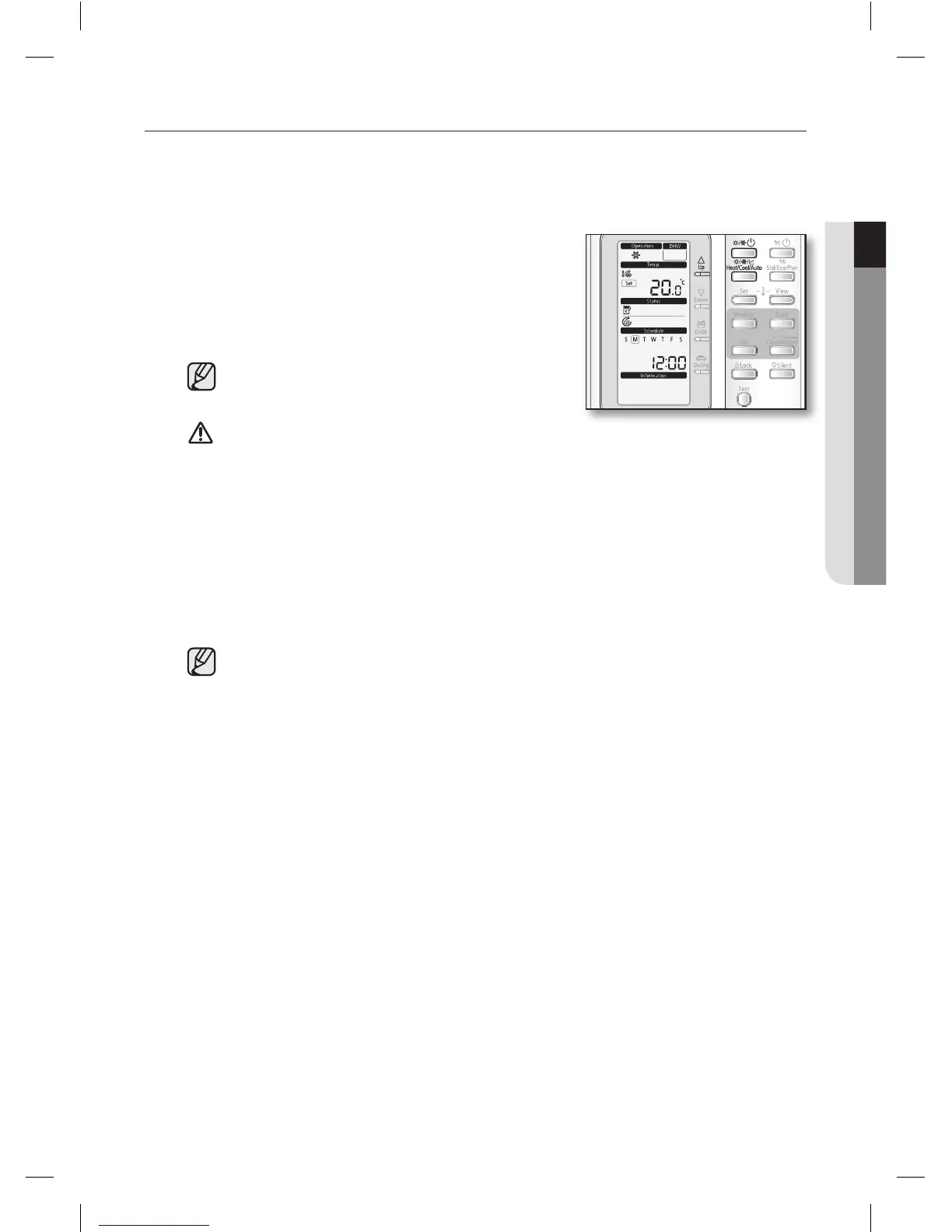
1. Press Power(Spacemode) button to turn on the heat
pump unit.
The heat pump will be turned on in the mode you select.
•Spacewatercoolingdevices:RadiatororFancoilunit
(field supply)
•Heatingandcoolingmodecannotbeselectedat
the same time.
•Spacecoolingoperationisnotpossibleifthe
installation is a heating only installation.
The heat pump has a built-in protection mechanism
to prevent the unit from being damaged when it is
started immediately after being plugged in or stopped, the heat pump will start up after 3
minutes.
2. Press the Mode(Spacemode) button twice to select the space cooling mode.
The heat pump will run on cooling mode.
3. Press Up or Down button to set the desired temperature.
The temperature can be set between 5ºC and 25ºC.
The temperature is adjusted by 0.5ºC.
CAUTION
RC120MHXGA_IB_E_34412A(1).indd 17 2012-02-08 오후 2:35:39










 To Next Page