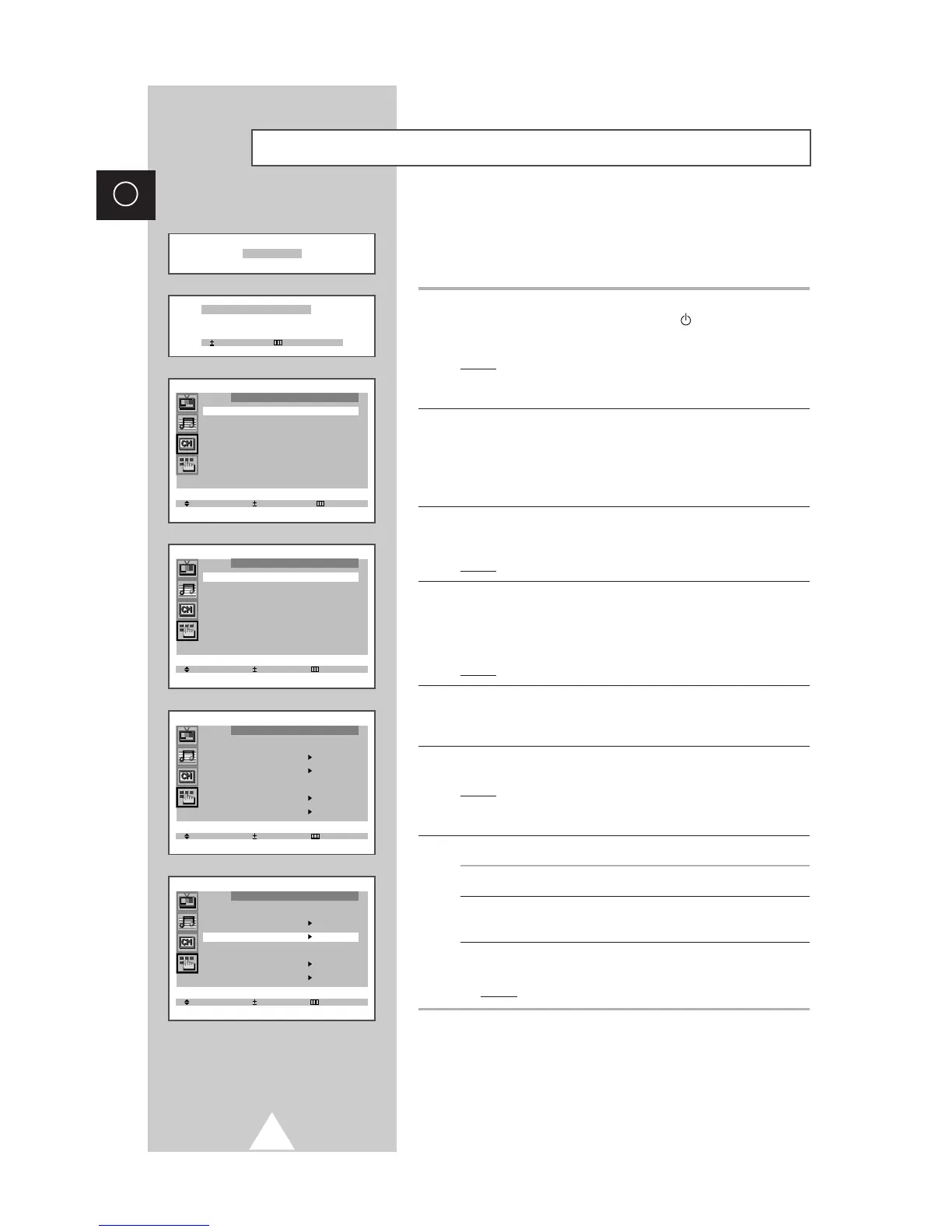
When the television is initially powered ON, three basic customer
settings proceed automatically and subsequently: setting the
language, channel and clock.
1 If the television is in Standby mode (red light visible on the
television front panel), press the POWER button on the remote
control.
Result: The message “Plug & Play” is displayed. It flickers for a
little while and then the “Language” menu is
automatically displayed.
2 Press the ▲ or ▼ button to select required language. Press the
MENU button to enter the language, and then the message “Ant.
Input : Check” is displayed.
➣
If any language is not selected on the “Language” menu, the
“Language” menu will be displayed about 30 seconds later.
3 Make sure that the antenna is connected to the TV. And then press
the + or – button.
Result: The “Auto store” menu is displayed.
4 Select your country by pressing the + or – button. To search the
channels, select the “Search” by pressing the ▲ or ▼ button, and
then press the + or – button (refer to “Storing the Channels
Automatically” on page 13). Press the MENU button to skip.
Result: The “Time” menu is displayed.
5 Press the + or – button to move to the hour or minute. Set the hour
or minute by pressing the ▲ or ▼ button (refer to “Setting and
Displaying the Current Time” on page 28).
6 When you have finished, press the MENU button.
Result: The message “ENJOY YOUR WATCHING” is displayed,
and then the channel which has been stored will be
activated.
7 If you want to reset this feature...
1 Press the MENU button.
2 Press the ▲ or ▼ button to select the “Function”, and then
press the + or – button.
3 Select the “Plug & Play” by pressing the ▲ or ▼ button, and
then press the
+ or – button.
Result:
The message “Plug & Play” is displayed.





 To Next Page