27
ENG
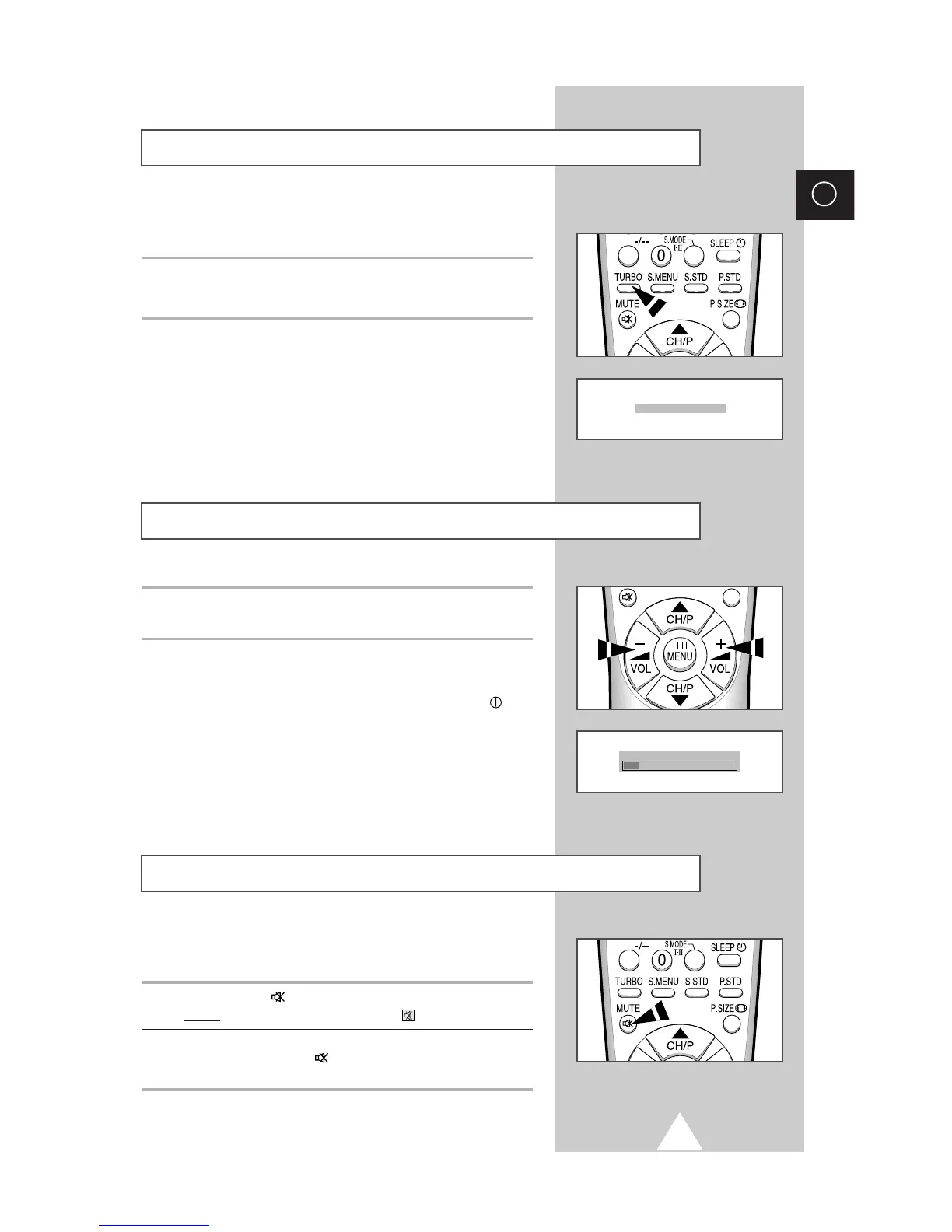
Switching the Sound Off Temporarily
You can switch the sound off temporarily, for example you may
wish to answer the telephone.
1 Press the MUTE button.
Result:
The sound is switched off and “” is displayed.
2 When you wish to turn the sound back on at the same volume as
before, press the MUTE button again (or either of the volume
buttons).
◆ Press the + button to increase the volume (cursor moves to the right)
◆ Press the
-
button to decrease the volume (cursor moves to the left)
➣
The volume setting is retained:
◆ When you switch the television to standby mode
◆ When you switch the television off using the “”
(ON/OFF) button on the front panel
◆ If there is a power failure.
Adjusting the Volume
Turbo sound suitably emphasizes both higher and lower bands of
sound (and includes other effects).
To enjoy more magnificent and dynamic sound when watching music,
movie or other channel, simply press the TURBO button on the remote
control.







 To Next Page