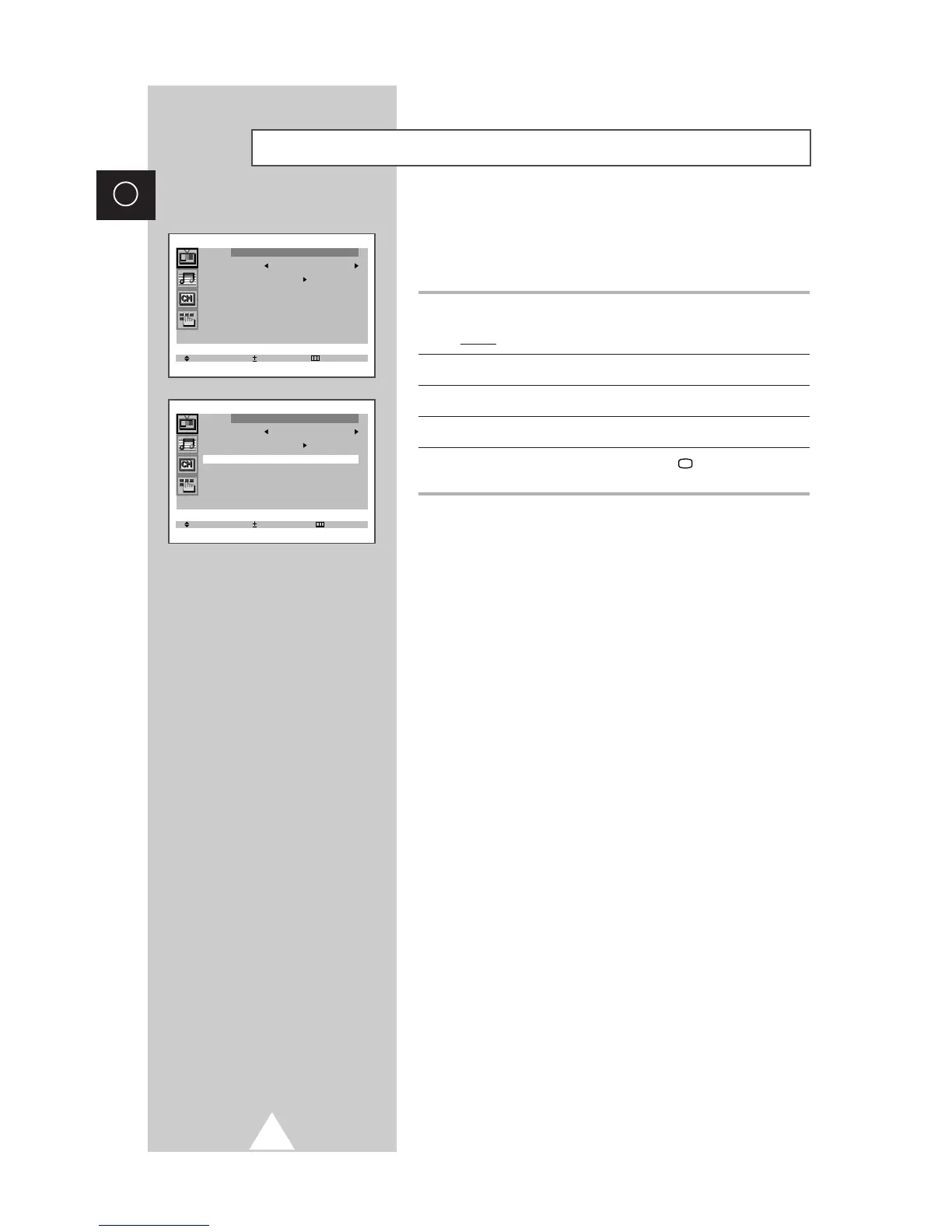
If the broadcast signal received by your television is weak, you can
activate the Digital Noise Reduction feature to help reduce any
static and ghosting that may appear on the screen.
1 Press the MENU button.
Result: The “Picture” menu is displayed.
2 Press the + or – button.
3 Press the ▲ or ▼ button to select the “Digital NR”.
4 To select the “On” by pressing the + or – button.
5 When you have finished, press the TV button or, press the
MENU button repeatedly to return to normal viewing.
Activating/Deactivating the Digital Noise Reduction Feature








 To Next Page