14
ENG
When storing channels manually, you can choose:
◆ Whether or not to store each of the channels found.
◆ The number by which you wish to identify each stored
channel.
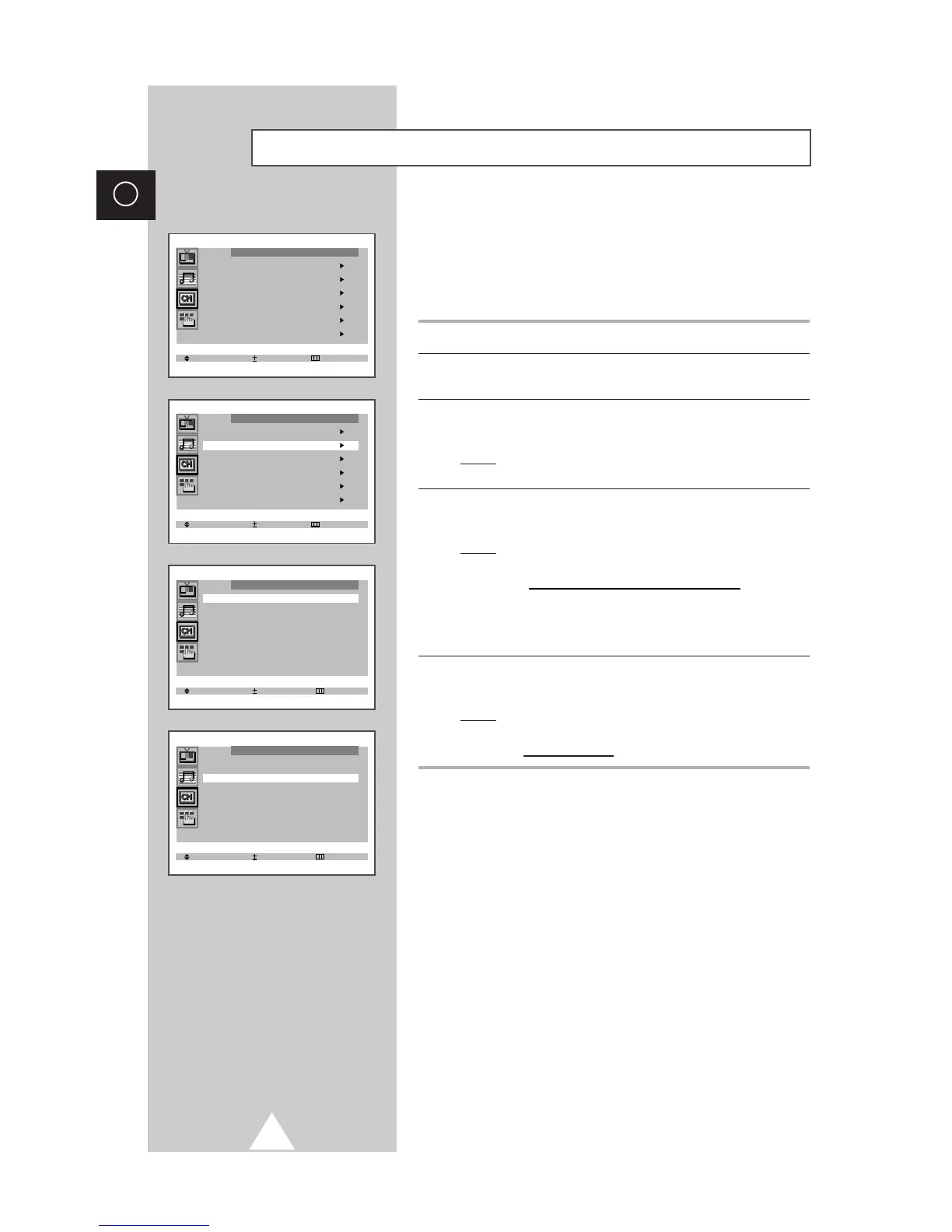
1 Press the MENU button.
2 Press the ▲ or ▼ button to select the “Channel” and press the + or
– button.
3 Press the ▲ or ▼ button to select the “Manual store” and press the
+ or – button.
Result: The “Manual store” menu is displayed with the “Color
system” selected.
4 Press the + or – button repeatedly until the color is of the best
quality.
Result: The “Color system” is changed.
Auto ↔ PAL ↔ SECAM ↔ NT4.43 ↔ NT3.58 (option)
➣
NT4.43 is a “trick” playback mode used by
special VCR’s to play PAL-recorded videos
in NTSC mode.
5 Press the ▲ or ▼ button to select the “Sound system” and press
the + or – button repeatedly until the sound is of the best quality.
Result: The “Sound system” is changed.
BG ↔ DK ↔ I ↔ M (option)
Storing the Channels Manually









 To Next Page