60
Connecting and Using a Source Device
2
2 Connecting and Using a Source Device
2.4 Changing the Input source
2.4.1 Source
MENU Media Source ENTER
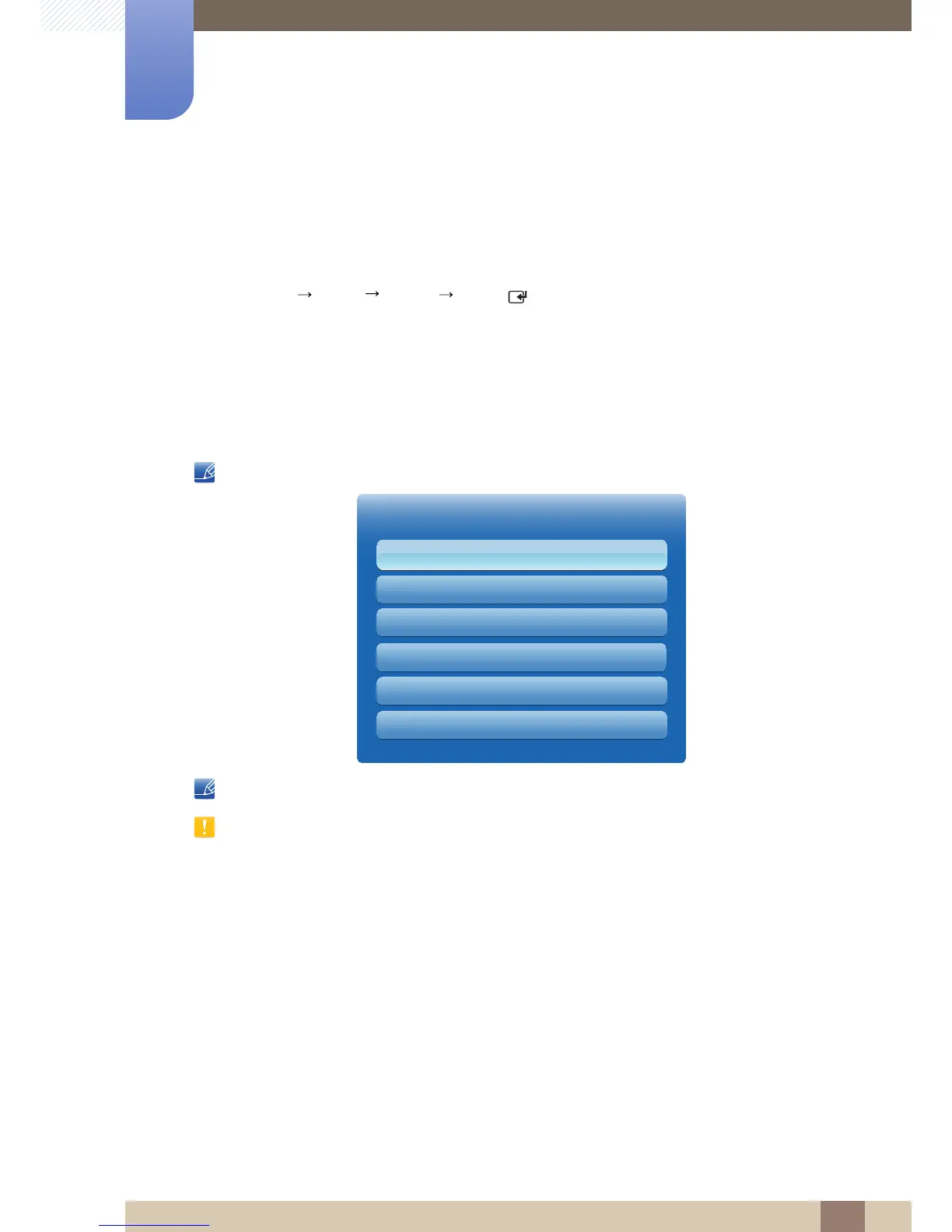
Source allows you to select a variety of sources and change source device names.
Source
You can display the screen of a source device connected to the product. Select a source from source list
to display the screen of the selected source.
Refer to page 127 for details about the Source menu.
The input source can also be changed by using the SOURCE button on the remote control.
The screen may not display correctly if an incorrect source is selected for the source device you want to
convert to.



 To Next Page