DSR 9500A FTA, CI, EM VIA, VIA CI
GB-22
DIGITAL SATELLITE RECEIVER
DSR 9500A FTA, CI, EM VIA, VIA CI
GB
GB-23
2.7 Move & Edit Channel
● Select the desired list with / keys.
● Select channel by pressing Red ( ) key.
● Press / , / keys to change the position
of the channel you want, and press key for
confirmation.
● Press Red ( ) key again to return to previous state.
● If you want to return the channel to the initial position,
do not press key but press blue ( ) key.
● To edit channel name, press Green ( ) key.
Font Table will be displayed.
● Select desired character with / , / ,
and then press key to paste character to the string.
● Press MENU key to save the set data.
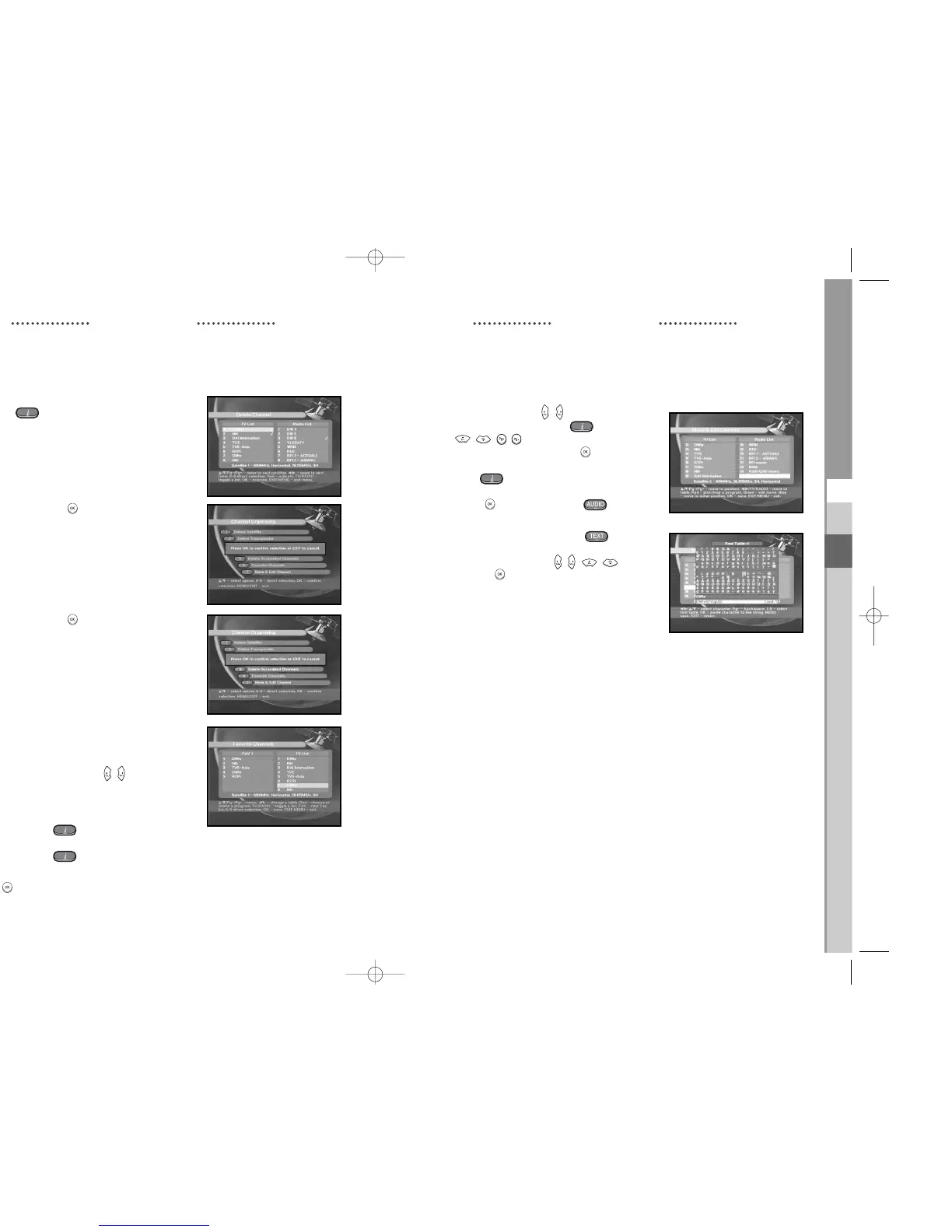
2.3 Delete Channel
● Select the desired channel you want to delete by
pressing Red ( ) key.
● Press key for confirmation.
2.4 Delete All Channel
At the request window, press key to delete
all channels and press MENU / EXIT to exit.
2.5 Delete Scrambled Channels
At the request window, press key to delete
scrambled channels and press MENU / EXIT to exit.
2.6 Favorite Channel
You can change TV list or Radio list by TV/RADIO key
and change favorite list by FAV key. This enables you to
create the 9 favorite TV and Radio list.
● Select the desired channel list with / keys.
● When you press the TV/RADIO key, TV list and Radio
list are toggled.
Right List : Adds a channel to the left list by pressing
the Red ( ) key.
Left List : Deletes a channel by pressing
the Red ( ) key.
● Press FAV key to select another favorite list.
● Then press key for confirmation.
OPERATING THE RECEIVEROPERATING THE RECEIVER



 To Next Page