EasyManua.ls Logo

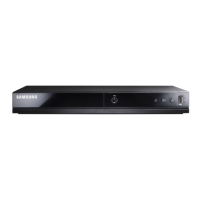
Samsung DVD-FP580 - User Manual

Samsung DVD-FP580
63 pages
Print Icon
To Next Page IconTo Next Page
Loading...
www.samsung.com
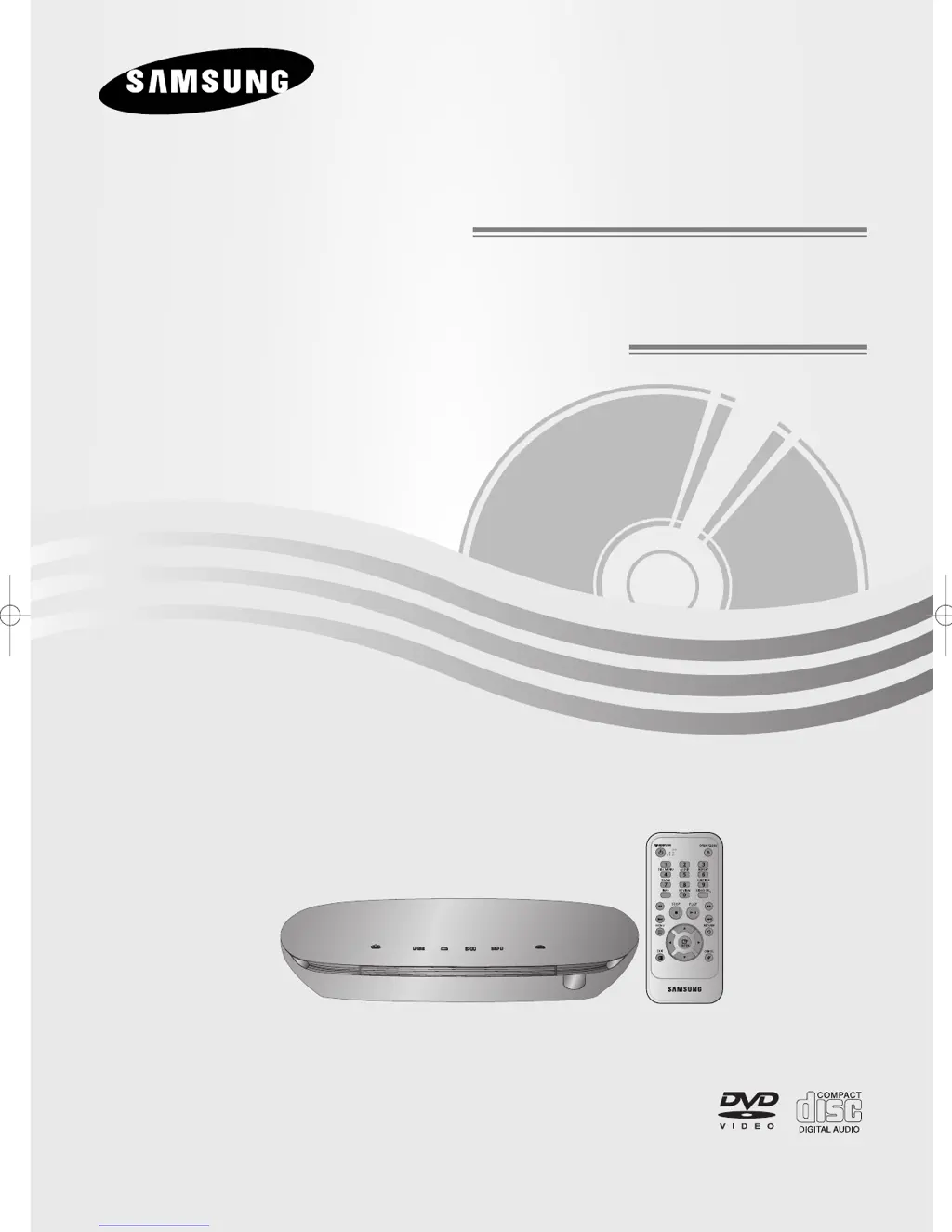
DVD-FP580
DVD-F1080
DVD Player
DVD Player
AK68-01464S
FP580_F1080_XAA_Cover 1/16/08 1:44 PM Page 3

Table of Contents

Other manuals for Samsung DVD-FP580

Questions and Answers

  • A
    amynorrisAug 16, 2025
    How to fix Samsung DVD Player remote control not working?
    • D
      Desiree NguyenAug 16, 2025
      If the remote control isn't working with your Samsung DVD Player, first, try replacing the batteries. If that doesn't work, make sure you're within 20 feet of the player. As a last resort, remove the batteries, press and hold any button(s) for a few minutes to reset the remote's microprocessor, then reinstall the batteries.
  • M
    mckinneymelanieAug 19, 2025
    Why is my Samsung DVD-FP580 not playing 5.1 channel sound?
    • W
      William CrawfordSep 12, 2025
      If your Samsung DVD Player isn't producing 5.1 channel sound, ensure that the DVD player is properly connected to the correct amplifier, and that the disc itself is recorded with 5.1 channel sound. Also, check the disc for a '5.1 ch' mark and verify that your audio system is correctly connected and functioning. Finally, confirm that the Audio Output in the SETUP Menu is set to Bitstream.
  • A
    April TaylorAug 22, 2025
    What to do if my Samsung DVD-FP580 disc does not play?
    • P
      patricia46Aug 22, 2025
      If your Samsung DVD player isn't playing a disc, make sure the disc is placed with the label side facing up. Also, verify that the region number of the DVD is compatible with your player.
  • P
    powerskatherineAug 25, 2025
    Why is there no audio from my Samsung DVD Player?
    • A
      Amber WatsonAug 26, 2025
      If you're not getting any audio from your Samsung DVD Player, ensure that you've selected the correct Digital Output in the Audio Options Menu.
  • J
    Jennifer TerrellAug 27, 2025
    Why is there no HDMI output from my Samsung DVD-F1080 DVD Player?
    • D
      Donald TaylorAug 27, 2025
      If there's no HDMI output from your Samsung DVD-F1080, check that the Video output is HDMI enabled. Also, verify the connection between your TV and the HDMI jack on the DVD player. Finally, ensure your TV supports the DVD player's resolution (480p/576p/720p/1080i/1080p).
  • K
    kimberlyleeAug 30, 2025
    Why is the picture noisy or distorted on my Samsung DVD Player?
    • M
      Mr. Anthony GallagherAug 30, 2025
      If the picture on your Samsung DVD Player is noisy or distorted, check the disc for dirt or scratches. If necessary, clean the disc thoroughly.
  • C
    Christina RichardsonSep 2, 2025
    Why is my Samsung DVD-F1080 DVD Player showing an abnormal HDMI output screen?
    • K
      Karen HarrisonSep 2, 2025
      If the HDMI output screen from your Samsung DVD-F1080 shows snow noise, it indicates that your TV does not support HDCP (High-bandwidth Digital Content Protection).
  • H
    Hunter TaylorSep 4, 2025
    What to do if the screen is blocked on my Samsung DVD-FP580?
    • L
      Laura JimenezSep 4, 2025
      If the screen is blocked on your Samsung DVD Player, press and hold the button on the front panel for more than 5 seconds with no disc inside. This will revert all settings to the factory defaults.
  • C
    Clinton WilliamsSep 7, 2025
    Why does play mode differ from the Setup Menu selection on my Samsung DVD-FP580 DVD Player?
    • E
      Erin MaynardSep 7, 2025
      If the play mode on your Samsung DVD Player differs from the Setup Menu selection, it might be because the disc isn't encoded with the corresponding function.
  • V
    valerielopezSep 10, 2025
    What to do if I forgot the password for my Samsung DVD Player?
    • D
      David DavisSep 10, 2025
      If you forgot the password for your Samsung DVD Player, press and hold the button on the front panel for more than 5 seconds with no disc inside. This will revert all settings, including the password, to the factory defaults. Use this method only when absolutely necessary.

Summary

Important Safety Instructions

General Safety Guidelines

Comprehensive list of safety instructions for safe operation and maintenance of the DVD player.

Precautions

General Precautions and Warnings

Essential warnings about electrical shock, installation, and product placement to prevent hazards.

Regulatory Information (FCC & California)

Details on FCC compliance and specific warnings for California regarding hazardous materials.

Product Handling and Care

Safety Warnings and Usage Notes

Critical safety warnings about laser usage, electrical specifications, and important operating notes.

Operating and Storage Guidelines

Instructions for proper handling, disc storage, and cabinet maintenance for optimal player longevity.

Before You Start

Included Accessories

List of items included with the DVD player, such as remote control, cables, and manual.

Installing Remote Control Batteries

Step-by-step guide on how to insert batteries into the remote control for proper operation.

Tour of the Remote Control

Remote Control Buttons and Functions

Detailed explanation of each button on the remote control and its corresponding function.

Chapter 3: BASIC FUNCTIONS

Playing a Disc: Preparation and Playback

Initial setup steps before playing a disc, including TV input selection and language setup.

BASIC FUNCTIONS

Stopping, Pausing, and Slow Motion Playback

Instructions for stopping playback, removing discs, pausing, and using slow motion features.

Searching and Skipping Tracks;Chapters

Methods for quickly navigating through media content by searching or skipping.

Repeat Play Functionality

How to repeat playback of a track, chapter, title, or a specific section (A-B repeat).

Chapter 4: ADVANCED FUNCTIONS

Adjusting the Aspect Ratio (EZ View)

How to adjust the picture's aspect ratio to match your TV screen size for optimal viewing.

ADVANCED FUNCTIONS

Selecting the Audio Language

How to choose the desired audio language track available on a DVD or MPEG4 disc.

Selecting the Subtitle Language

How to select and display subtitle languages for DVDs and MPEG4 content.

MP3;WMA;CD Audio Playback Modes

How to play audio files from discs, including repeat and random playback modes.

Chapter 5: NAVIGATING THE SETUP MENU

NAVIGATING THE SETUP MENU

Setting Up Parental Control

How to set parental rating levels and manage passwords to restrict content.

REFERENCE

Troubleshooting Common Problems

A guide to diagnosing and resolving common issues with the DVD player and its remote control.

Troubleshooting HDMI Issues

Specific troubleshooting steps for common problems related to HDMI output and screen display.

Samsung DVD-FP580 Specifications

General IconGeneral
BrandSamsung
ModelDVD-FP580
CategoryDVD Player
LanguageEnglish

Related product manuals