EasyManua.ls Logo

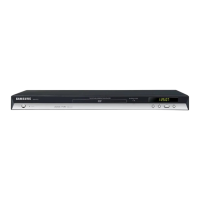
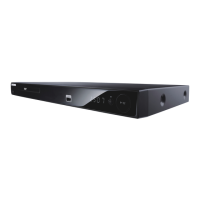
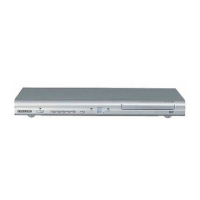
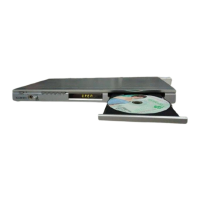
Samsung DVD-P490 - User Manual

Samsung DVD-P490
24 pages
Print Icon
To Next Page IconTo Next Page
Loading...
AK68-01835E
DVD-P490/P490K
DVD-P390/P390K
DVD-P290/P290K/P295K
DVD-P191/P191K
DVD-P190/P192
§àŸ¡◊Õ°“√„™Ñß“π
§àŸ¡◊պℙâ
จินตนาการถึงความเป็นไปได้
ขอบคุณที่ท่านเลือกซื้อผลิตภัณฑ์ Samsung นี้
หากต้องการขอรับบริการที่สมบูรณ์
โปรดลงทะเบียนผลิตภัณฑ์ของท่านท
www.samsung.com/global/register
‰∑¬

Table of Contents

Questions and Answers

  • D
    Daniel KimAug 10, 2025
    Why is 5.1 channel sound not working on my Samsung DVD Player?
    • F
      fergusonangelAug 10, 2025
      5.1 channel sound is only reproduced when the DVD player is connected to the proper Amplifier and the disc is recorded with 5.1 channel sound. Ensure the disc has the “5.1 ch” mark. Also, check if your audio system is correctly connected and working. Finally, verify that the Audio Output in the SETUP Menu is set to Bitstream.
  • J
    Jennifer MillerAug 25, 2025
    What to do if I forgot the password on my Samsung DVD-P490?
    • B
      brobbinsAug 26, 2025
      To reset a forgotten password on your Samsung DVD Player, press and hold the button on the front panel for more than 5 seconds with no disc inside. This will revert all settings, including the password, to factory defaults. Use this method only when absolutely necessary.

Samsung DVD-P490 Specifications

General IconGeneral
BrandSamsung
ModelDVD-P490
CategoryDVD Player
LanguageEnglish

Related product manuals