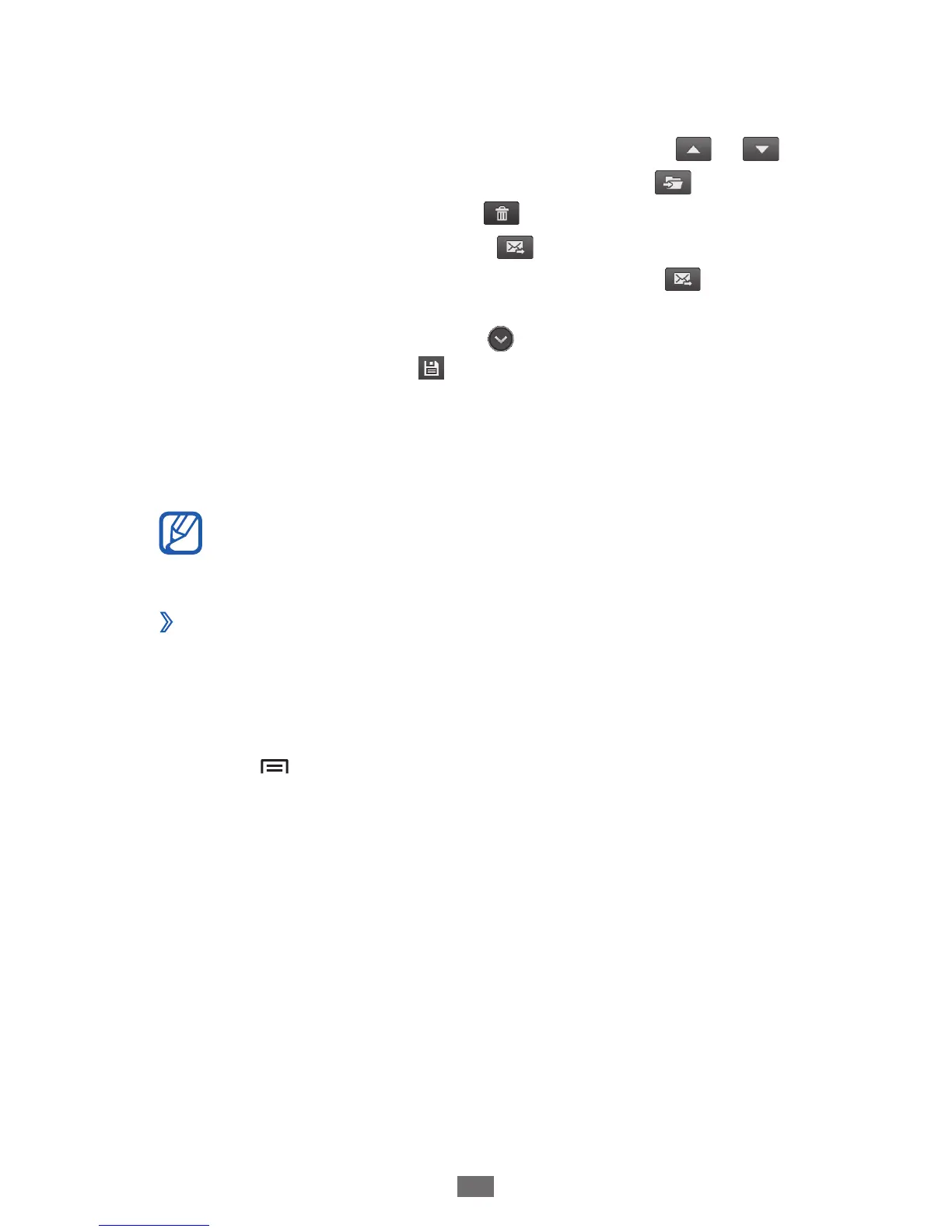
Select an email message.
3
From the message view, use the following options:
To move to the previous or next message, select
●
or .
To move the message to another folder, select
●
.
To delete the message, select
●
.
To reply to the message, select
●
→
Reply.
To forward the message to other people, select
●
→
Forward.
To view an attachment, select
●
→
the attachment. To save
it to your device, select
.
Talk
Learn to chat with friends and family via Google Talk
™
.
This feature may be unavailable depending on your
region or service provider.
Add friends to your friend list
›
In Idle mode, open the application list and select
1
Talk.
The friend list shows all of your Google Talk contacts at a
glance.
Press [
2
]
→
Add friend.
Enter an email address of the friend and select
3
Send
invitation.
When your friend accepts the invitation, the friend is added to
your friend list.





 To Next Page