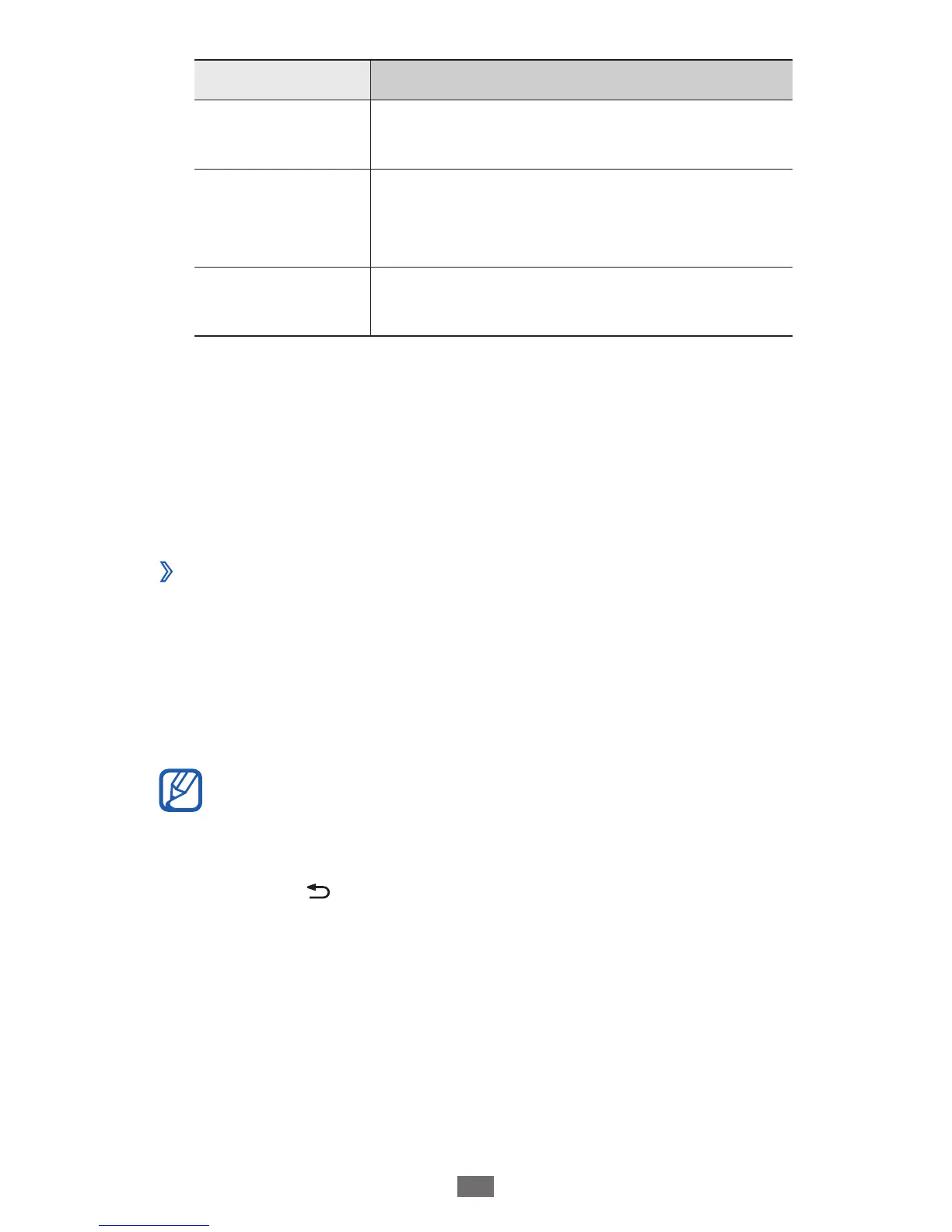
Option Function
Visualisation
Display an animated visualisation
during playback.
Lyrics
Set to display lyrics during playback.
The music player supports lyrics with
ID3v2 tags only.
Music auto off
Set the music player to automatically
turn off after a specified length of time.
FM radio
Learn to listen to music and news on the FM radio. To listen
to the FM radio, you must connect a headset, which serves as
the radio antenna.
Listen to the FM radio
›
Plug a headset into the device.
1
In Idle mode, open the application list and select
2
FM
radio.
The FM radio scans and saves available stations
automatically.
The first time you turn on the FM radio, it will start
automatic tuning.
Select the radio station you want from the all station list
3
and press [ ] to return to the FM radio screen.











 To Next Page