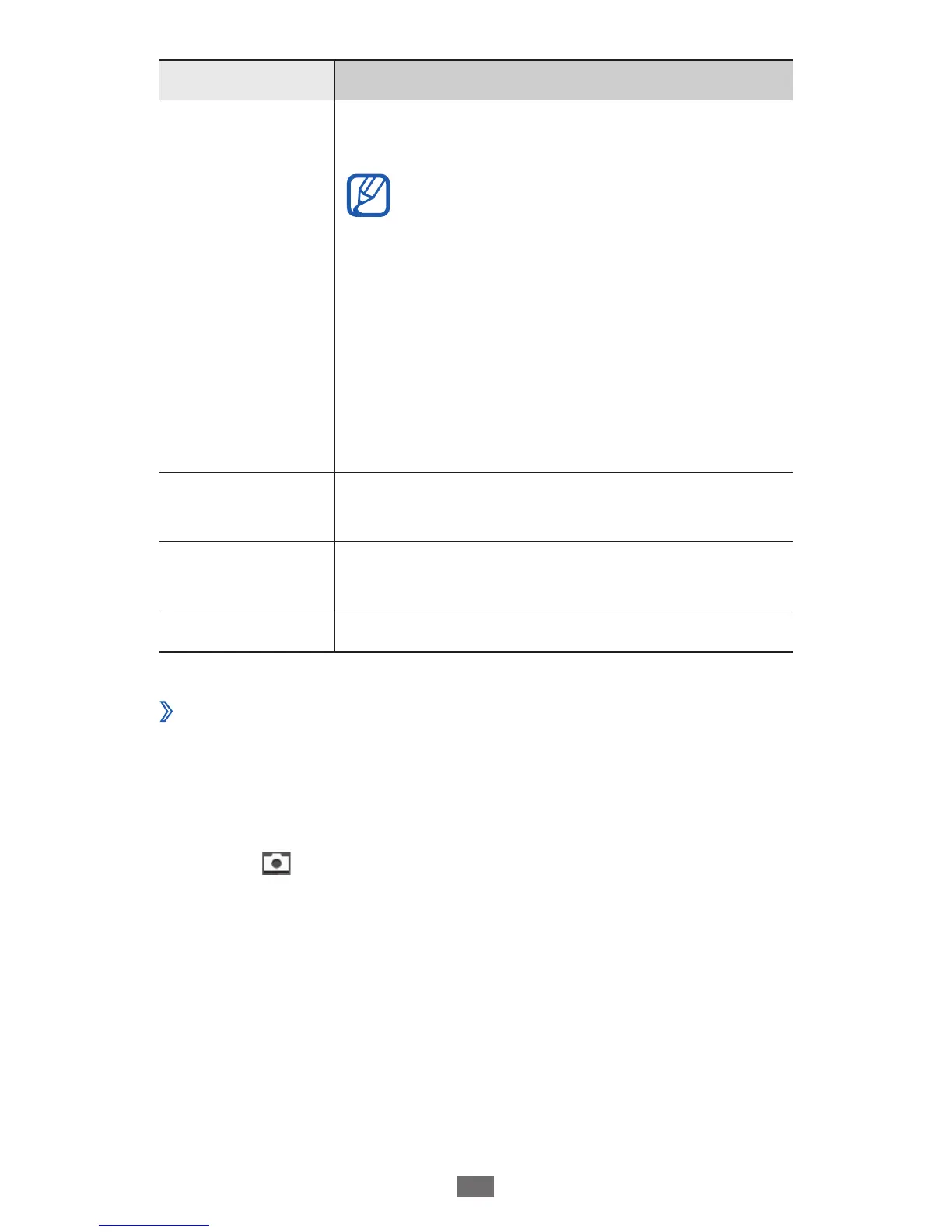
Setting Function
GPS
Set the camera to include location
information for your photos.
To improve GPS signals, avoid
●
shooting in locations where the
signal may be obstructed, such
as between buildings or in low-
lying areas, or in poor weather
conditions.
Your location may appear on your
●
photos when you upload them to
the web. To avoid this, deactivate
the GPS tag setting.
Shutter sound
Set the camera shutter to make a sound
when capturing a photo.
Storage
Select a memory location for storing
captured photos.
Reset Reset menus and shooting options.
Record a video
›
1
In Idle mode, open the application list and select Camera
to turn on the camera.
Rotate the device anti-clockwise to landscape view.
2
Select
3
to switch to the camcorder.











 To Next Page