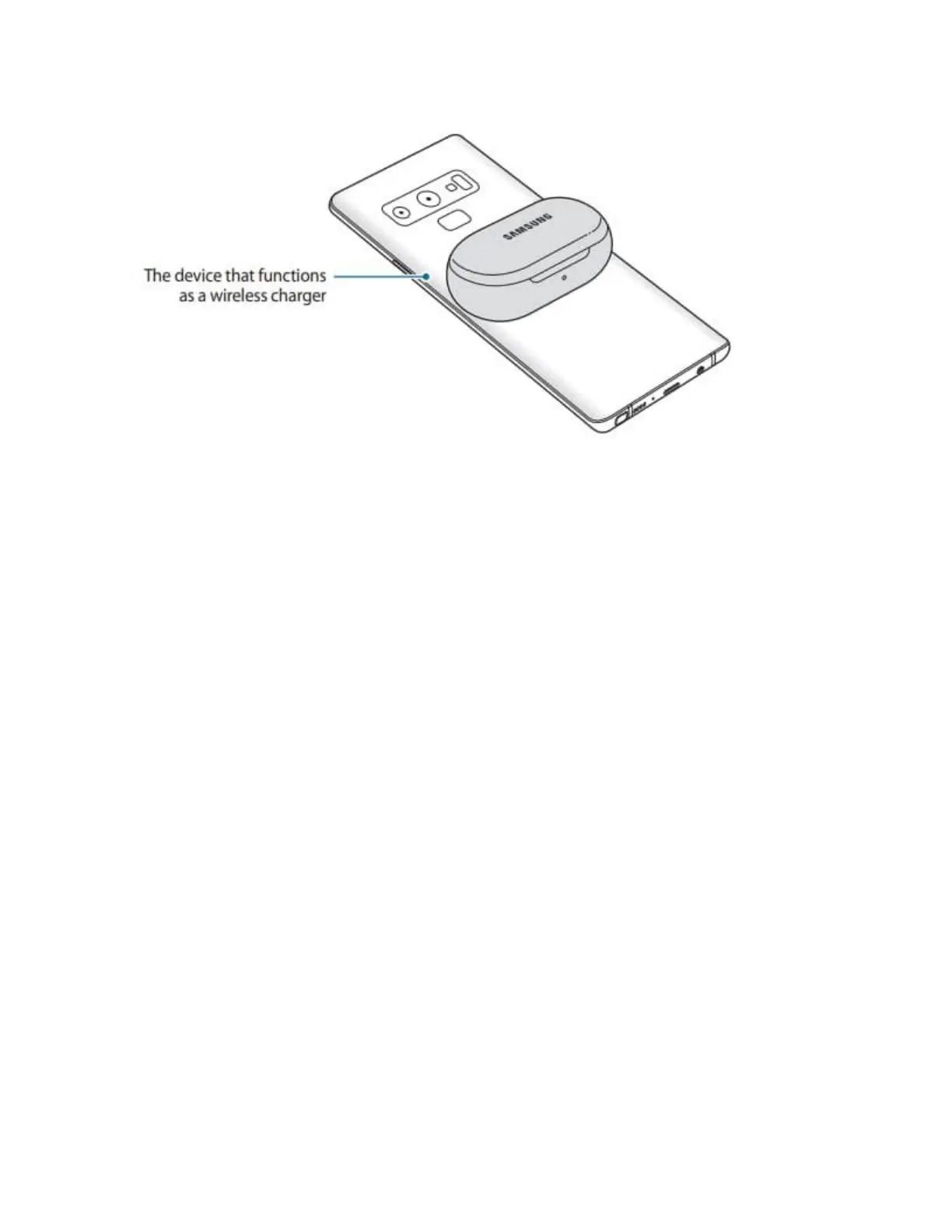
The location of the wireless charging coil may vary by device. Adjust the device and the
charging case to make a strong connection.
5 After fully charging, disconnect the charging case from the wireless charger
To charge properly, do not move or use either the device thats functions as a wireless charger or
the charging case while charging.
If you charge the Galaxy Buds+ while charging the the device that functions as a wireless
charger, the charging speed may decrease or the Galaxy Buds+ may not charge properly,
depending on the charger type.
If the remaining battery power of the device that functions as a wireless charger drops below a
certain level, power sharing will stop.
Understanding the Light Indicators
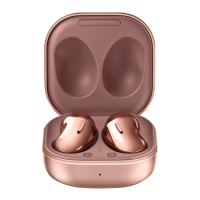
The battery indicator lights inform you of your earbuds and the charging case's status. The
earbud battery indicator light is located inside the charging case and shows you the charging
status of the earbuds. The charging case battery indicator light on the front of the charging case
indicates the charging status of the case itself.






 To Next Page