Turn on
Preparation
1
The following symbols will appear on the control panel, next to each control handle :
Ignition & Adjustment
2
■ Open the middle valve.
■ Place a pot or a pan on the corresponding cooking position.
■ Fully press down the control handle for the corresponding cooking position and turn it to the
left, to the ignition position, and hold it there for a few seconds at most until the burner ignites.
■ After igniting, keep the control handle pressed for about 5~8seconds more because the heat
sensor that opens the gas channel has to warm up first. And set control handle to the position you
want.
■ If the burner does not light, repeat the process.
■ The flame size can be set continuously between maximum and minimum by slowing turning the
control handle.
How to Use the Appliance
■ The minimum setting is at the end of the anti-clockwise rotation of the control handle.
■ All operation positions must be selected between the maximum and minimum position.
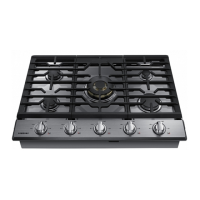
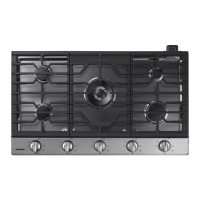
■ The symbol on the control panel, next to the control handle will indicate which burner it operates.
■ If the igniters are dirty, this makes the burner harder to light, so you
should keep them as clean as possible. Do this with a small brush and
make sure that the ignition device is not hit or knocked violently.
■ The flame supervision device shall not be operated for more than 15s. If
after 15s the burner has not lit, stop operating the device and open the
compartment door and/or wait at least 1min before attempting a further
ignition of the burner.
Circle : gas off
Large flame : maximum setting
Small flame : minimum setting
Ignition position




 To Next Page