EasyManua.ls Logo

Samsung HMX-R10SN - User Manual

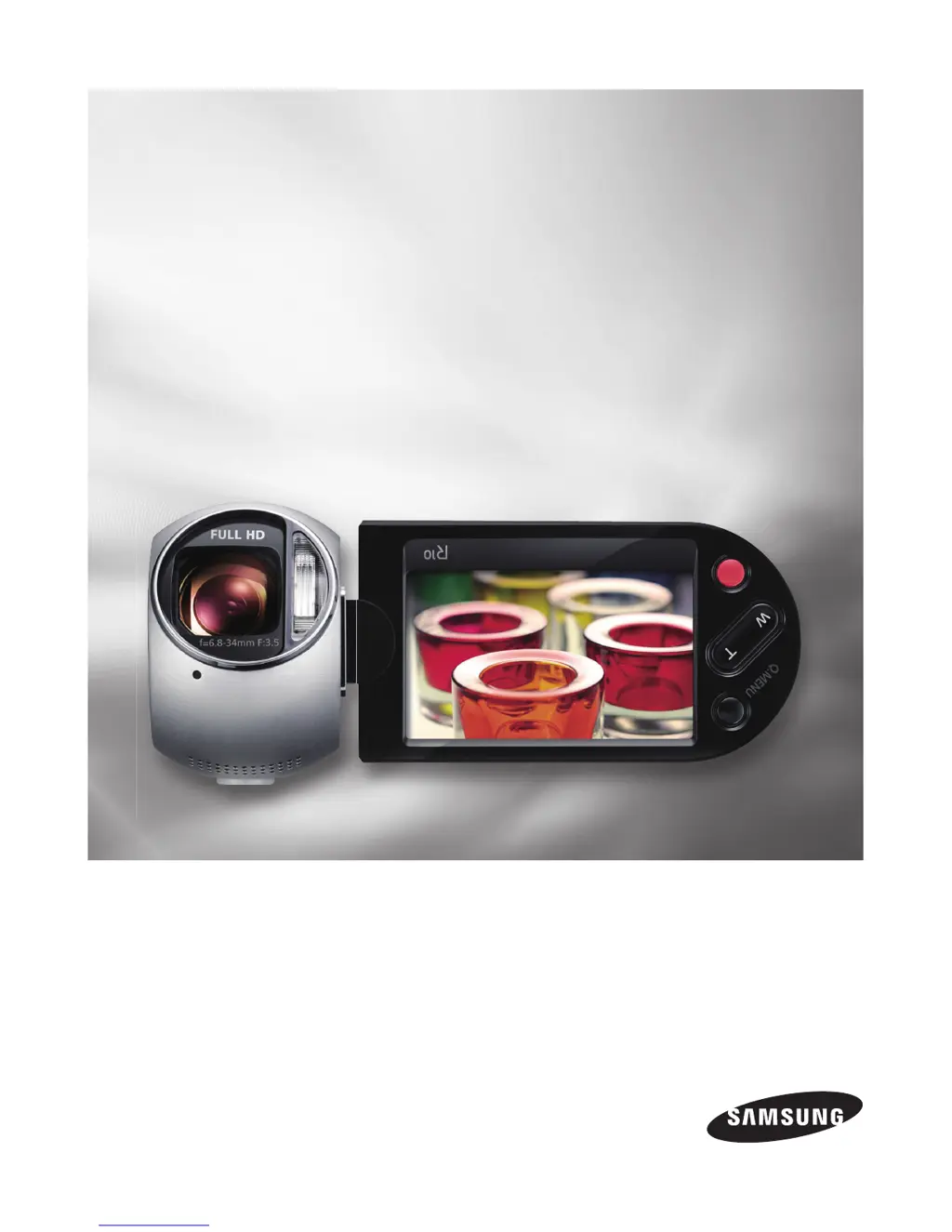
Samsung HMX-R10SN
157 pages
Print Icon
To Next Page IconTo Next Page
Loading...
HMX-R10SN
HMX-R10BN
imagine the possibilities
Thank you for purchasing this Samsung product.
To receive more complete service, please register
your product at
www.samsung.com/register
High Defi nition
Digital Camcorder
user manual

Table of Contents

Questions and Answers

  • R
    rachelwilsonAug 18, 2025
    What to do if my Samsung Camcorder does not turn on?
    • A
      Anthony WatkinsAug 18, 2025
      If your Samsung Camcorder isn't turning on, first, ensure a battery pack is inserted. If a battery is already inserted, it may be discharged. Try charging the battery pack or replacing it with a fully charged one. Also, ensure that the camcorder is properly connected to a wall outlet.
  • Y
    ywhiteAug 21, 2025
    Why does my Samsung HMX-R10SN power turn off automatically?
    • R
      rboydAug 21, 2025
      Your Samsung Camcorder might be turning off automatically because the “Auto Power Off” feature is set to “5 min.” To disable this, change the “Auto Power Off” setting to “Off.” Also, check if the battery pack is low; if so, charge or replace it.
  • J
    johnnicholsAug 23, 2025
    Why is my Samsung HMX-R10SN battery pack quickly discharged?
    • V
      Vanessa LeeAug 23, 2025
      A Samsung Camcorder battery pack might discharge quickly if the temperature is too low. Ensure the battery pack is fully charged. If the battery has reached its lifespan, it may not recharge effectively, so try using another battery pack.
  • M
    Michelle SmithAug 26, 2025
    What to do if my Samsung HMX-R10SN recording stops automatically?
    • M
      Mrs. Melissa LaraAug 26, 2025
      If your Samsung Camcorder stops recording automatically, it could be due to several reasons. First, the storage media may be full, so back up files to your PC and format the storage or delete unnecessary files. If you frequently record or delete files, format the storage media again. Also, using a memory card with low writing speed can cause this issue.
  • D
    David ChurchAug 27, 2025
    Why can't I record a photo image on my Samsung Camcorder?
    • B
      bhintonAug 27, 2025
      If you cannot record a photo image on your Samsung Camcorder, ensure that your camcorder is set to Photo mode. Also, check if the storage media is full; if it is, use a new memory card or format the current one.
  • R
    Robert WelchAug 30, 2025
    How to fix memory card functions that are not operable on Samsung HMX-R10SN Camcorder?
    • M
      mark73Aug 30, 2025
      If memory card functions are not working on your Samsung Camcorder, first ensure the memory card is properly inserted. If you are using a memory card that was formatted on a computer, format it again directly on your camcorder.
  • M
    Megan CummingsSep 1, 2025
    What to do if power cannot be turned off on Samsung Camcorder?
    • J
      James RobinsonSep 1, 2025
      If the power cannot be turned off on your Samsung Camcorder, remove the battery pack or unplug the AC power adapter. Then, reconnect the power supply to the camcorder before turning it on again.
  • N
    Nicole LopezSep 3, 2025
    How to fix unknown image that appears on the LCD screen of Samsung Camcorder?
    • D
      Donald RaySep 4, 2025
      If an unknown image appears on the LCD screen of your Samsung Camcorder, the camcorder may be in Demo mode. To disable the demo image, change the “Demo” setting to “Off.”
  • C
    Christopher JohnsonSep 6, 2025
    How to display date and time during recording on Samsung Camcorder?
    • K
      Kevin WalkerSep 6, 2025
      If the date and time do not display during recording on your Samsung Camcorder, the “Date/Time Display” setting is likely set to “Off.” Change the “Date/Time Display” setting to “On.”
  • J
    Joshua PhillipsSep 8, 2025
    How to fix image that cannot be moved or deleted on Samsung Camcorder?
    • T
      Timothy MarquezSep 8, 2025
      If an image cannot be moved or deleted on your Samsung Camcorder, release the lock on the write-protect tab of the memory card. Also, if the image is protected, release the protection of the image on the device.

Samsung HMX-R10SN Specifications

General IconGeneral
Sensor TypeCMOS
Effective Pixels10.2 MP
Video Resolution1920 x 1080
Optical Zoom10x
Digital Zoom120x
Battery TypeLithium-Ion
Video FormatH.264
Image FormatJPEG
TypeCamcorder
Display2.7-inch LCD
Storage MediaSD/SDHC card
Battery LifeApprox. 2 hours

Related product manuals