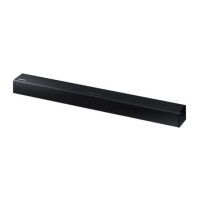
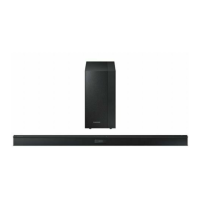
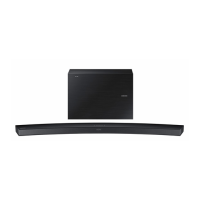
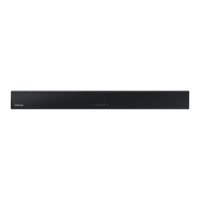
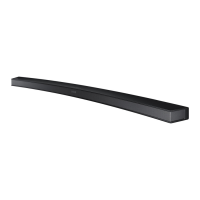
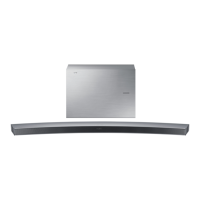
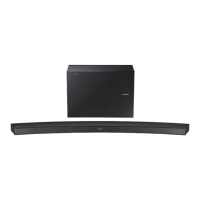
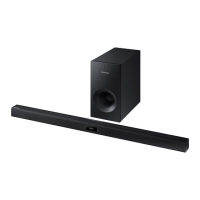
This document is a user manual for the Samsung HW-JM35 Wireless Audio - Soundbar. It provides comprehensive information on the device's features, safety precautions, setup, connections, functions, troubleshooting, and specifications.
The Samsung HW-JM35 is a Wireless Audio Soundbar designed to enhance your audio experience. It offers several key features to deliver immersive sound and convenient control. One of its primary functions is TV SoundConnect, which allows you to listen to audio from your TV on the Soundbar via a Bluetooth connection, providing seamless integration and control over the sound. The Soundbar also boasts a SURROUND SOUND feature, adding depth and spaciousness to your listening experience, making movies and music more engaging. For personalized audio, it includes Special Sound Effects, offering various modes such as STANDARD (Original Sound), MUSIC, VOICE, SPORTS, CINEMA, and NIGHT MODE, allowing you to tailor the sound to the specific content you are enjoying.
The device comes with a Multi-function Remote Control, enabling you to manage various operations with ease. For playing your digital music collection, the Soundbar supports USB Host, allowing you to connect external USB storage devices like MP3 players and USB flash drives to play music files directly. The integrated Bluetooth Function enables wireless connection to Bluetooth-enabled devices, letting you stream music with high-quality stereo sound without the clutter of cables. Furthermore, the Samsung Audio Remote App provides an additional layer of control, allowing you to manage the Soundbar using your smart device by downloading the app from the Google Play store.
In terms of safety and maintenance, the manual emphasizes several precautions. It warns against exposing the appliance to rain or moisture to reduce the risk of fire or electric shock. The device must be securely attached to the floor or wall to prevent injury. Users are advised not to expose the apparatus to dripping or splashing liquids and to avoid placing liquid-filled objects on it. To fully power off the unit, the power plug must be pulled from the wall socket, ensuring it is easily accessible. During thunderstorms, disconnecting the AC plug from the wall outlet is recommended to prevent damage from voltage peaks. The Soundbar should not be exposed to direct sunlight or other heat sources, as this can lead to overheating and malfunction. Protection from moisture, excessive heat, and strong magnetic or electric fields is crucial. If the unit malfunctions, the power cable should be disconnected. The product is designed for personal use, not industrial. If the unit has been stored in cold temperatures, it should be allowed to reach room temperature for approximately 2 hours before use to prevent condensation. The remote control uses a coin/button cell battery, and the manual includes a warning about the chemical burn hazard if ingested, urging users to keep batteries away from children and seek immediate medical attention if swallowed.
The installation process for the wall mount is detailed, including precautions such as installing on a vertical wall only, avoiding high temperature or humidity, and ensuring the wall can support the unit's weight. It specifies the type of screws to use and advises connecting cables before wall installation. The manual also provides instructions for detaching the wall mount and installing the bracket without the full guide.
Connecting external devices is straightforward, with options for both Audio (analogue) cable and Optical (digital) cable. Users are reminded not to connect the power cord until all component connections are complete and to disconnect the power cord before moving or installing the product.
The Soundbar's functions include various input modes such as D.IN, AUX, BT, TV, and USB, which can be selected via the main unit or remote control. The unit features an auto-off function in certain modes if there is no audio signal or if the AUX cable is disconnected. The Bluetooth connection process is explained, including pairing with devices, handling disconnections, and troubleshooting potential issues like interference or range limitations. The Bluetooth POWER On function allows the Soundbar to automatically turn on when a previously paired Bluetooth device attempts to connect or when a connected TV is turned on.
For USB playback, the manual outlines how to connect USB devices and navigate files. It lists compatible file formats and codecs, along with sampling rates and bitrates. Important considerations for USB devices include file name length, compatibility with certain storage media, and supported file systems (FAT16 and FAT32).
Software updates are also covered, explaining how to update the firmware using a USB device. Users are advised to load update files one at a time, avoid disconnecting power during updates, and note that settings will reset to factory defaults after an update. The manual also mentions the DUAL BOOT function, which allows for re-updating if the firmware fails.
Troubleshooting tips are provided for common issues such as the unit not turning on, buttons not working, no sound output, remote control malfunction, and TV SoundConnect pairing failures. These tips guide users through basic checks and solutions before contacting customer support.
Overall, the Samsung HW-JM35 Soundbar is designed to offer a versatile and user-friendly audio solution with a focus on connectivity, sound customization, and ease of use, complemented by clear safety and maintenance guidelines.


 To Next Page
 General