When connect 2 devices are used wireless communication between them, connect them with
wireless connector automatically
When need to connect using common connector, connect them ETC connector automatically.
A. Choose style for connection
Select connection style for using your diagram.
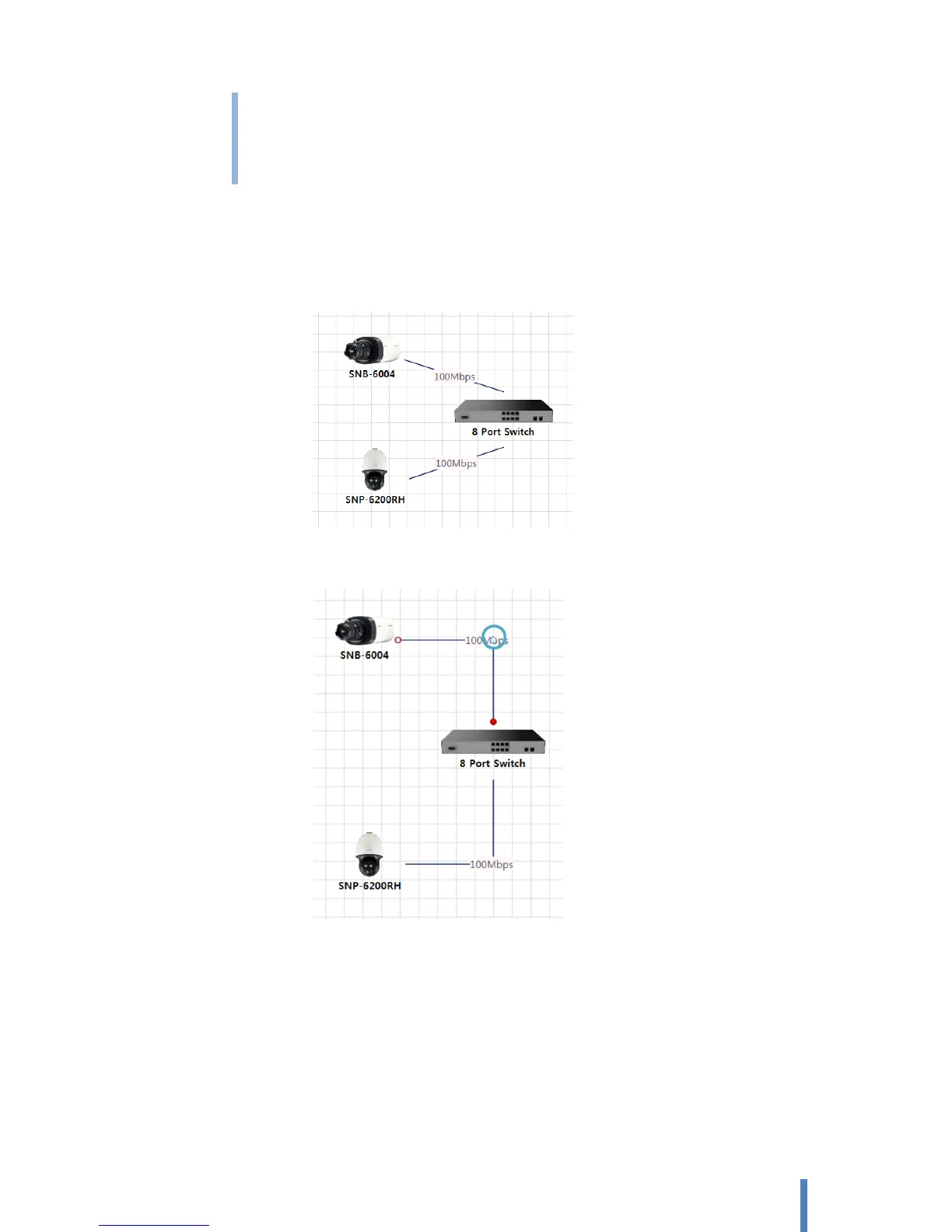
Straight: Using straight line for connecting between 2 devices
Polyline: Using polygonal line for connecting between 2 devices. You can change shape of
your polyline by adjusting one or two intermediate points.
Bezier: Using Bezier line for connecting between 2 devices. You can change angle of your
Bezier line by adjusting two auxiliary points.



 To Next Page