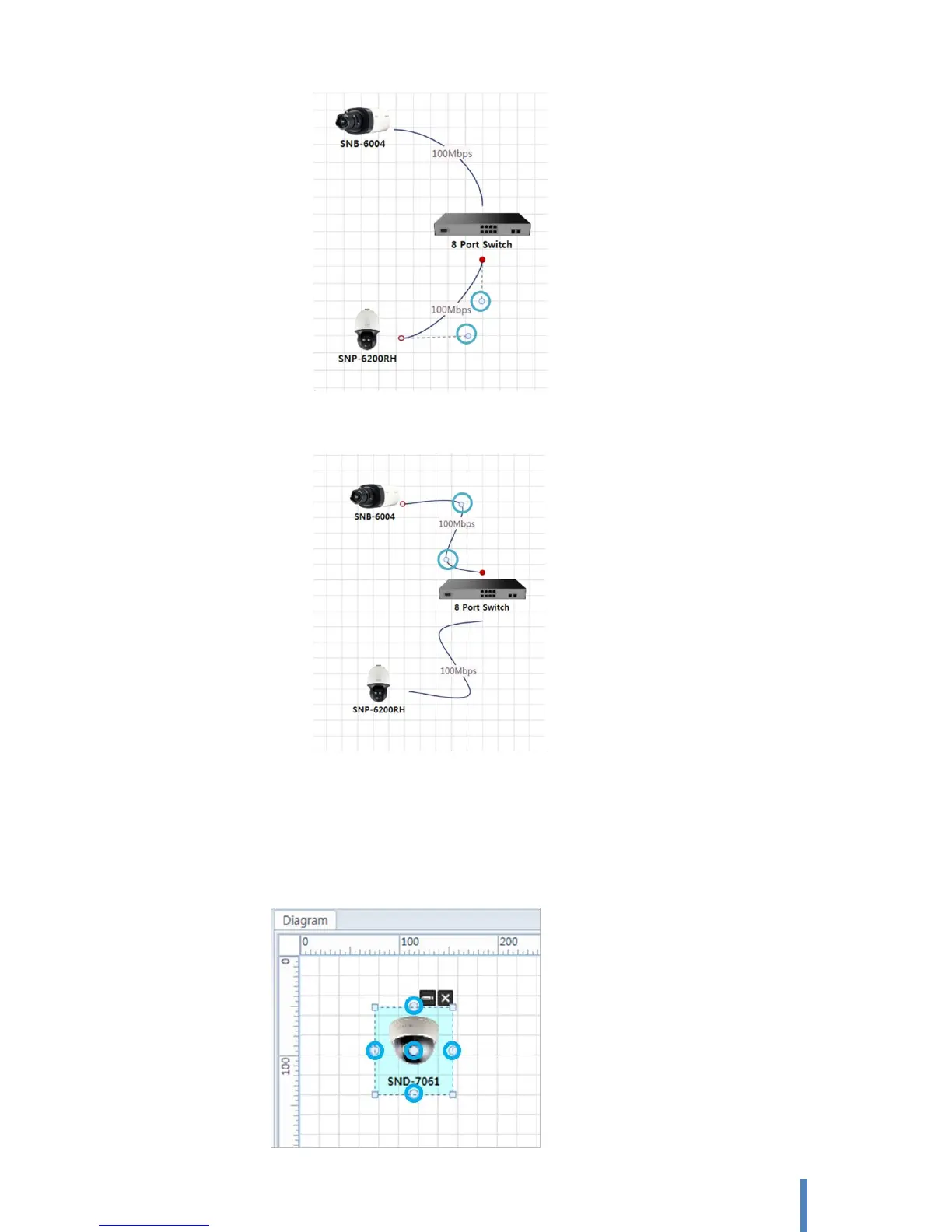
Spline: Using spline for connecting between 2 devices. You can change shape and angle of
your spline by adjusting two intermediate points
B. Connect with mouse [Pointer]
Select [HOME] > [Tool] > [Pointer]. When an object selected, it provides visual cues that show
you where connections can be made. Each point at which a connection can be made is marked
with a connection point, as below figure shows in blue. Click one of connection points on an
object, drag it to another object.



 To Next Page