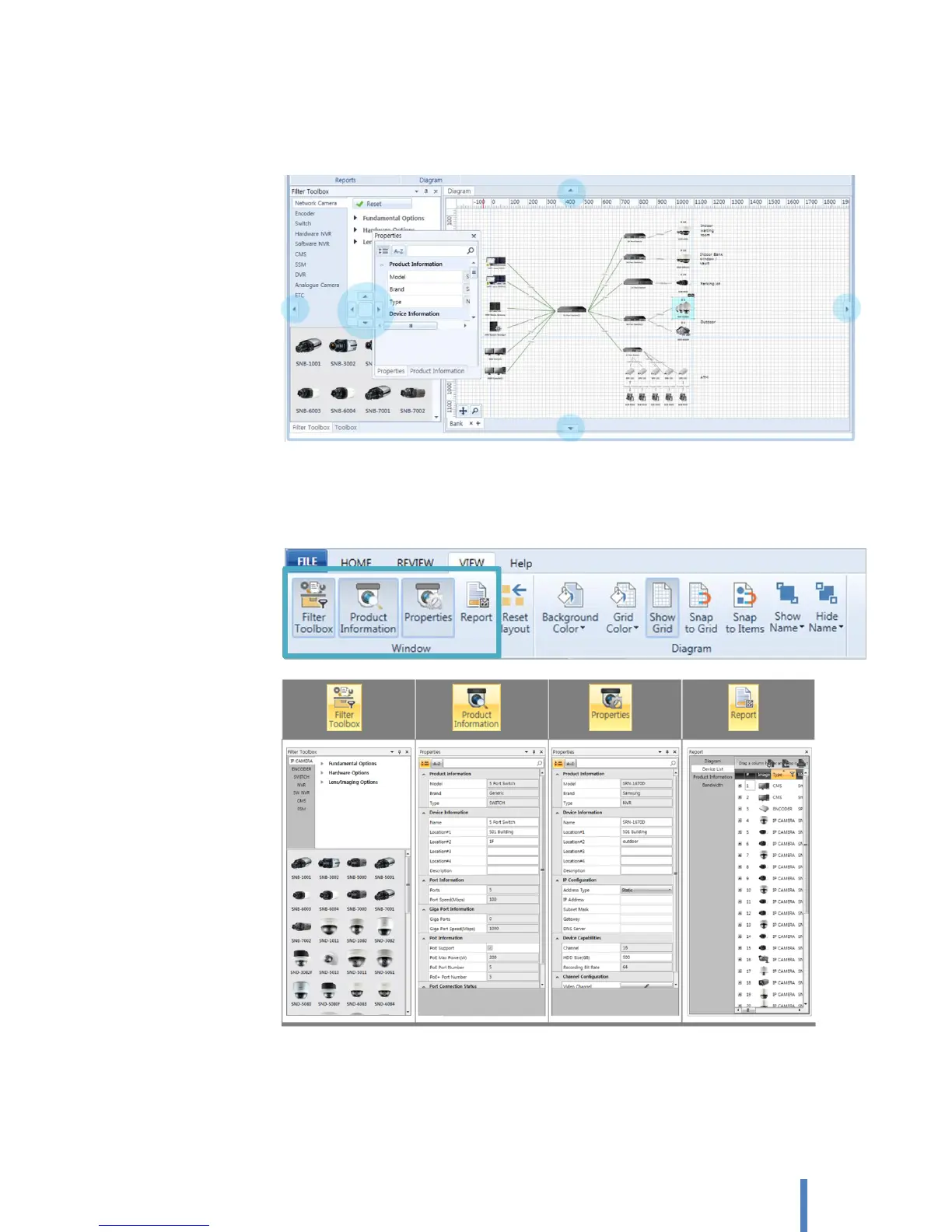
To move each pane, drag the pane title or title tab to the new location. If you drag the pane
arrows appears to indicate where to move. When you drop the pane on an arrow, it becomes
docked.
B. Show/Hide each pane
Click [VIEW] > [Window]. You can show each pane by click the control as selected button. You
can close the pane by click again as unselected button.
Layout resetting
Click [VIEW] > [Window] and select [Reset layout] button. This reset the changed task pane to default setting.



 To Next Page