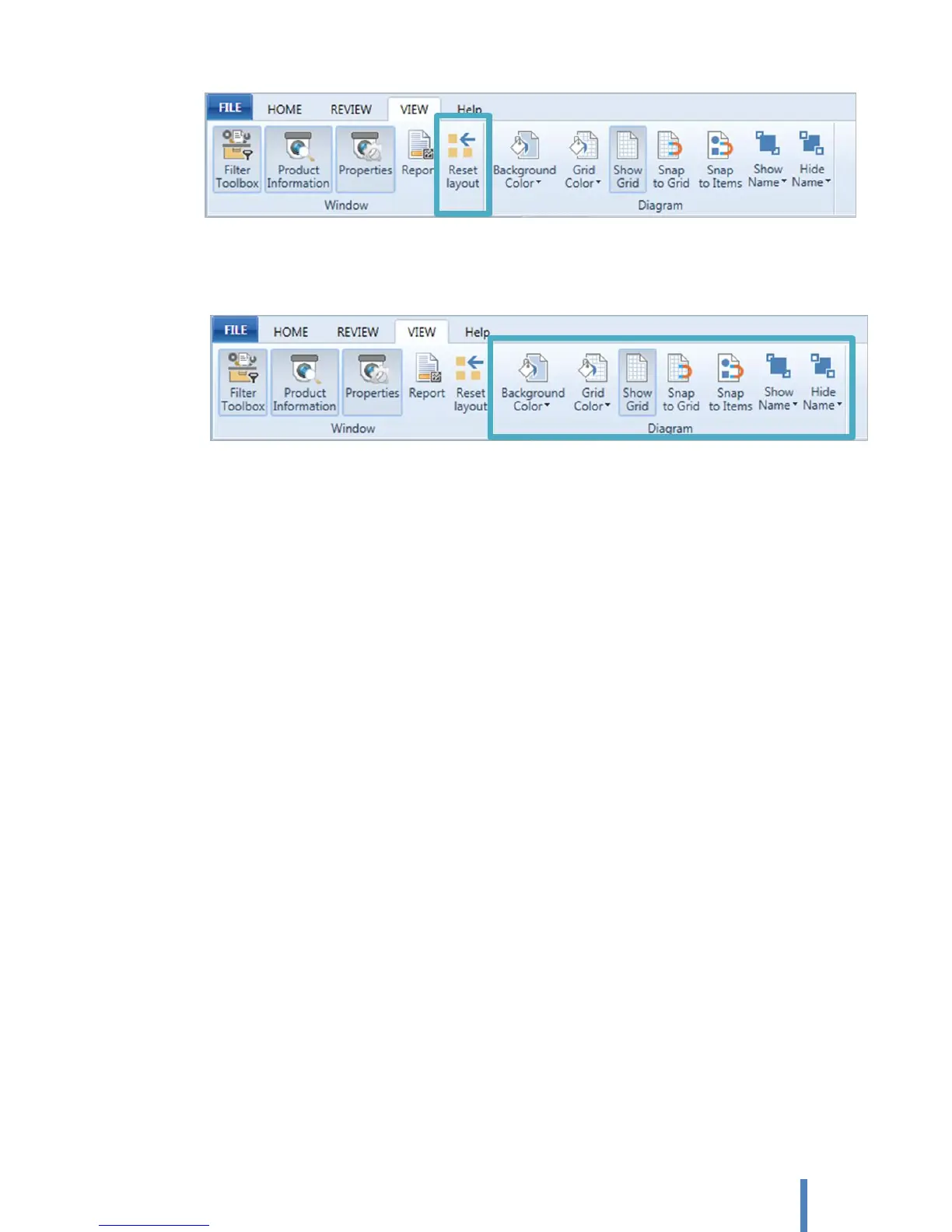
Diagram pane setting
The lines of the grid crisscross on diagram pane help you position shapes on your diagram.
A. Background Color: To change the background color of a diagram.
B. Grid Color: To change the grid color.
C. Show Grid: To specify to show or clear the grid on a diagram.
D. Snap to Grid: To position objects or objects to the closest intersection of the grid.
E. Snap to Items: To move an object to snap to the nearest object.
F. Show Name
Show name of all: Show name or property of all devices and connections on a diagram
Show name of all devices: Show name of all devices on a diagram
Show name of all connections : Show property of all connections on a diagram
Show name of the selected item: Show name or property of selected devices and
connections on a diagram
G. Hide Name
Hide name of all: Hide name or property of all devices and connections on a diagram
Hide name of all devices: Hide name of all devices on a diagram
Hide name of all connections: Hide property of all connections on a diagram
Hide name of the selected items: Hide name or property of selected devices and
connections on a diagram



 To Next Page