Need help?
Do you have a question about the Samsung LCD 24B and is the answer not in the manual?
Information about the manual's publication, copyright, and disclaimer.
Statement of compliance with EU directives for the DCS Gateway.
Describes the designated purpose and connection of the digital telephone.
Explains keysets, call indications, speakerphone, keypad, and volume controls.
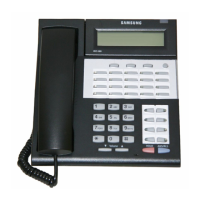
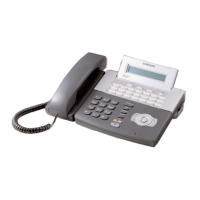
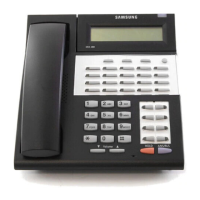
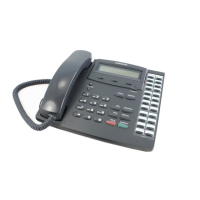
Details the physical layout and keys for LCD 24B, 12B, and 6B models.
Explains using codes as an alternative to key programming for features.
Instructions for making, answering, and recalling outside calls.
Covers queuing with callback and sending flash for busy lines.
Steps for making, answering, and initiating internal calls.
Covers Auto Answer mode and Busy Extension/Group Callback.
Guides on placing calls on hold and recalling them.
Covers call transfers, camp-on, and setting up conference calls.
Details keypad usage, system and personal speed dial numbers.
Explains last number redial, save number, automatic redial, and one-touch auto dialing.
Instructions for making internal and external pages.
Covers setting, cancelling, and returning message indications.
Explains blocking incoming calls and muting the microphone.
Covers setting alarms, background music, and hot/warm line features.
Guides on assigning system features to programmable keys.
Explains directory, dialled numbers, and Caller Line Identification (CLIP).
Covers selecting ring tones, setting auto-answer, and headset operation.
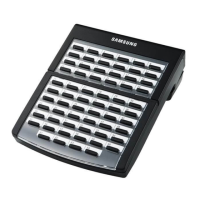
Details Autocom, Auto Dial BLF, and Add-On Modules.
Lists feature codes and guides for speed dial and access codes.

 To Next Page
 General