Settings
108
Samsung Cloud
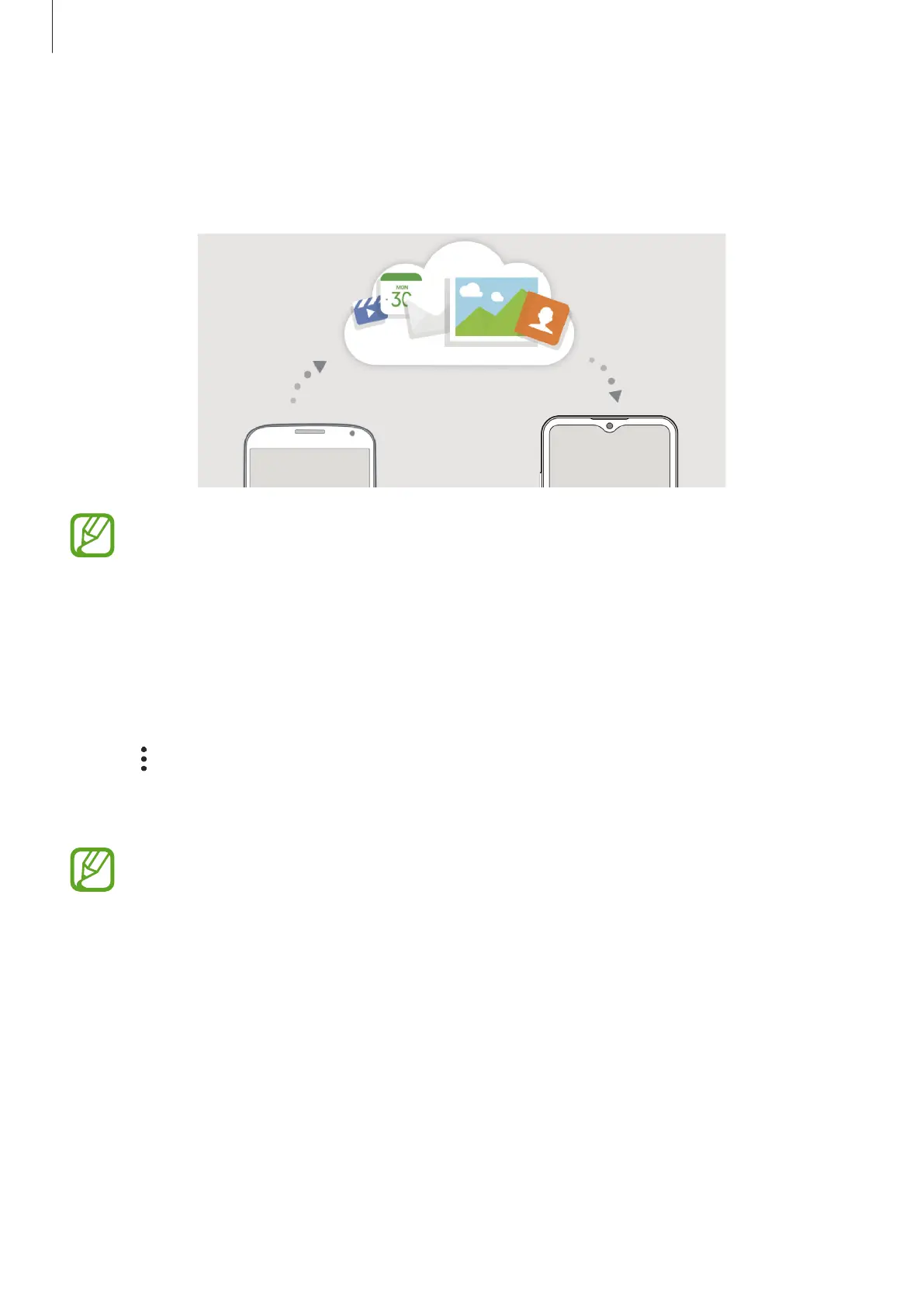
Sync your device’s data with Samsung Cloud and view the data you have synced in each app.
You can also back up your device’s data to Samsung Cloud and restore it later.
To use Samsung Cloud, you must sign in to your Samsung account.
Syncing data
You can sync data saved in your device with Samsung Cloud and access it from other devices.
1
On the Settings screen, tap
Accounts and backup
→
Samsung Cloud
.
2
Tap
→
Settings
→
Sync and auto backup settings
→
Sync
.
3
Tap the switches next to the items you want to sync with.
You can check the saved data or change the settings by tapping
Other synced data
or
Samsung Cloud Drive
.



 To Next Page