Settings
99
•
Accidental touch protection
: Set the device to prevent the screen from detecting touch
input when it is in a dark place, such as a pocket or bag.
•
Screensaver
: Set the device to launch a screensaver when the device is charging. Refer to
Screensaver for more information.
Dark mode
Reduce eye strain by applying the dark theme when using the device at night or in a dark
place.
•
The dark theme may not be applied in some apps.
•
You can quickly activate or deactivate dark mode on the notification panel. Open
the notification panel, swipe downwards, and then tap
(
Dark mode
).
1
On the Settings screen, tap
Display
→
Dark mode
and tap the
Turn on now
switch to
activate it.
2
To set the schedule to apply dark mode to the screen, tap the
Turn on as scheduled
switch to activate it and select an option.
•
Sunset to sunrise
: Set the device to turn on dark mode at night and turn it off in the
morning based on your current location.
•
Custom schedule
: Set a specific time to turn on and off dark mode.
Font size and style
Change the font size and style.
1
On the Settings screen, tap
Display
→
Font size and style
.
2
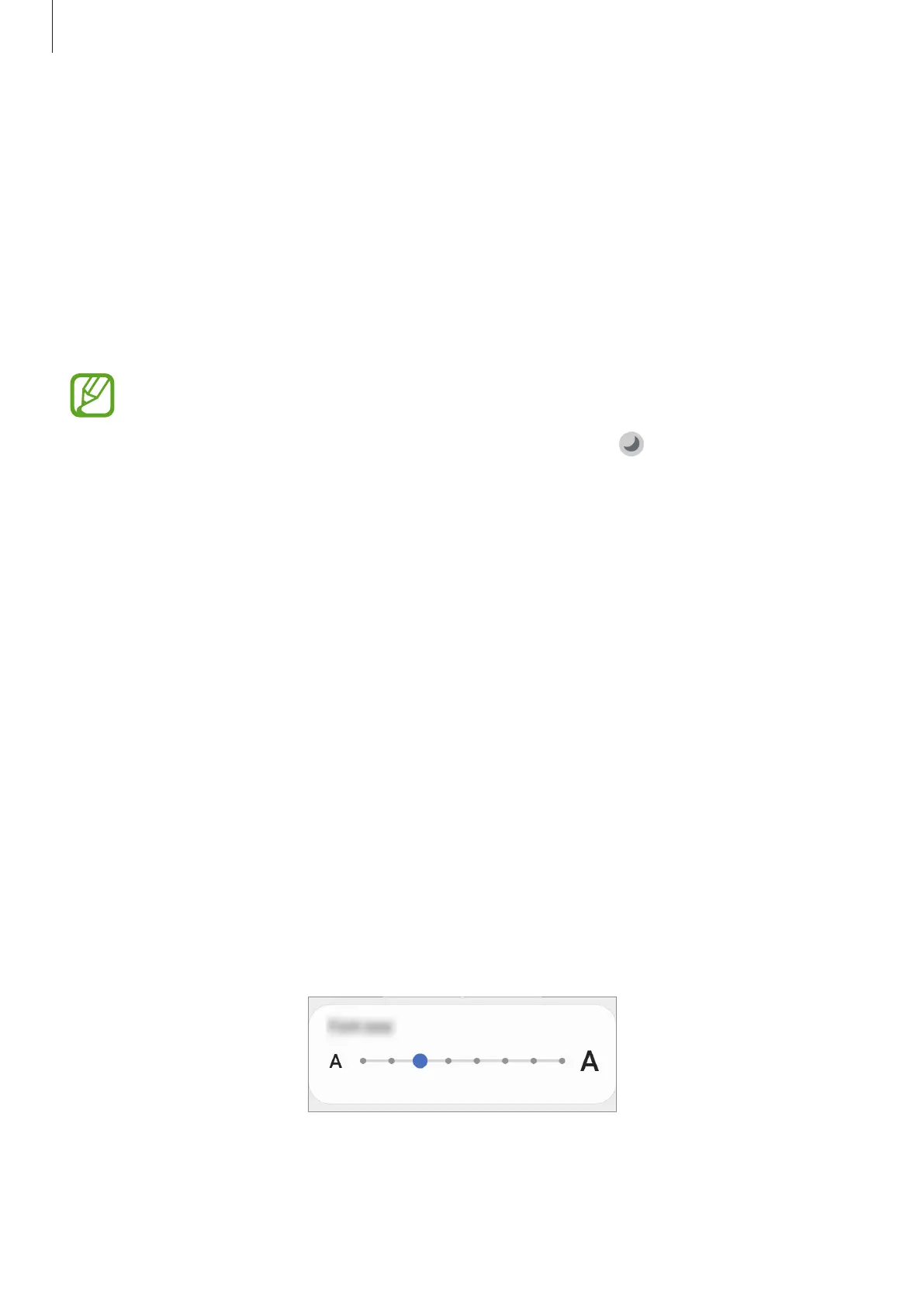
Change the font style and boldness setting and drag the adjustment bar under
Font size
to change the size.



 To Next Page