Settings
111
Motions and gestures
Activate the motion feature and configure settings.
On the Settings screen, tap
Advanced features
→
Motions and gestures
.
•
Double tap to wake
: Set the device to turn on the screen by double-tapping anywhere
on the screen while the screen is turned off.
•
Easy mute
: Set the device to mute incoming calls or alarms by facing the device’s screen
downwards.
•
Swipe to call or send messages
: Set the device to make a call or send a message when
you swipe to the right or left on a contact or a phone number in the
Phone
or
Contacts
app.
Dual Messenger
Install the second app and use two separate accounts for the same messenger app.
1
On the Settings screen, tap
Advanced features
→
Dual Messenger
.
Supported apps will appear.
2
Tap the switch of an app to install the second app.
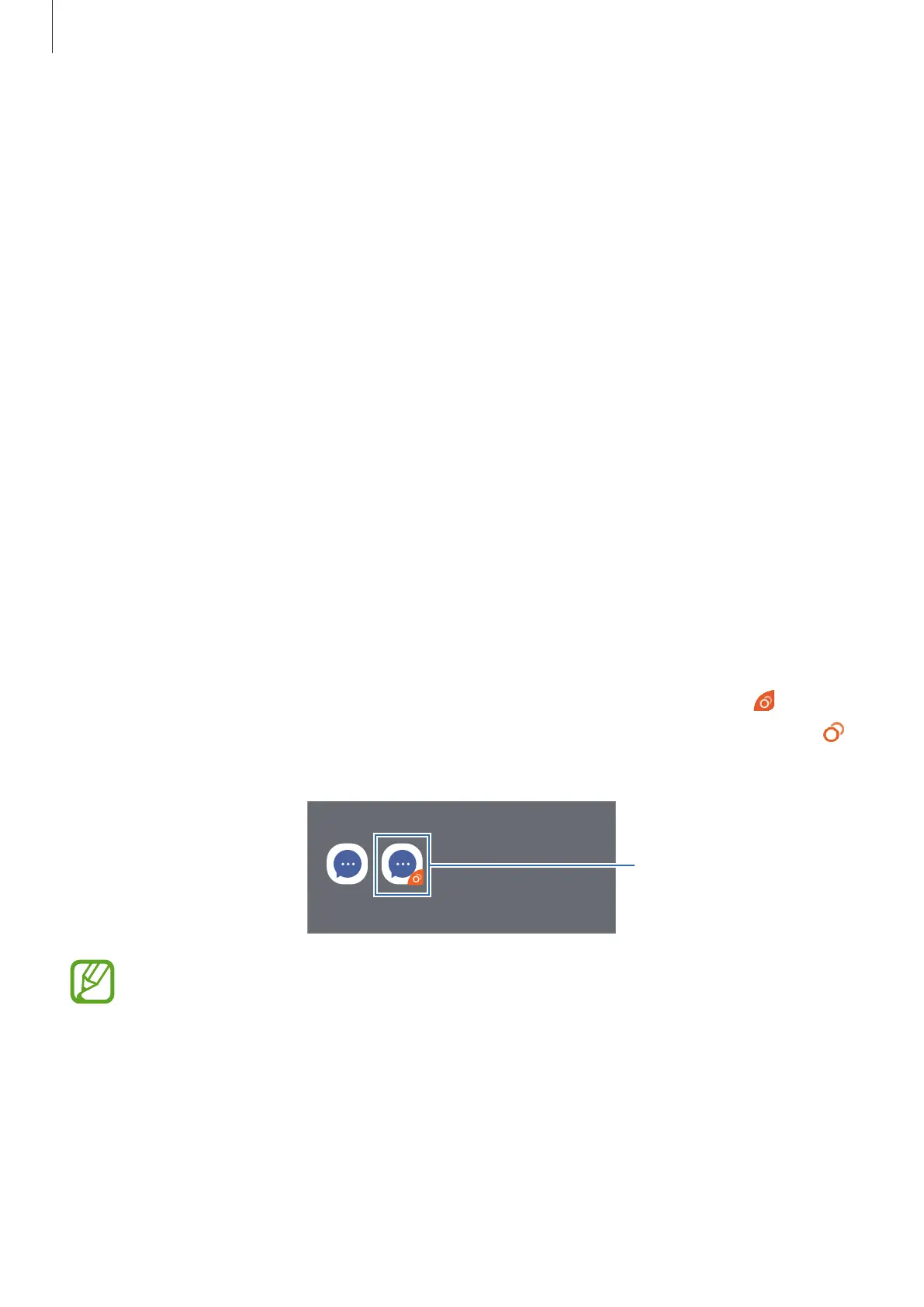
The second app will be installed. The second app’s icon will be displayed with
. When
you receive notifications from the second app, the notifications will be displayed with
to distinguish them from the first app’s notifications.
Second app
•
The Dual Messenger feature may not be available depending on the app.
•
Some features of the app may be limited for the second app.



 To Next Page