Basics
20
Turning the device off
1
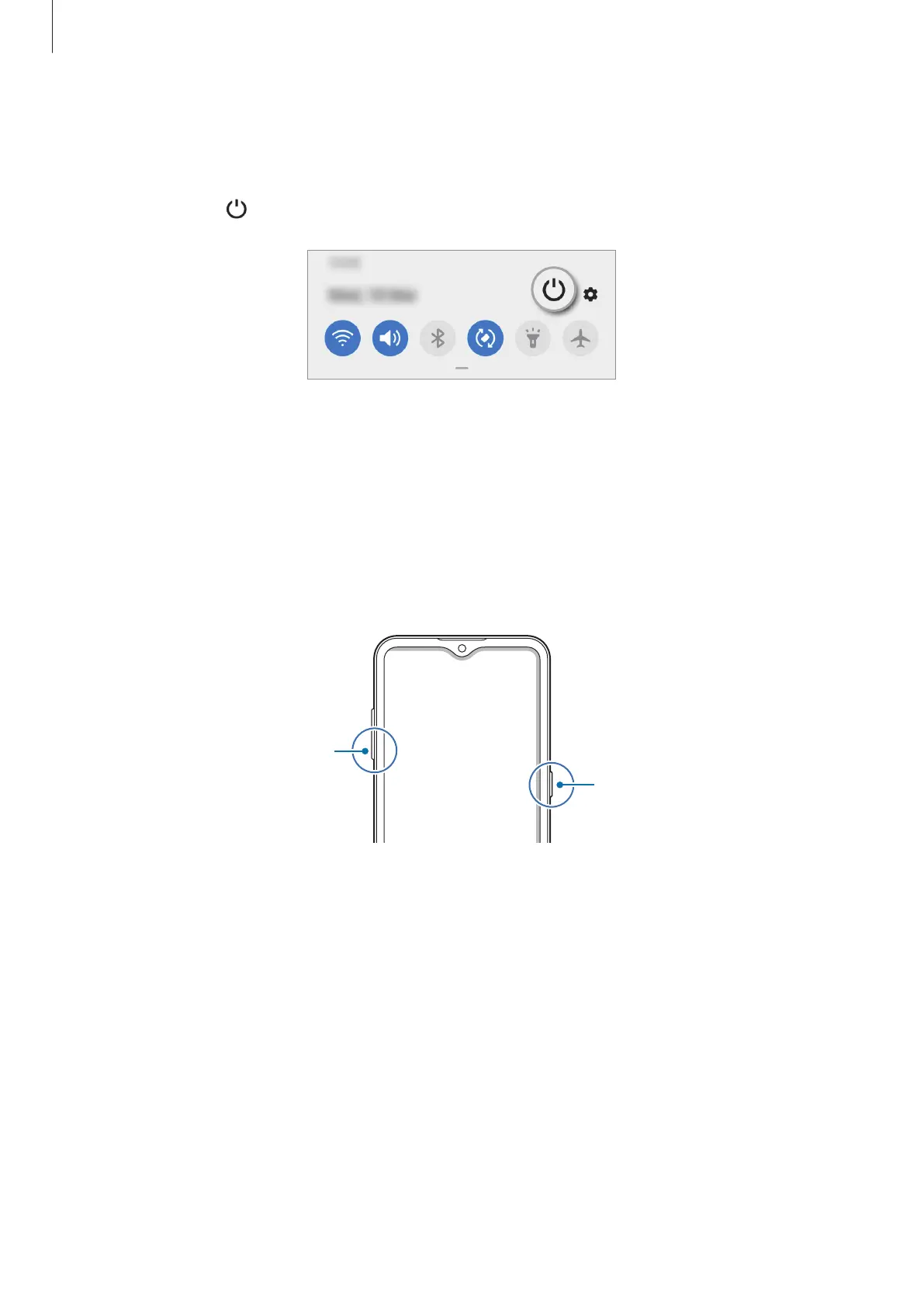
To turn off the device, press and hold the Side key. Alternatively, open the notification
panel and tap
.
2
Tap
Power off
.
To restart the device, tap
Restart
.
Forcing restart
If your device is frozen and unresponsive, press and hold the Side key and the Volume Down
key simultaneously for more than 7 seconds to restart it.
Side key
Volume Down key



 To Next Page