Basics
29
Home screen and Apps screen
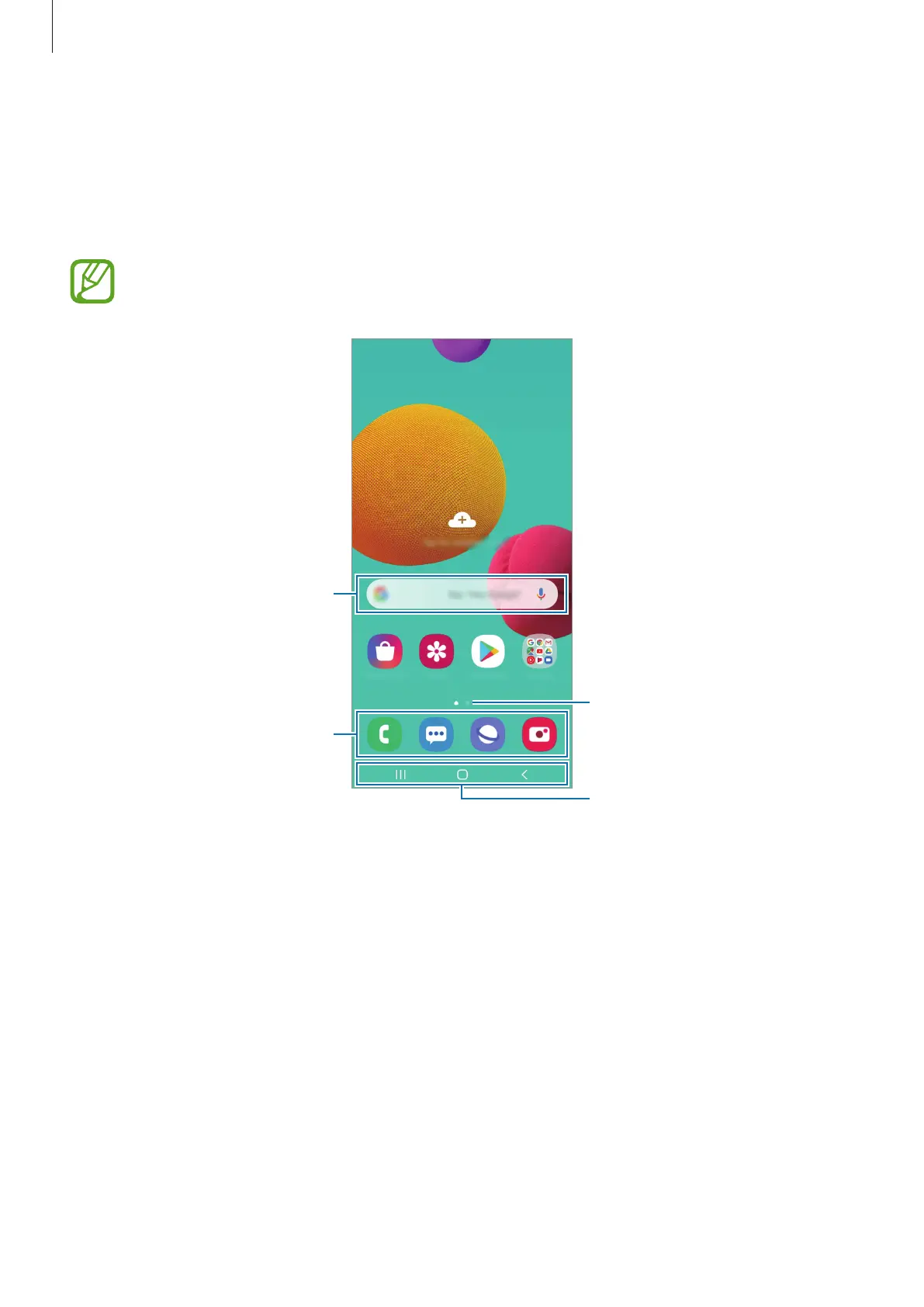
The Home screen is the starting point for accessing all of the device’s features. It displays
widgets, shortcuts to apps, and more.
The Apps screen displays icons for all apps, including newly installed apps.
The screen may appear differently depending on the region or service provider.
A widget
Navigation bar (soft buttons)
Favourite apps
Screen indicator



 To Next Page