Basics
37
Screen capture
Capture a screenshot while using the device.
Press and hold the Volume Down key and the Side key simultaneously. Captured screenshots
will be saved in
Gallery
.
It is not possible to capture a screenshot while using some apps and features.
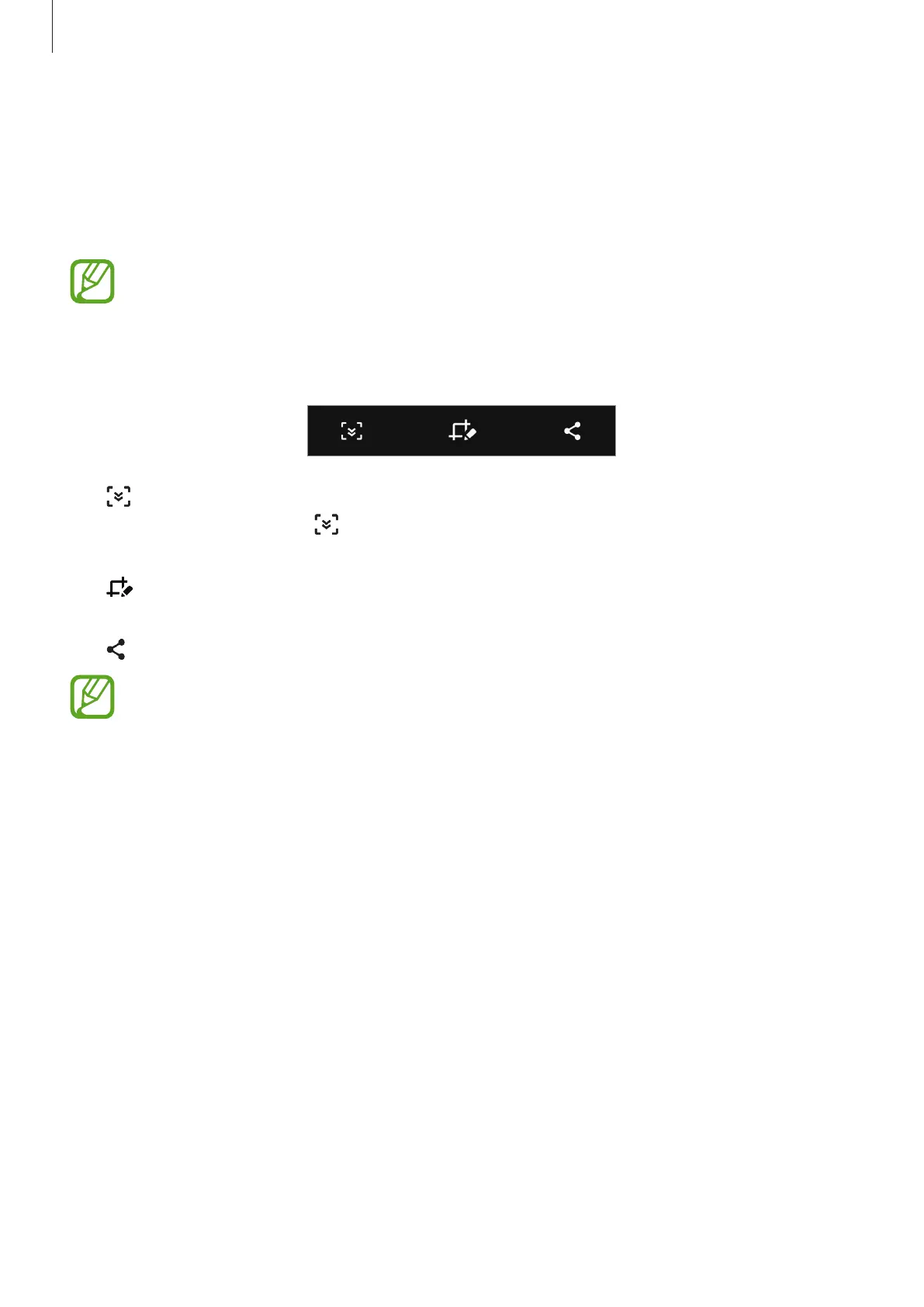
After capturing a screenshot, use the following options on the toolbar at the bottom of the
screen:
•
: Capture the current content and the hidden content on an elongated page, such as a
webpage. When you tap
, the screen will automatically scroll down and more content
will be captured.
•
: Write or draw on the screenshot or crop a portion from the screenshot. The cropped
area will be saved in
Gallery
.
•
: Share the screenshot with others.
If the options are not visible on the captured screen, launch the
Settings
app, tap
Advanced features
→
Screenshots
, and then tap the
Screenshot toolbar
switch to
activate it.



 To Next Page