Apps and features
61
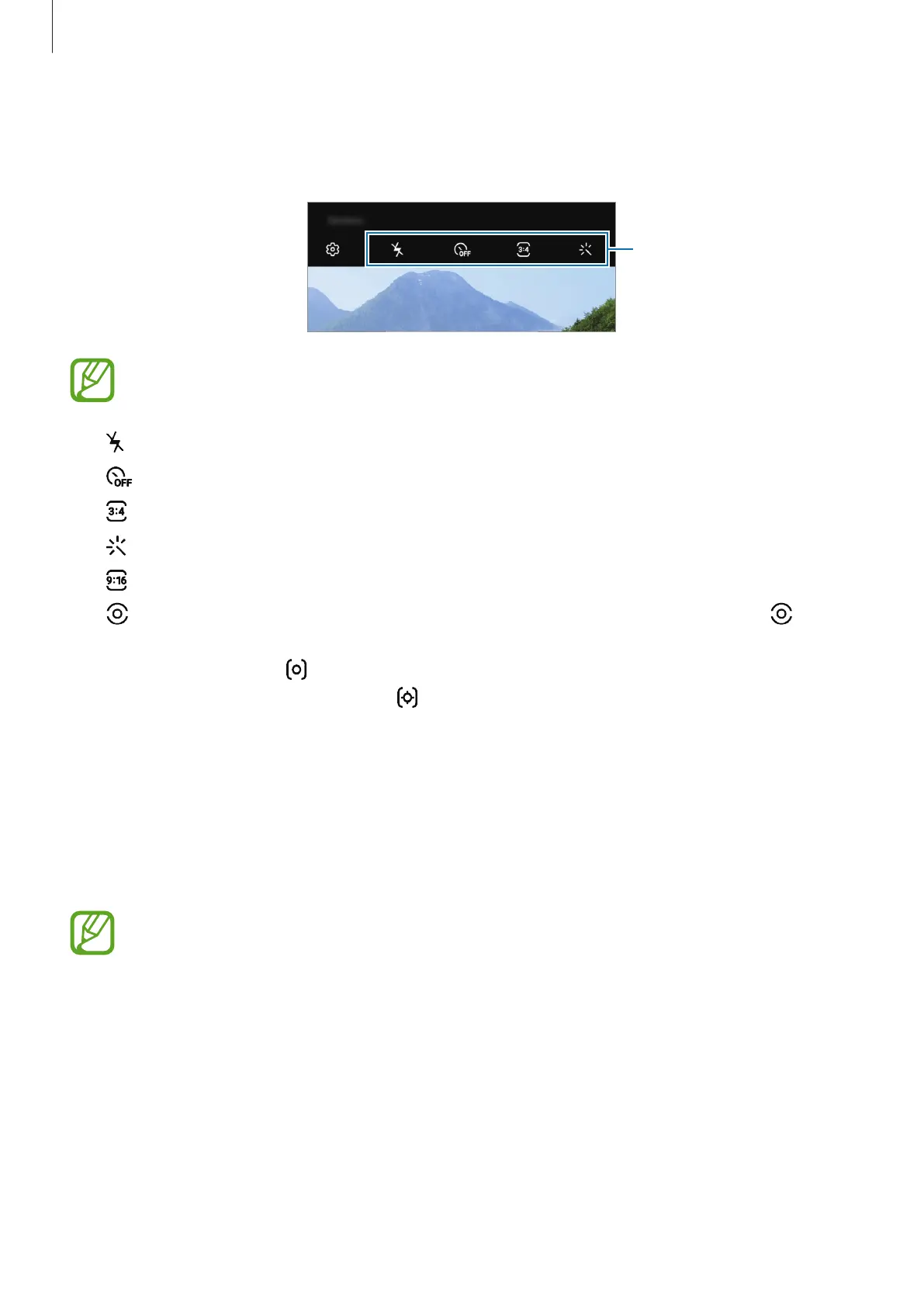
Options for current shooting mode
On the preview screen, use the following options.
Options for current
shooting mode
The available options may vary depending on the shooting mode.
•
: Activate or deactivate the flash.
•
: Select the length of the delay before the camera automatically takes a photo.
•
: Select an aspect ratio for photos.
•
: Apply a filter effect or beauty effects.
•
: Select an aspect ratio for videos.
•
: Select a metering method. This determines how light values are calculated.
Centre-weighted
uses the light in the centre portion of the shot to calculate the
exposure of the shot.
Spot
uses the light in a concentrated centre area of the shot to
calculate the exposure of the shot.
Matrix
averages the entire scene.
Locking the focus (AF) and exposure (AE)
You can lock the focus or exposure on a selected area to prevent the camera from
automatically adjusting based on changes to the subjects or light sources.
Tap and hold the area to focus, the AF/AE frame will appear on the area and the focus and
exposure setting will be locked. The setting remains locked even after you take a photo.
This feature is available only in
PHOTO
or
PRO
modes.



 To Next Page