Apps and features
68
Searching for images
Launch the
Gallery
app and tap to view images sorted by category, such as types or
locations.
To search for images by entering keywords, tap the search field.
Viewing images
1
Launch the
Gallery
app and tap
Pictures
.
2
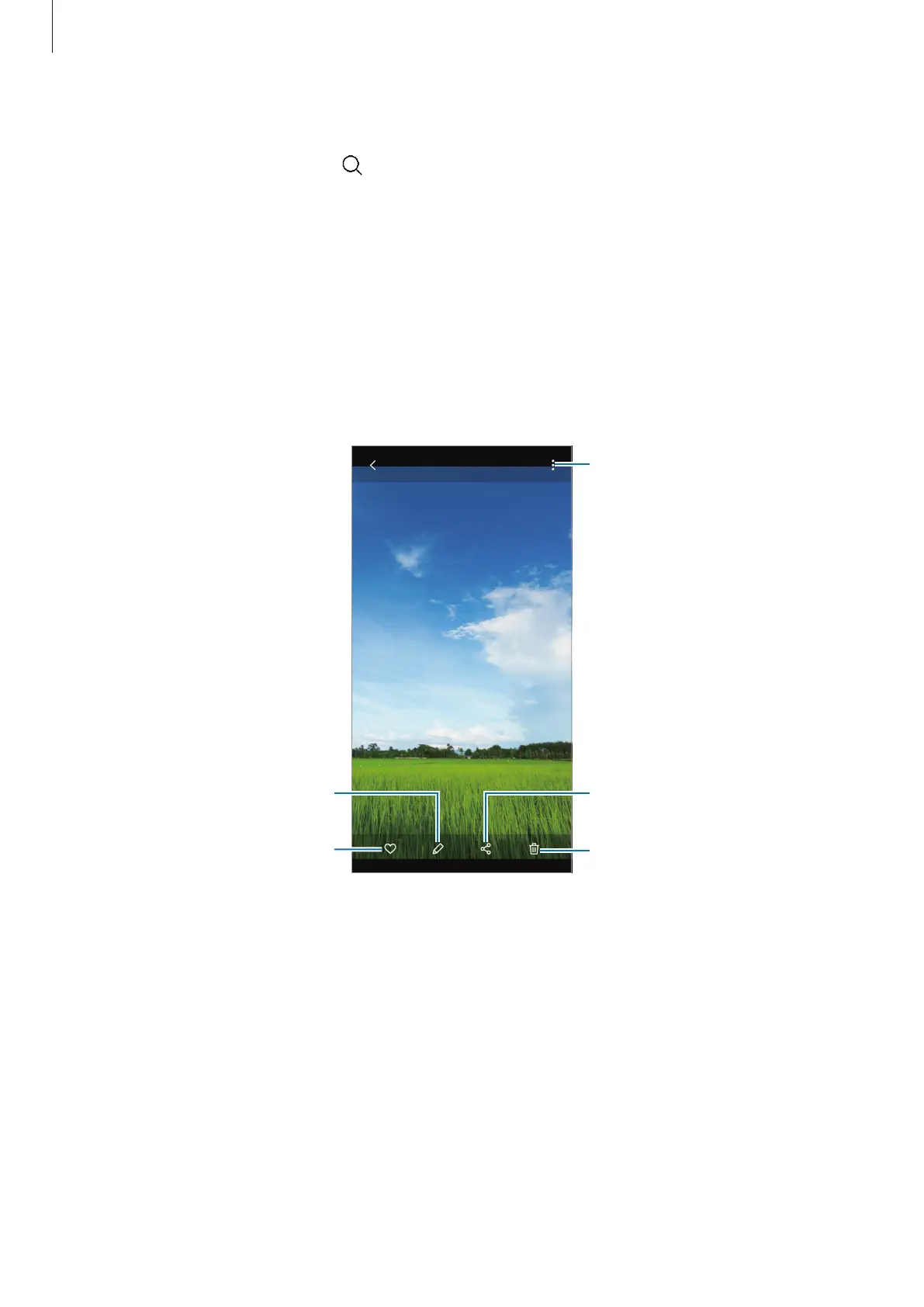
Select an image.
Access additional options.
Delete the image.
Share the image with others.
Modify the image.
Add the image to favourites.



 To Next Page