4. Alignment and Troubleshooting
4-35
Samsung Electronics
Service Manual
ML-331x/371x series
● Code
M3-1110
● Error message
Paper Jam in exit area.
● Symptom / Cause
A paper jam was detected in the exit area.
1. There is some obstacles in the paper path.
● Troubleshooting method
1. Remove the jammed paper.
2. Check if there is any obstacles or contamination in the paper path. If yes, clean or remove it.
● Code
M3-2130
● Error message
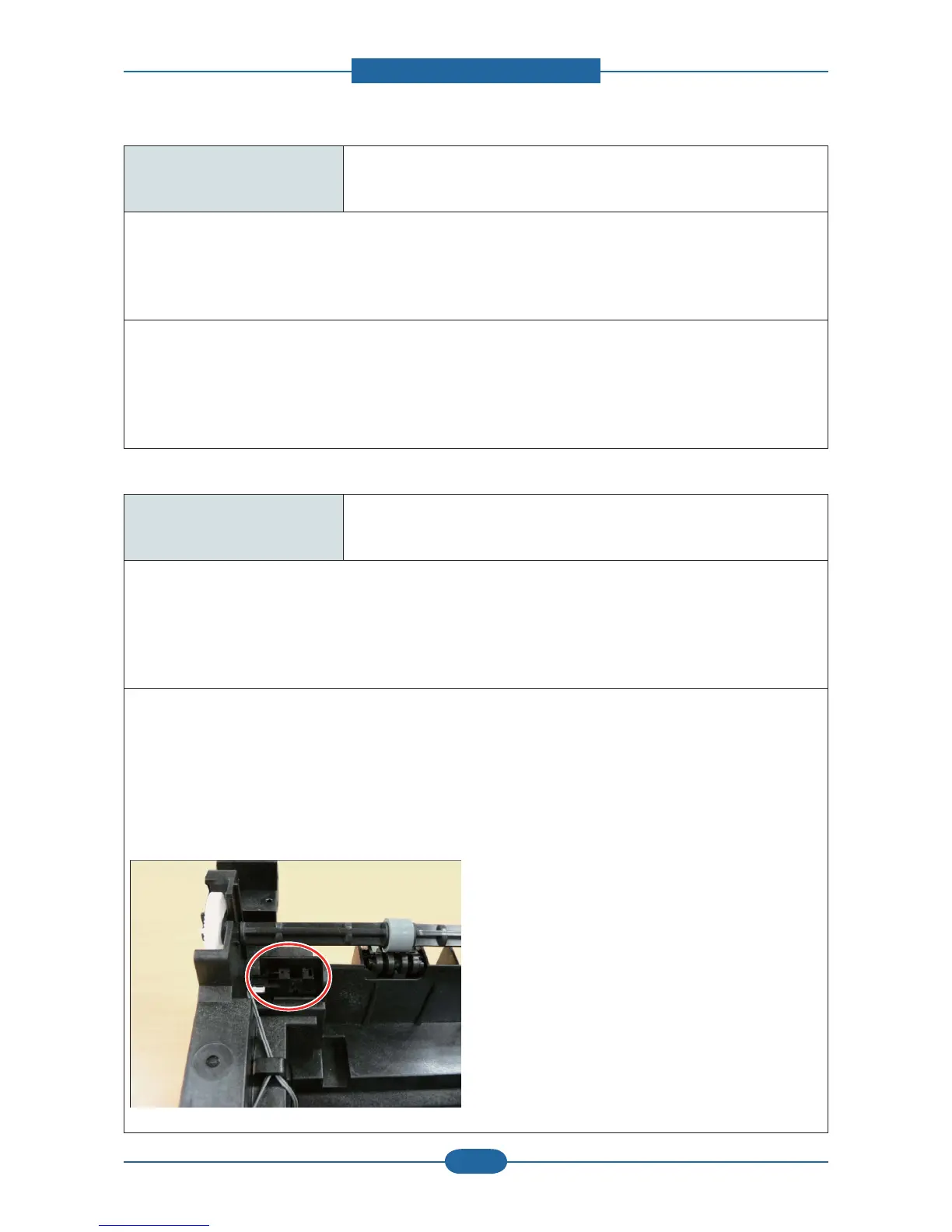
Output bin full. Remove paper.
● Symptom / Cause
The machine detected that the output tray has got full or the bin-full sensor is defective.
1. Output tray is full.
2. Outbin full sensor connection is wrong.
● Troubleshooting method
1. Remove the paper on the output tray.
(The maximum loading capacity is 150 sheets based on standard paper(80g/m2).)
2. Check if the Bin-full Sensor connector is connected properly.
Reconnect it or replace the Bin-full sensor.











 To Next Page