Troubleshooting_40
Common Windows problems
Common Macintosh problems
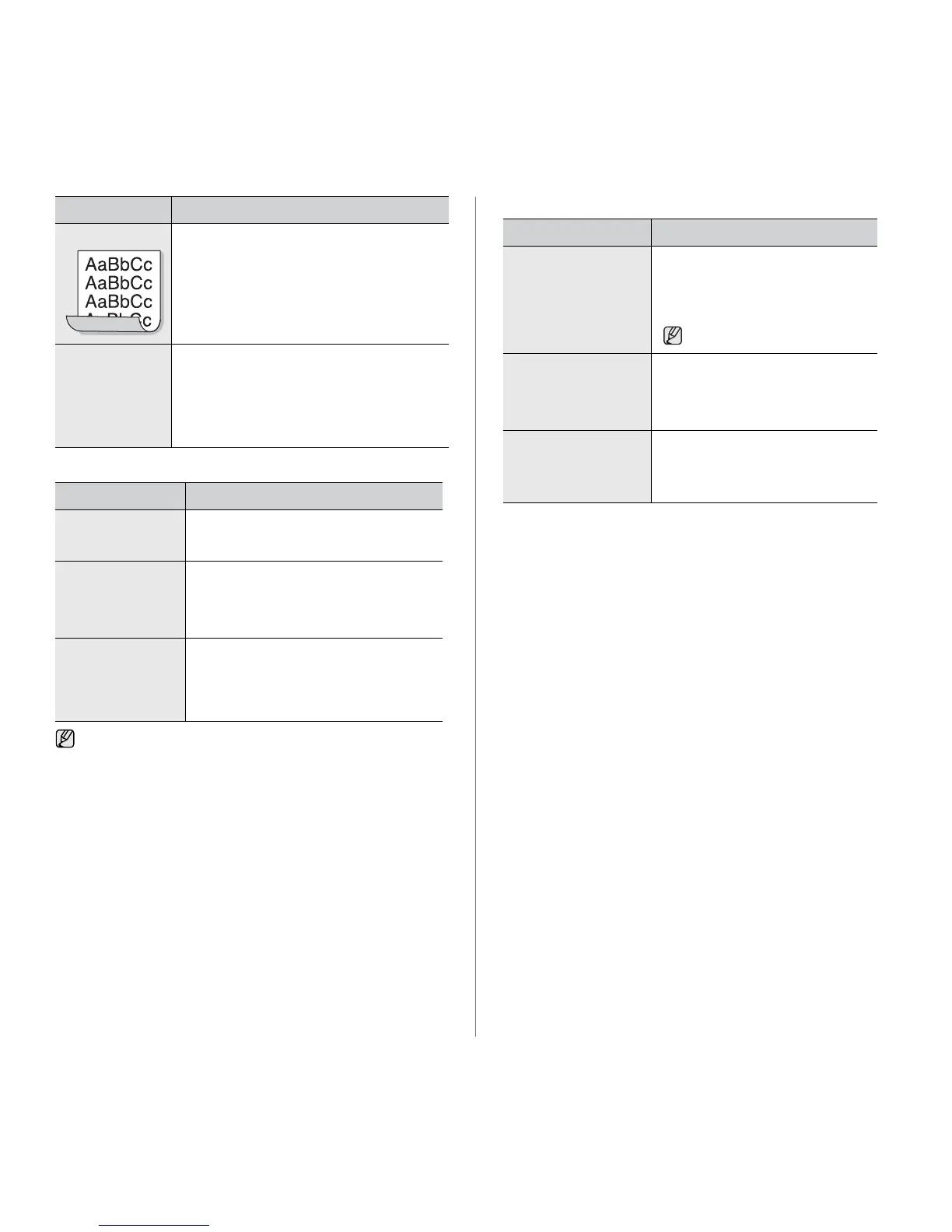
Curl
If the printed paper is curled or paper does not feed
into the machine:
• Turn over the stack of paper in the tray. Also try
rotating the paper 180° in the tray.
• Change the printer option and try again. Go to
printer properties, click Paper tab, and set type
to Thin Paper. Refer to the Software section
for details.
An unknown image
repetitively appears
on a next few
sheets or loose
toner, light print, or
contamination
occurs.
Your machine is probably being used at an altitude
of 1,000 m (3,281 ft) or above.
The high altitude may affect the print quality such
as loose toner or light imaging. You can set this
option through Paper or Printer tab in printer
driver’s properties.
CONDITION SUGGESTED SOLUTIONS
“File in Use”
message appears
during installation.
Exit all software applications. Remove all
software from the StartUp Group, then restart
Windows. Reinstall the printer driver.
“General Protection
Fault”, “Exception
OE”, “Spool32”, or
“Illegal Operation”
messages appear.
Close all other applications, reboot Windows
and try printing again.
“Fail To Print”, “A
printer timeout error
occurred.” messages
appear.
These messages may appear during printing.
Just keep waiting until the machine finishes
printing. If the message appears in ready mode
or after printing has been completed, check the
connection and/or whether an error has
occurred.
Refer to the Microsoft Windows documentation that came with your
computer for further information on Windows error messages.
CONDITION SUGGESTED SOLUTIONS
CONDITION SUGGESTED SOLUTIONS
The machine does not
print PDF file correctly.
Some parts of graphics,
text, or illustrations are
missing.
Incompatibility between the PDF file and
the Acrobat products:
Printing the PDF file as an image may
solve this problem. Turn on Print As
Image from the Acrobat printing options.
It will take longer to print when
you print a PDF file as an image.
The document has
printed, but the print job
has not disappeared
from the spooler in Mac
OS 10.3.2.
Update your Mac OS to OS 10.3.3. or
higher.
Some letters are not
displayed normally
during the Cover page
printing.
This problem is caused because Mac OS
cannot create the font during the Cover
page printing. English alphabet and
numbers are displayed normally at the
Cover page.







 To Next Page