ENGLISH-15
03 TIMER
Setting the good’sleep mode
For a comfortable sleep, the air conditioner will operate in 3 stages in order of ‘Fall asleep Sound sleep Wake up’ stages.
When the air conditioner is operating in Cool mode;
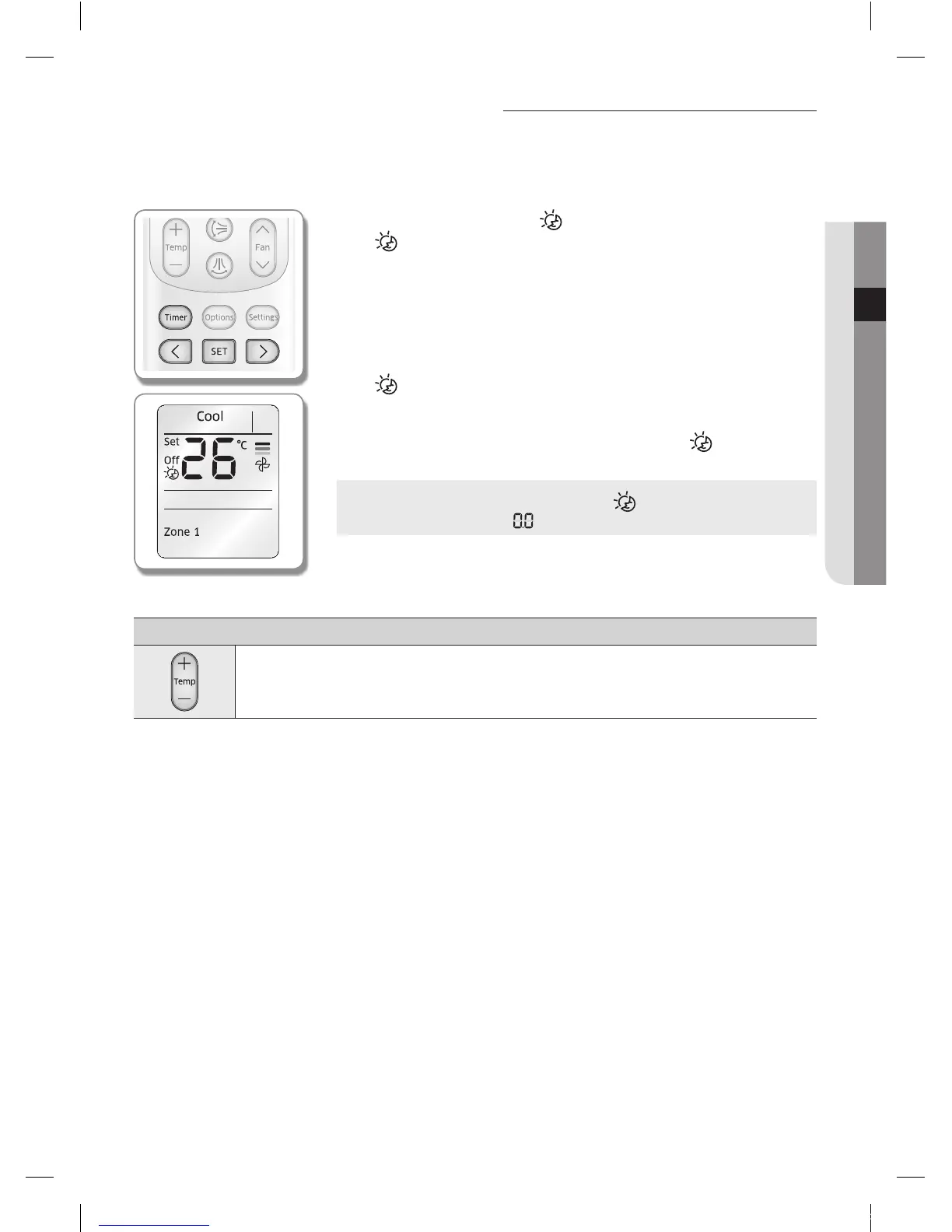
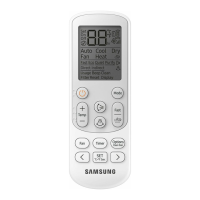
Remote controller display
1. Press the Timer button to select ( ).
- ( ) indicator will keep blinking and you can set the time.
2. Press the < or > button to set the time.
- You can set the time in half hour unit from 30minutes (0.5 on the display) ~
3hours and hour unit from 3 ~ 12hours.
- Time can be set from minimum 30minutes to maximum 12hours.
- Default time setting for the good'sleep mode is 8hours.
3. Press the SET button to complete the good'sleep mode setting.
- ( ) indicator and the set time of the good'sleep mode will be displayed on
the remote controller display.
- good'sleep mode will be cancelled if you don't press the SET button within
10seconds after setting the time. Therefore, check for the ( ) indicator on the
remote controller display.
Cancel
Press the Timer button select ( ) press the < or > button
set the timer to press the SET button.
Additional options available in good'sleep mode
Temperature can be adjusted by 1°C(1°F) within the range of 18°C(65°F)~30°C(86°F).
MR-EH00_IB_04667A-01_EN.indd 15 2014-12-04 오전 10:29:07


 To Next Page