ENGLISH-13
03 TIMER
Setting the On/O timer
You can set the air conditioner to be turned on or off automatically at desired time.
Setting the On timer
When the air conditioner is turned o.
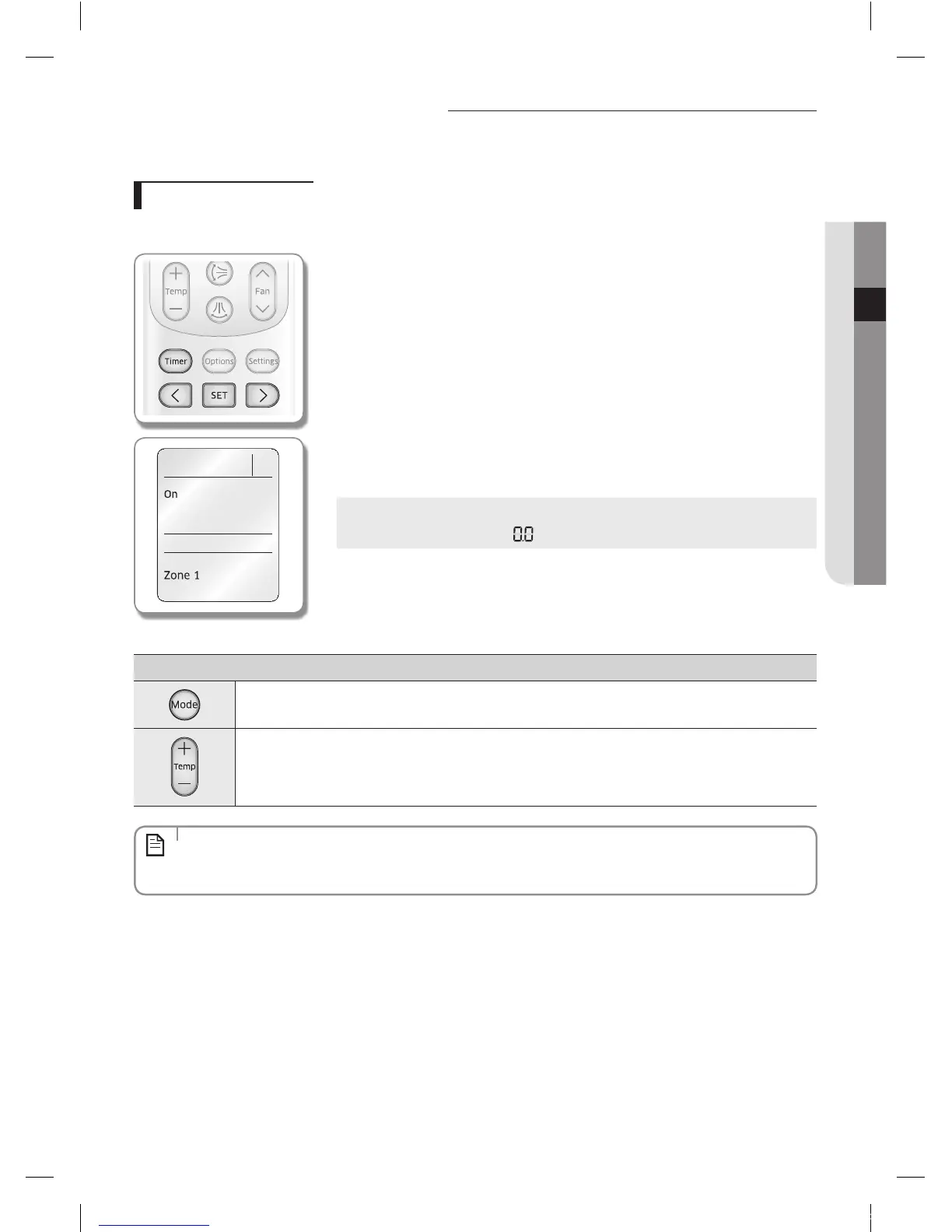
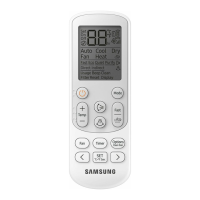
Remote controller display
1. Press the Timer button to select (On).
- (On) indicator will keep blinking and you can set the time.
2. Press the < or > button to set the time.
- You can set the time in half hour unit from 30minutes (0.5 on the display) ~
3hours and hour unit from 3 ~ 24hours.
- Time can be set from minimum 30 minutes to maximum 24hours.
3. Press the SET button to complete the On timer setting.
- (On) indicator and the set time of the timer will be displayed on the remote
controller display.
- On timer setting will be cancelled if you don't press the SET button within
10seconds after setting the time. Therefore, check for the (On) indicator on the
remote controller display.
Cancel
Press the Timer button select (On) press the < or > button
set the timer to press the SET button.
Additional options available in On timer
Select the mode from (Auto) (Cool) (Dry) (Fan) and (Heat).
Heat mode operates with MR-EH00/MR-EH00U model only.
You can adjust the temperature after timer setting is completed.
Temperature adjustment is only available in Auto/Cool/Dry/Heat mode. In Fan mode, temperature cannot be
adjusted.
Heat mode operates with MR-EH00/MR-EH00U model only.
• When On timer setting is completed, the set status will be displayed for 3 seconds, and then only (On) indicator
will remain on the remote controller display thereafter.
• You cannot set the Fan speed when setting the On timer.
NOTE


 To Next Page