EasyManua.ls Logo

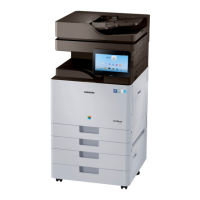
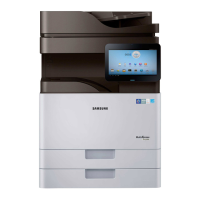
Samsung MultiXpress SL-X4250LX - User Manual

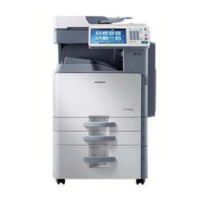
Samsung MultiXpress SL-X4250LX
609 pages
Print Icon
To Next Page IconTo Next Page
Loading...
A3ColorCopier
MultiXpressX4series
SL-X4300LX/SL-X4250LX/
SL-X4220RX
(Ver1.47)
SERVICE
MANUAL
A3ColorCopierContents
1.Precautions
2.ProductSpecicationsandDescription
3.DisassemblyandReassembly
4.Troubleshooting
5.ConnectionDiagram
6.ReferenceInformation
RefertotheservicemanualintheGSPN(seetherearcover)formoreinformation.

Table of Contents

Question and Answer IconNeed help?

Do you have a question about the Samsung MultiXpress SL-X4250LX and is the answer not in the manual?

Summary

Precautions

Safety Warning

Critical safety guidelines for operating and servicing the printer to prevent injury or damage.

Product Specifications and Description

Specifications

Detailed technical specifications covering processing, memory, interface, power, and dimensions.

Disassembly and Reassembly

Precautions when replacing parts

Essential safety guidelines and precautions before disassembling or replacing machine parts.

Replacing the maintenance part

Step-by-step instructions for replacing common maintenance parts like Drum, Developer, and Fuser units.

Replacing the main SVC part

Detailed procedures for replacing major service components like covers, boards, and motors.

Troubleshooting

JAM removal

Procedures for clearing original document and paper jams from various machine locations.

Error Code and Troubleshooting

List of error codes with corresponding error messages and troubleshooting steps.

Image quality problems and solutions

Identification and resolution of common print and scan quality issues.

Samsung MultiXpress SL-X4250LX Specifications

General IconGeneral
BrandSamsung
ModelMultiXpress SL-X4250LX
CategoryCopier
LanguageEnglish

Related product manuals