
 Need help?
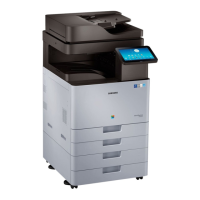
Do you have a question about the Samsung MultiXpress SL-X4300LX and is the answer not in the manual?
Essential safety warnings for servicing the product, including handling high voltages and lasers.
Instructions for personal safety and preventing product damage during handling and operation.
Guidelines and safety measures to follow before and during parts replacement procedures.
Step-by-step instructions for replacing consumable parts such as Drum Unit, Developer Unit, and ITB.
Procedures for clearing original document and paper jams from various locations in the machine.
Guide on how to enter and navigate the service mode for diagnostics and adjustments.
Common image quality issues, their causes, and troubleshooting steps, including analyzing defect images.
 General
| Functions | Print, Copy, Scan, Fax |
|---|---|
| Print Speed (Black, A4) | 30 ppm |
| Print Resolution | 1200 x 1200 dpi |
| Scan Resolution | 600 x 600 dpi |
| Duplex Printing | Yes |
| Connectivity | USB, Ethernet, Wi-Fi |
| Print Speed (Color) | 30 ppm |
| Display | 7-inch Touchscreen |


 To Next Page