17
English
17
Service Mode
Wired Remote Controller Installation/Service Mode
Additional Functions of Your Wired Remote Controller
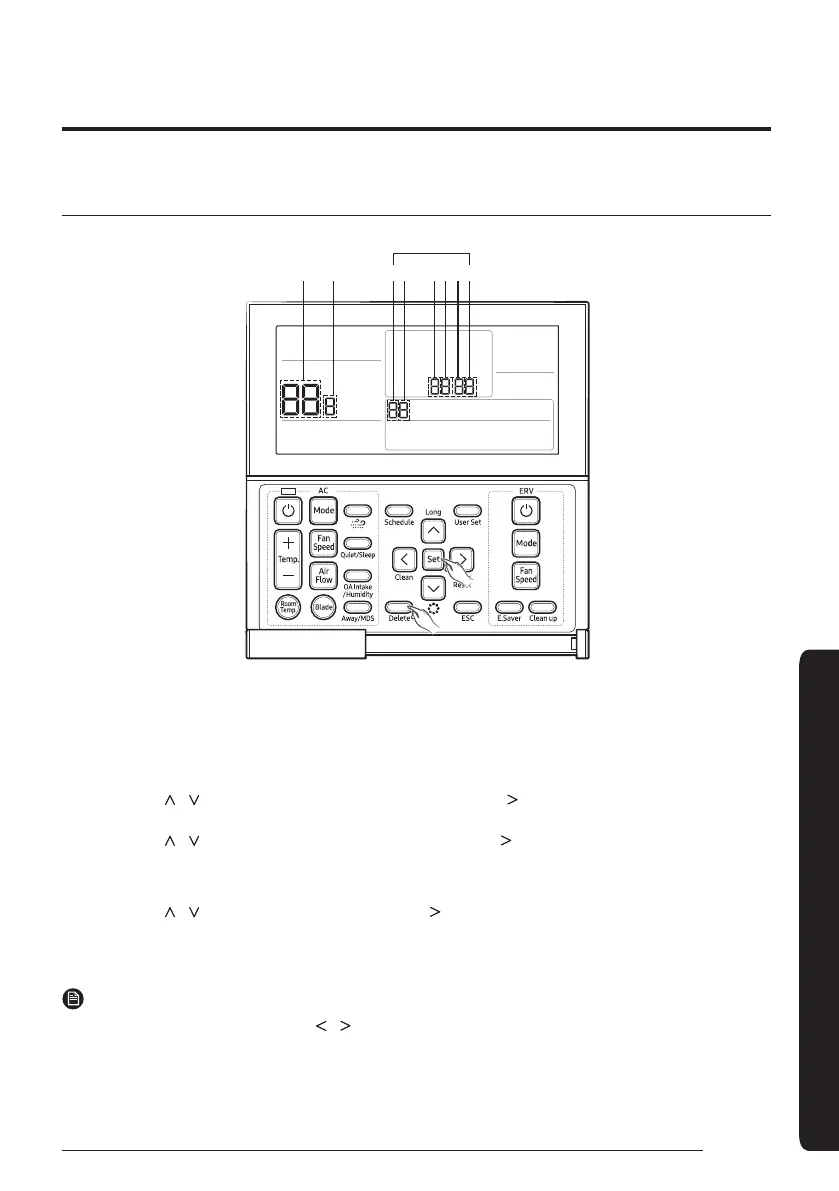
56 1234
Main Menu Sub-menu
Data bit
1
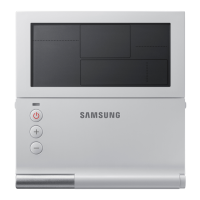
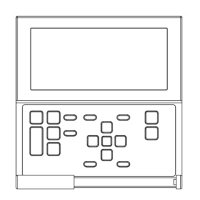
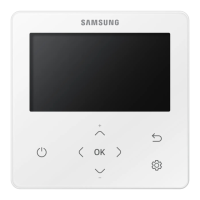
If you want to use the various additional functions for your Wired Remote Controller, press the Delete and Set buttons
at the same time for more than three seconds.
• You will enter the additional function settings, and the [main menu] will be displayed.
2
Refer to the list of additional functions for your Wired Remote Controller on the next page, and select the desired
menu.
• Using the [
]/[ ] buttons, select a main menu number and press the [ ] button to enter the sub-menu setting
screen.
• Using the [
]/[ ] buttons, select a sub-menu number and press the [ ] button to enter data setting screen.
• When you enter the setting stage, the current setting will be displayed.
• Refer to the chart for data settings.
• Using the [
]/[ ] buttons, select the settings. Press the [ ] button to move to the next setting.
•Press the Set button to save the settings and exit to the sub-menu setting screen.
•Press the ESC button to exit to normal mode.
NOTE
• While setting the data, you can use the [ ]/[ ] buttons to set the range of Data bit.
• While configuring the setting, press the
ESC button to exit to the setting sub-menu without saving your changes.




 To Next Page