18
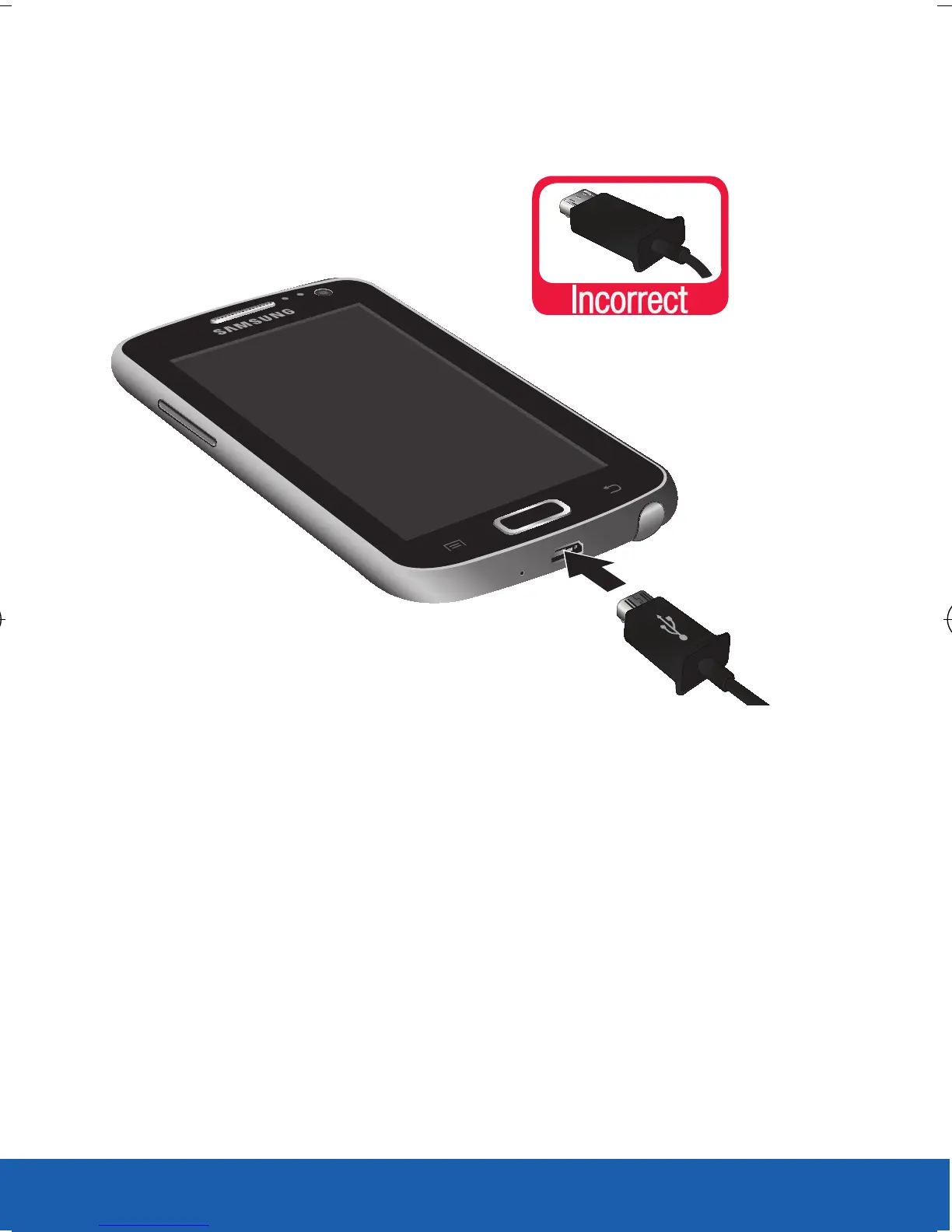
3. Insert the USB cable into the device’s Charger/
Accessory jack.
4. Plug the charging head into a standard AC
power outlet. The device turns on with the
screen locked and indicates both its charge
state and percent of charge.
5. When charging is finished, first unplug the
charger’s power plug from the AC wall outlet,
then disconnect the charger’s connector from
the device.
NOTE: For the most efficient charging, consumers should use the
charger included in the box.
USC_T0_QRM_75X105.indd 18 9/27/2012 9:16:02 PM












 To Next Page